
ATLauncher
by The ATLauncher Team
A launcher for Minecraft which integrates multiple different modpacks to allow you to download and install modpacks easily and quickly
About
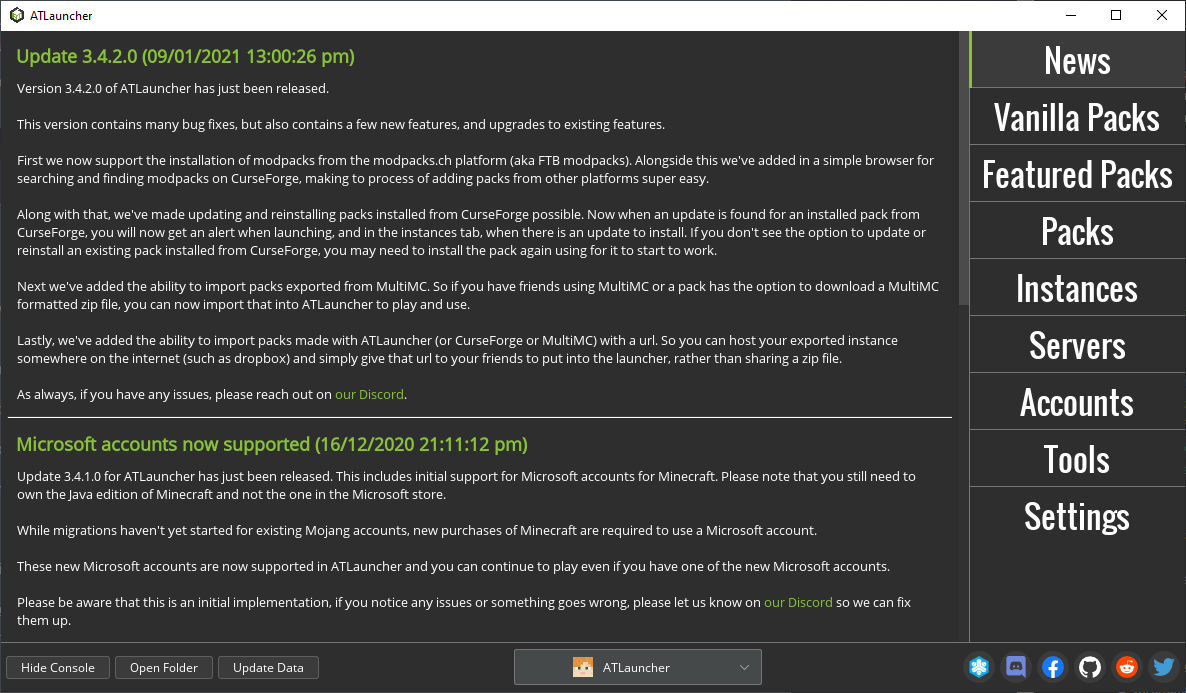
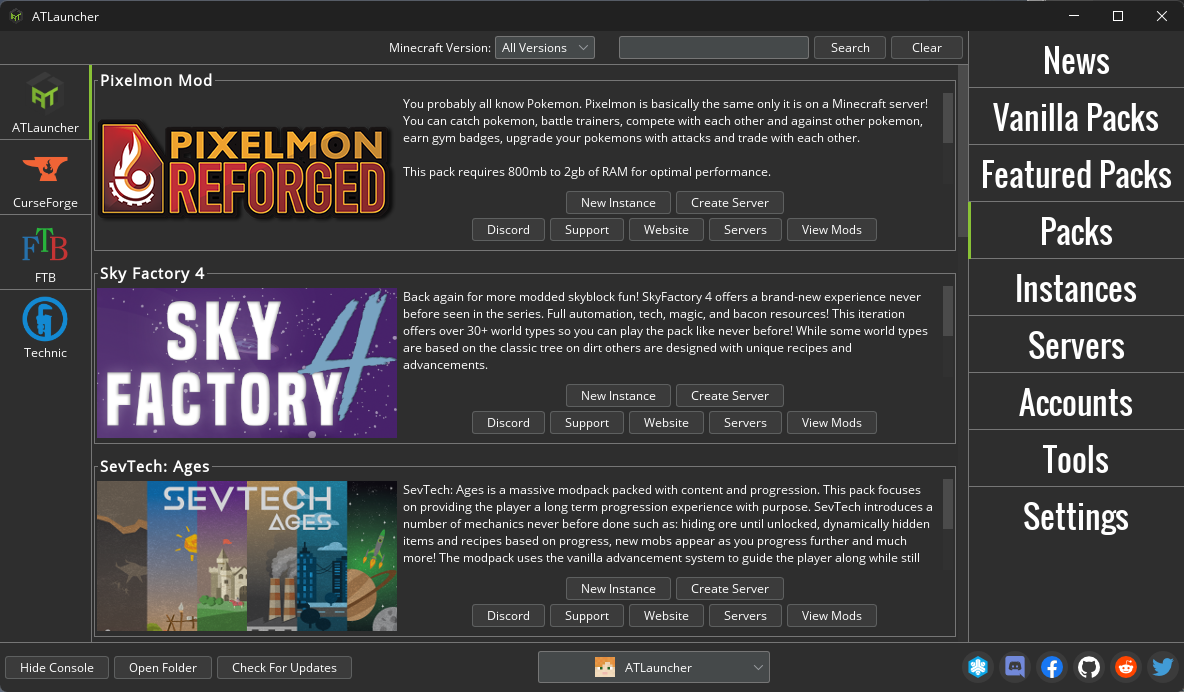
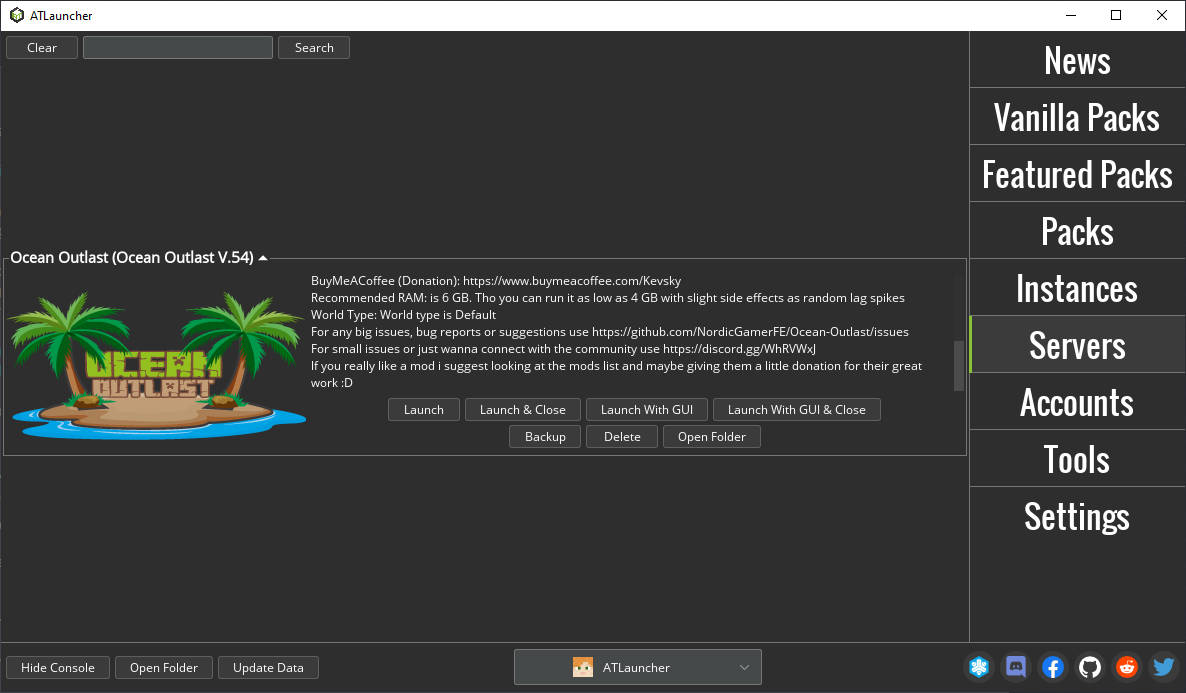
ATLauncher is a launcher for Minecraft which integrates multiple different modpacks to allow you to download and install modpacks easily and quickly.
ATLauncher has a few nice features including:
- Allows quick and easy install of modpacks, no more messing around trying to install mods
- A range of different packs, and more being added all the time
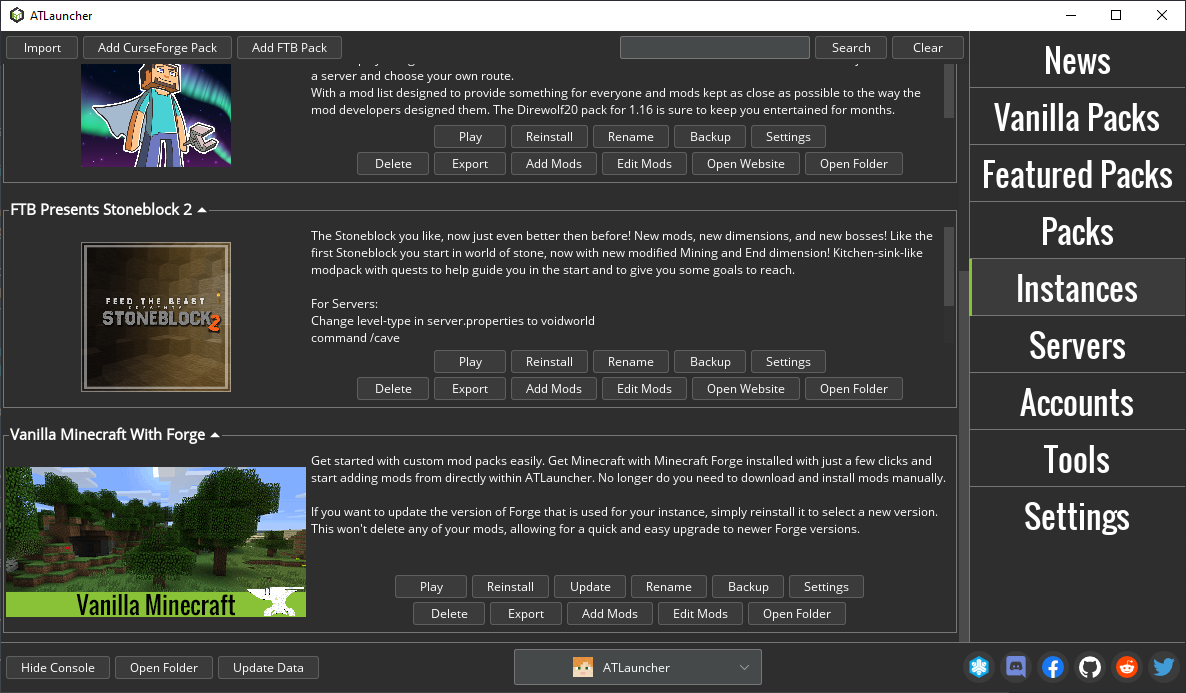
- Multiple instances. Install a pack as many times as you like without messing up a previous install
- Multiple accounts allow you to login as different users from the one install
- Private instances. This allows you to only install instances under your account so people can't mess up your worlds
- 1 click backup of your saves
- Easy server creation from within the Launcher
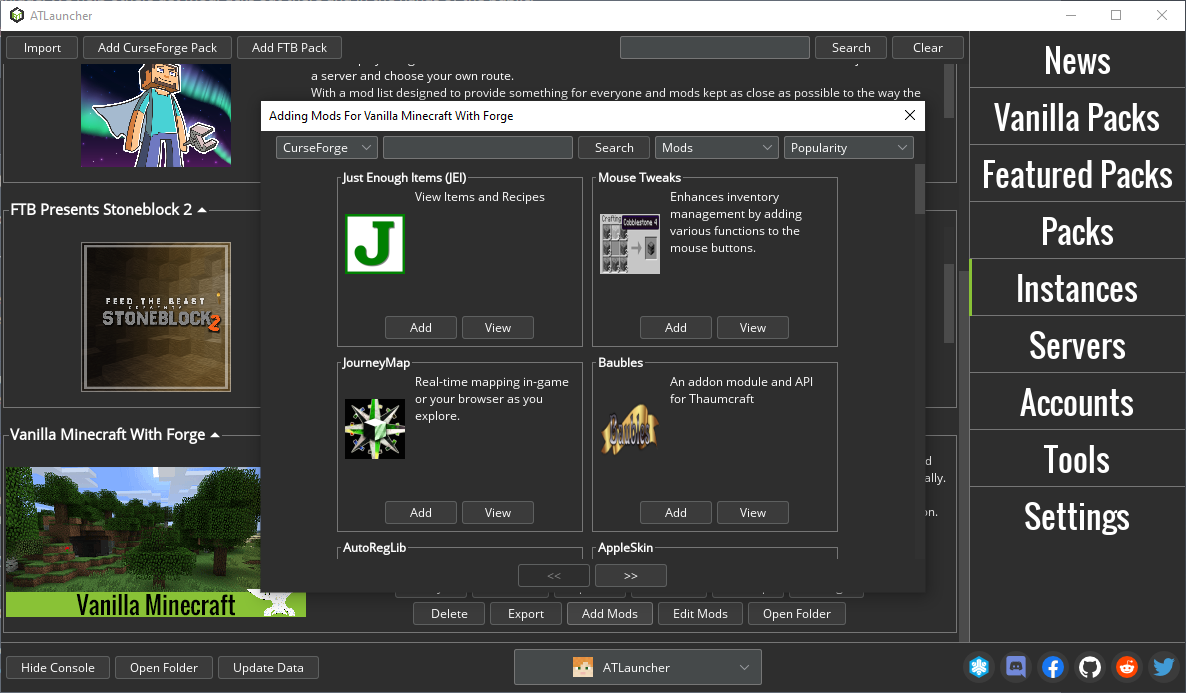
- Install packs from CurseForge and FTB
- Mod management for instances, including auto download and installation of mods, maps and resource packs from CurseForge and Modrinth
- Support for both Mojang and Microsoft accounts
- More features always being added
Below is the steps to run this flatpak in a custom directory
- Open Flatseal
- Select ATLauncher on the left
- Scroll down to "Filesystem", "Other files"
- Add a new entry via the icon with a "folder" and "plus" sign
- Input the path you want to let ATLauncher run in. IE `/home/name/Games/ATLauncher`
- Scroll down to "Environment", "Variables"
- Click the "plus" sign to add a new entry
- Write down an enviroment variable, IE `CUSTOM_DIR=/home/name/Games/ATLauncher`
- Run ATLauncher
- Notice that ATLauncher is now working using CUSTOM_DIR
Permissions
2 permissions weaken the sandbox. Flatsonar asks before installing.
- all devices (/dev): webcams, disks, raw hardware
--device=all - X11 display: X11 lets apps read input and windows of other apps
--socket=x11 - inter-process communication (needed for X11)
--share=ipc - network
--share=network - audio
--socket=pulseaudio - access to xdg-run/app/com.discordapp.Discord
--filesystem=xdg-run/app/com.discordapp.Discord:create - access to your download folder
--filesystem=xdg-download:ro - access to /sys/kernel/mm/hugepages
--filesystem=/sys/kernel/mm/hugepages:ro - access to /sys/kernel/mm/transparent_hugepage
--filesystem=/sys/kernel/mm/transparent_hugepage:ro
Who publishes this
The creator demonstrably controls this app id: Flathub verification, the hosting account owns the namespace, or a well-known file on their domain.
- installs a prebuilt binary instead of building from source
source:prebuilt - verified on Flathub: the developer proved they control this app id
publisher:flathub
Maintenance
Recent activity on the upstream repository, or built and reviewed by Flathub.
No staleness signals: recent activity, or built and reviewed by Flathub.