
Sioyek
by Ali Mostafavi
PDF viewer designed for reading research papers and technical books
Support the creators
Flatsonar is just the shop window. The people below made Sioyek.

About
Some features in Sioyek:
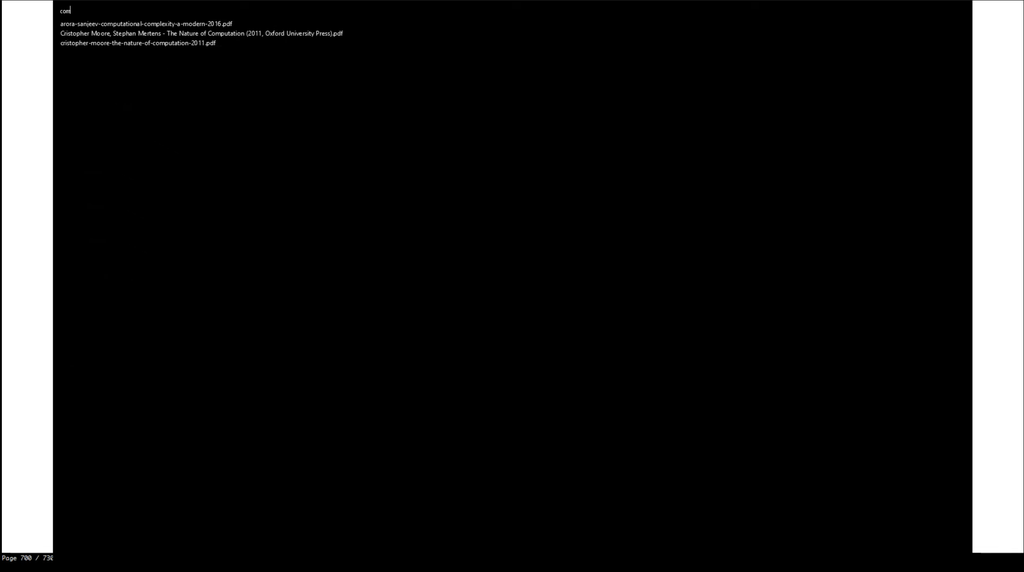
- You can quickly search and open any file you have previously interacted with using sioyek.
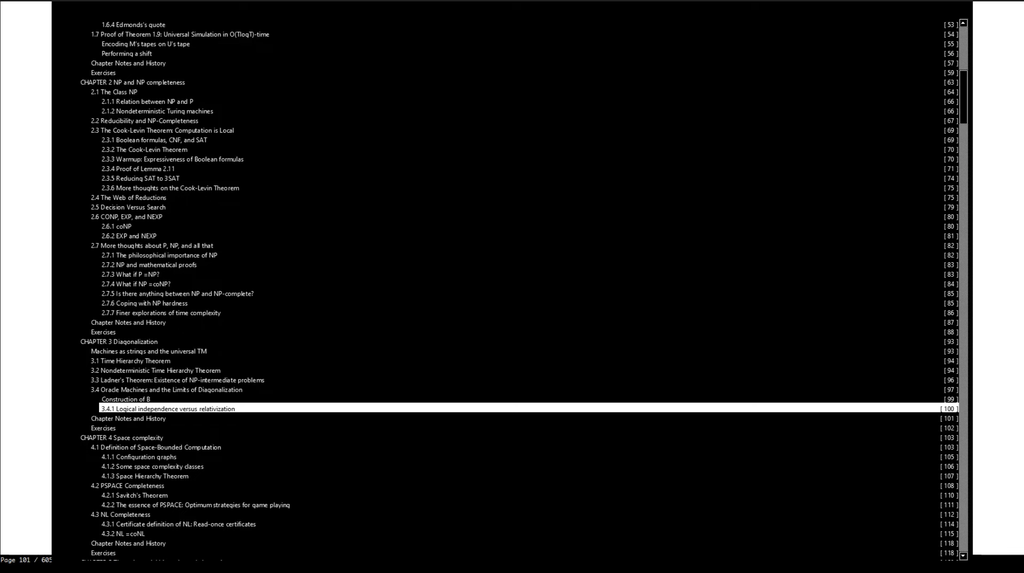
- You can search and jump to table of contents entries.
- You can jump to any referenced figure or bibliography item even if the PDF file doesn't provide links.
- You can also search the names of bibliography items in google scholar/libgen by middle clicking/shif+middle clicking on their name.
- You can open a quick overview of figures/references/tables/etc. by right clicking on them (Like Smart Jump, this feature works even if the document doesn't provide links).
- Bookmarks are similar to marks except they are named by a text string and they are all global.
- Highlight text using different kinds of highlight, you can search among all the highlights.
- You can customize all key bindings and some UI elements by editing keys_user.conf and prefs_user.conf. The default configurations are in keys.conf and prefs.conf
Sometimes when reading a document you need to go back a few pages (perhaps to view a definition or something) and quickly jump back to where you were. You can achieve this by using marks. Marks are named locations within a PDF file (each mark has a single character name for example 'a' or 'm') which you can quickly jump to using their name. In the aforementioned example, before going back to the definition you mark your location and later jump back to the mark by invoking its name. Lower case marks are local to the document and upper case marks are global (this should be very familiar to you if you have used vim).
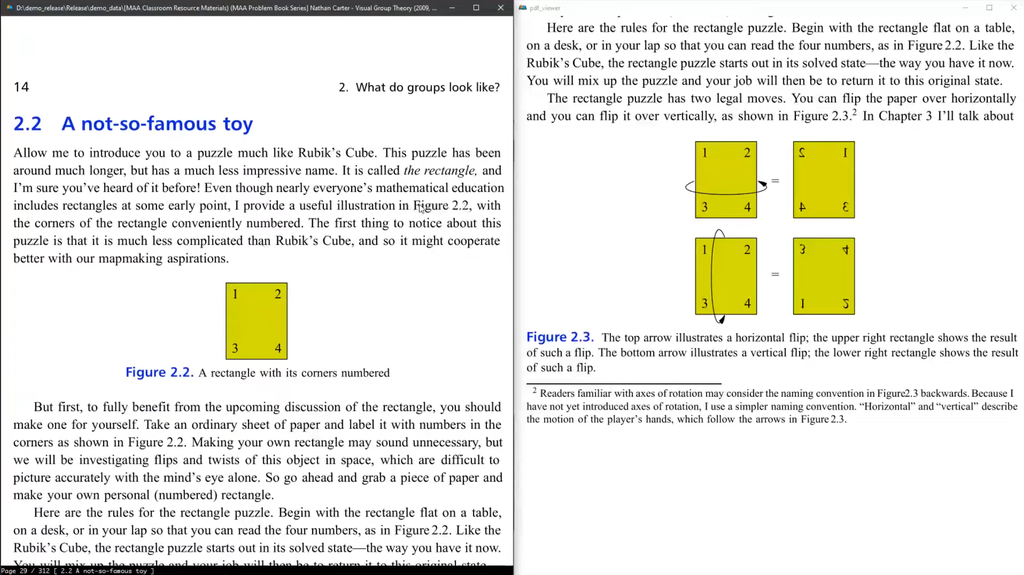
Suppose you are reading a paragraph which references a figure which is not very close to the current location. Jumping back and forth between the current paragraph and the figure can be very annoying. Using portals, you can link the paragraph's location to the figure's location. Sioyek shows the closest portal destination in a separate window (which is usually placed on a second monitor). This window is automatically updated to show the closest portal destination as the user navigates the document.
Under Wayland, Sioyek will use by default the Wayland backend, if you prefer the X11 backend you can force it with flatpak run --nosocket=wayland --socket=x11 com.github.ahrm.sioyek
If you want to theme Sioyek, the prefs_user.config file will be looked up in ~/.config/sioyek/
Permissions
1 permission weaken the sandbox. Flatsonar asks before installing.
- X11 display: X11 lets apps read input and windows of other apps
--socket=x11 - inter-process communication (needed for X11)
--share=ipc - Wayland display
--socket=wayland - X11 display, only when Wayland is unavailable
--socket=fallback-x11 - GPU acceleration
--device=dri - shared memory
--device=shm - access to your documents folder
--filesystem=xdg-documents - access to your download folder
--filesystem=xdg-download - access to your music folder
--filesystem=xdg-music - access to /run/media
--filesystem=/run/media - access to /media
--filesystem=/media - access to /tmp
--filesystem=/tmp - access to ~/.config/sioyek
--filesystem=~/.config/sioyek
Who publishes this
On Flathub: the manifest was reviewed and built on Flathub's infrastructure, but the developer has not verified ownership of the app id.
- on Flathub: manifest reviewed and built by Flathub; the developer has not verified the app id
publisher:flathub
Maintenance
Recent activity on the upstream repository, or built and reviewed by Flathub.
No staleness signals: recent activity, or built and reviewed by Flathub.