
NoteKit
by blackhole89
A GTK3 hierarchical markdown notetaking application with tablet support
About
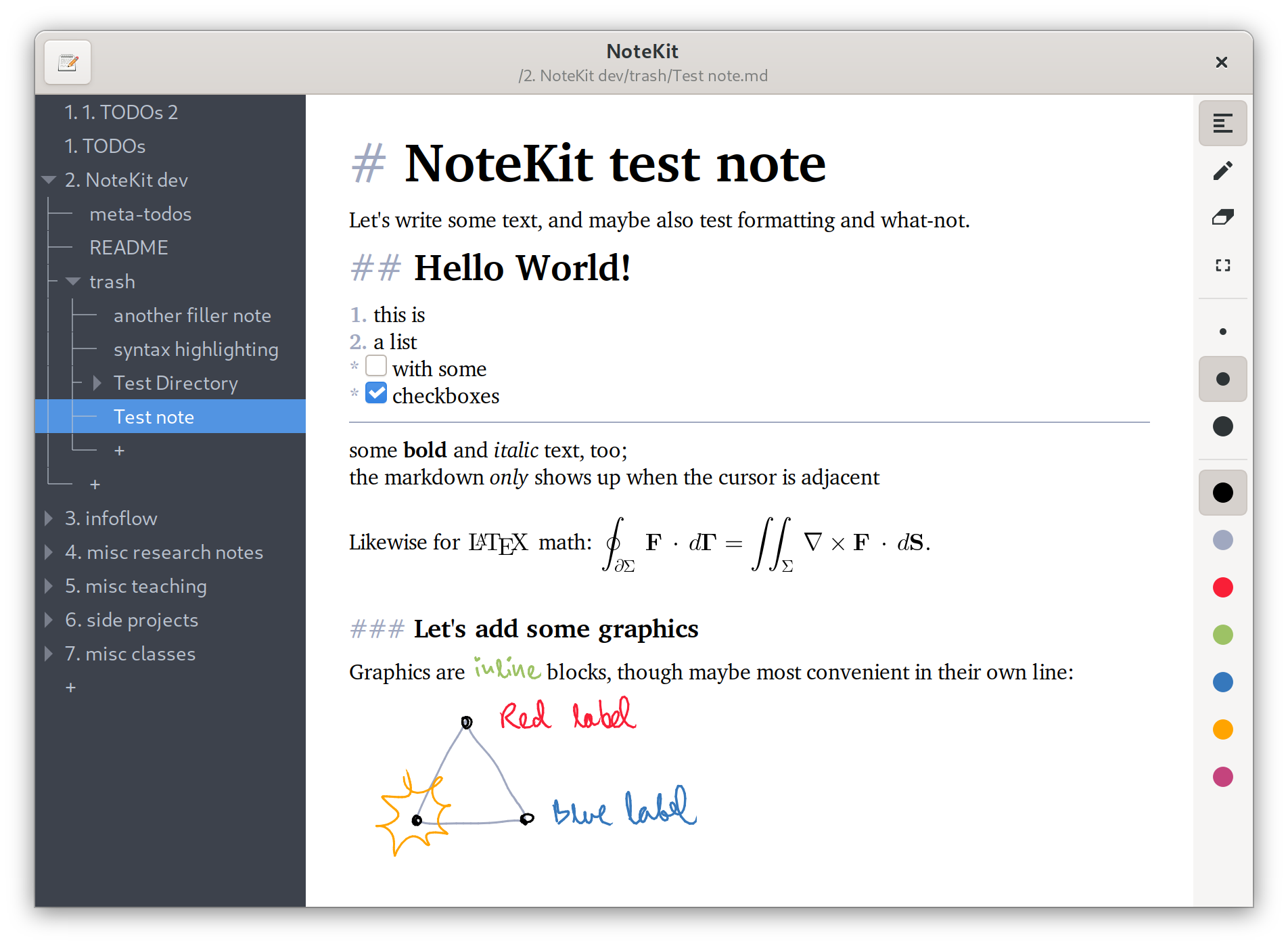
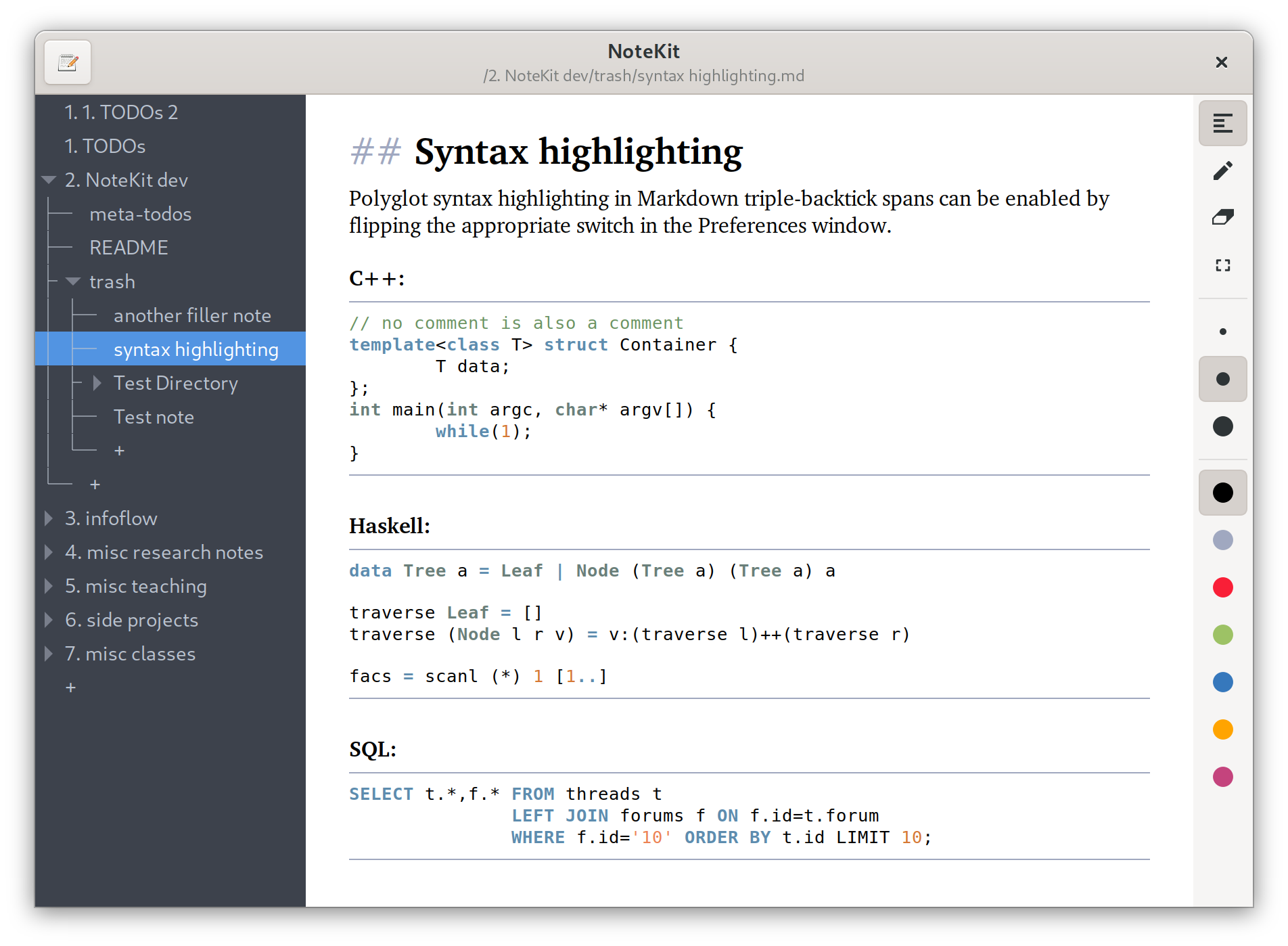
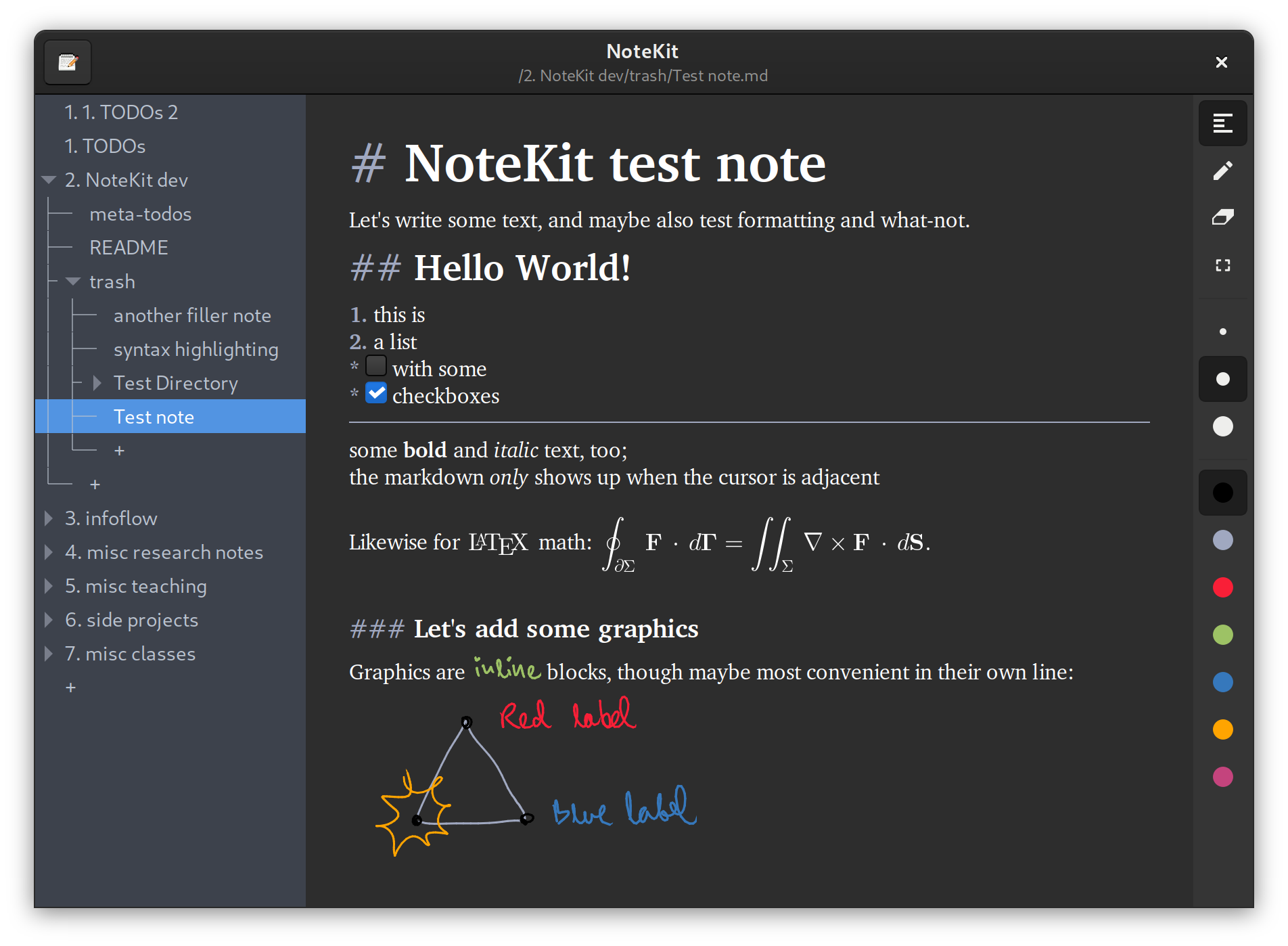
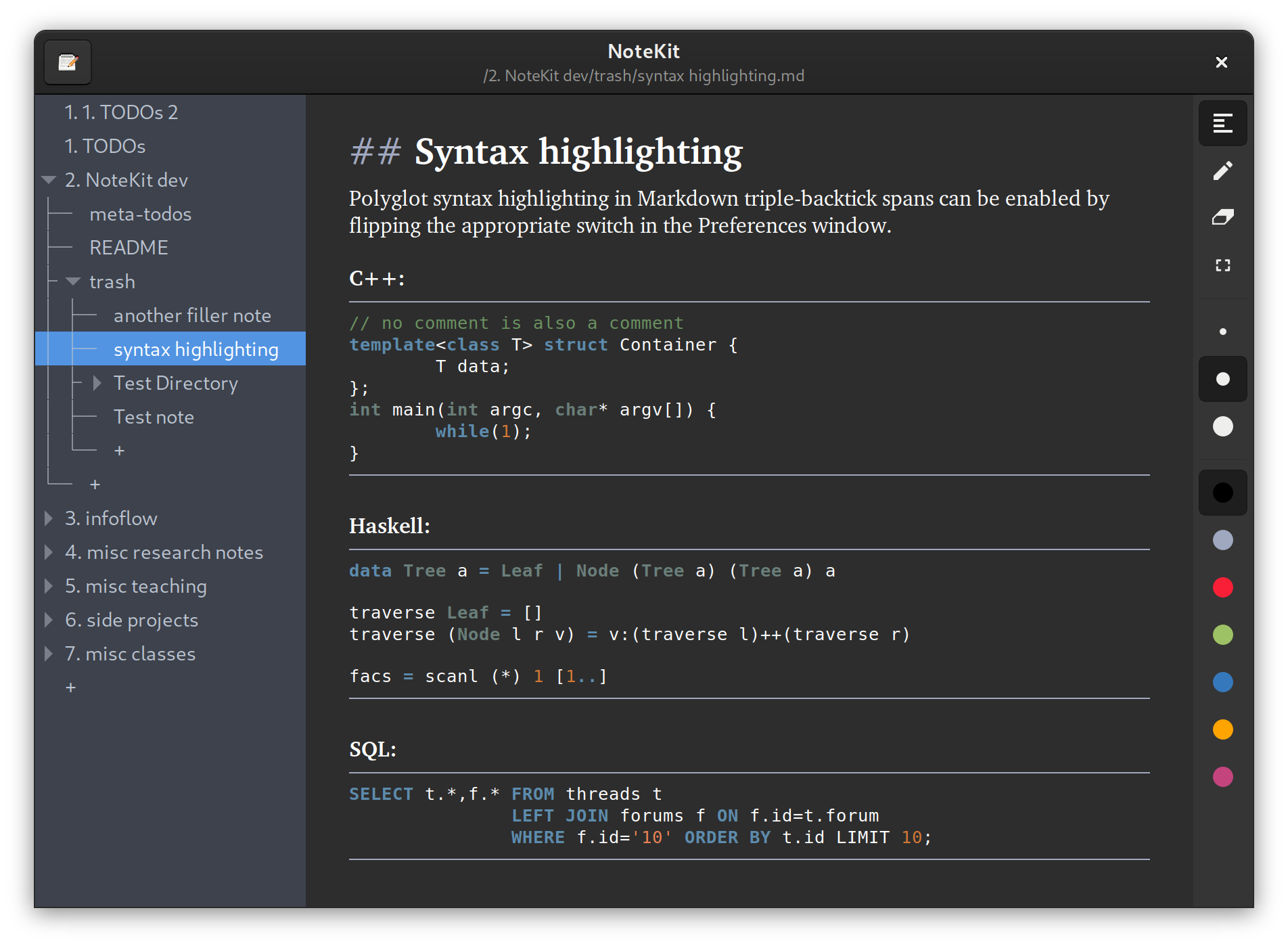
This program is a structured notetaking application based on GTK+ 3. Write your notes in instantly-formatted Markdown, organise them in a tree of folders that can be instantly navigated from within the program, and add hand-drawn notes by mouse, touchscreen or digitiser. 1. Why? I figured it would be nice to have a free-software, platform-independent OneNote. While there is a remarkable number of free (speech or beer) notetaking applications out there, to my best knowledge, none of them simultaneously check the following boxes: - note organisation - text as a first-class object - formatting - simple, standard on-disk format - tablet input 2. Usage notes Note management - To create a new note, doubleclick a "+" node in the tree view and enter a name. - To create a new folder, doubleclick a "+" node in the tree view and enter a name ending in "/", e.g. new "folder/". - Notes will be sorted alphabetically. - You can move notes and whole folders between folders by dragging and dropping. - Files are saved automatically when the window is closed, when a different file is opened, and after a timeout when no user action is performed. Markdown - Some markdown features are unsupported as a stylistic choice or because of parser limitations. If you are feeling adventurous, you can adjust the markdown parser by editing the GtkSourceView language definition in "sourceview/markdown.lang". - Add LaTeX math using single "$" signs, e.g. "$\int x dx$". - Some markdown will be hidden ("rendered") unless your cursor is next to it. Note management - Drawings can currently only be deleted whole. (This will be fixed eventually.) - To edit the default colour palette, right-click any of the colour buttons on the right-hand toolbar. - Due to present limitations, drawing clears the undo stack. - When copypasting text into other applications, drawings will be automatically converted into data URL PNGs. Note management - The program loads a custom Gtk+ stylesheet found in "data/stylesheet.css". Clear it if parts of the UI look wonky. - If something unexpected happens, it is often useful to run the program from a terminal and look at stdout.
Permissions
Everything this app can reach outside its sandbox. Nothing here weakens it.
- Wayland display
--socket=wayland - X11 display, only when Wayland is unavailable
--socket=fallback-x11 - GPU acceleration
--device=dri
Who publishes this
The creator demonstrably controls this app id: Flathub verification, the hosting account owns the namespace, or a well-known file on their domain.
- hosted by github.com/blackhole89, which owns the com.github namespace of com.github.blackhole89.notekit
publisher:namespace
Maintenance
Recent activity on the upstream repository, or built and reviewed by Flathub.
No staleness signals: recent activity, or built and reviewed by Flathub.