
Whatsie
by Keshav Bhatt
Feature-rich WhatsApp Web client for the Linux desktop
Support the creators
Flatsonar is just the shop window. The people below made Whatsie.
About
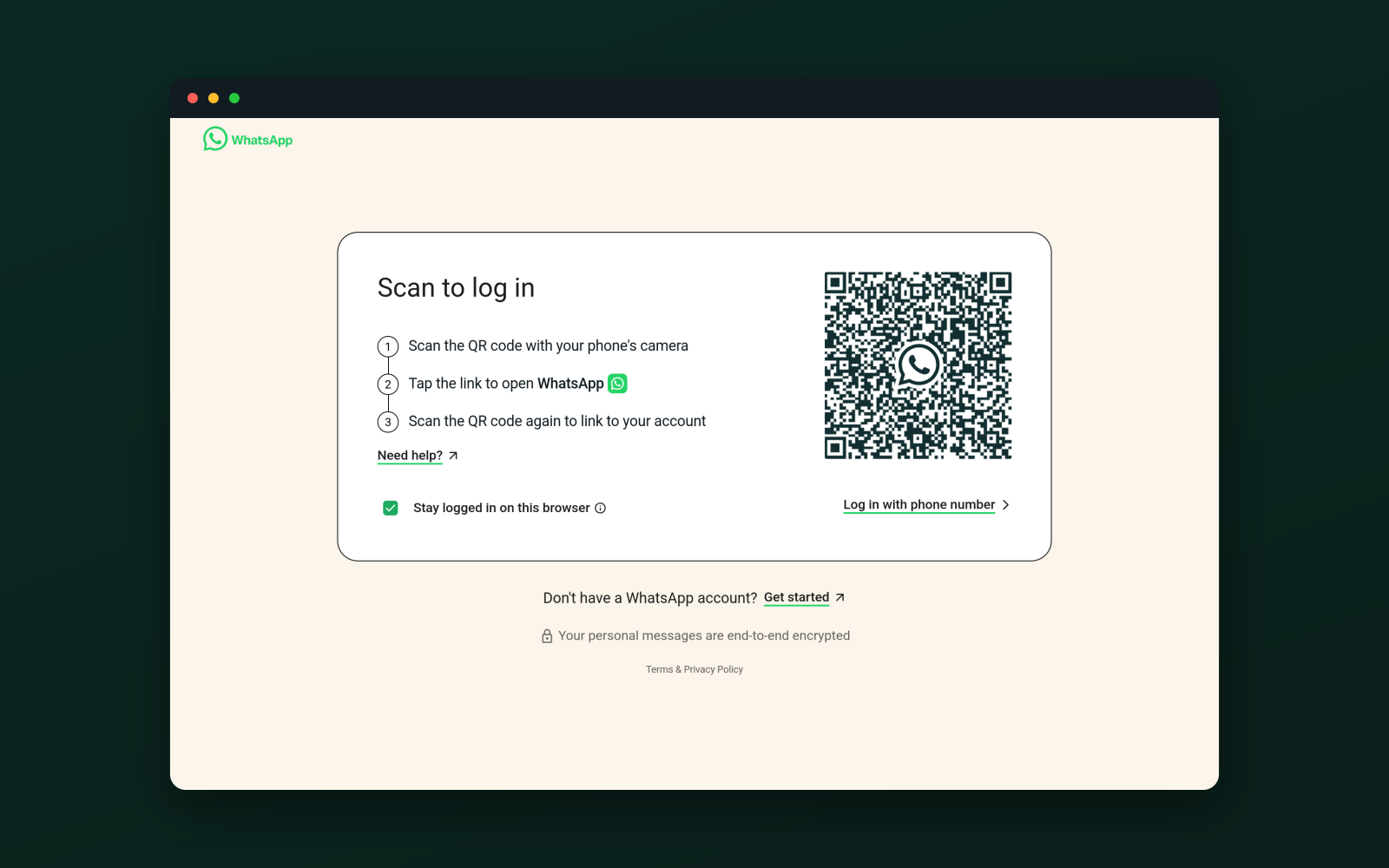
Whatsie is a native Linux desktop client for WhatsApp Web, built on Qt 6 and QtWebEngine. It brings WhatsApp out of the browser tab and into a proper desktop application — lightweight and fast, with system integration, privacy controls, and customization options a plain browser cannot offer.
Core features:
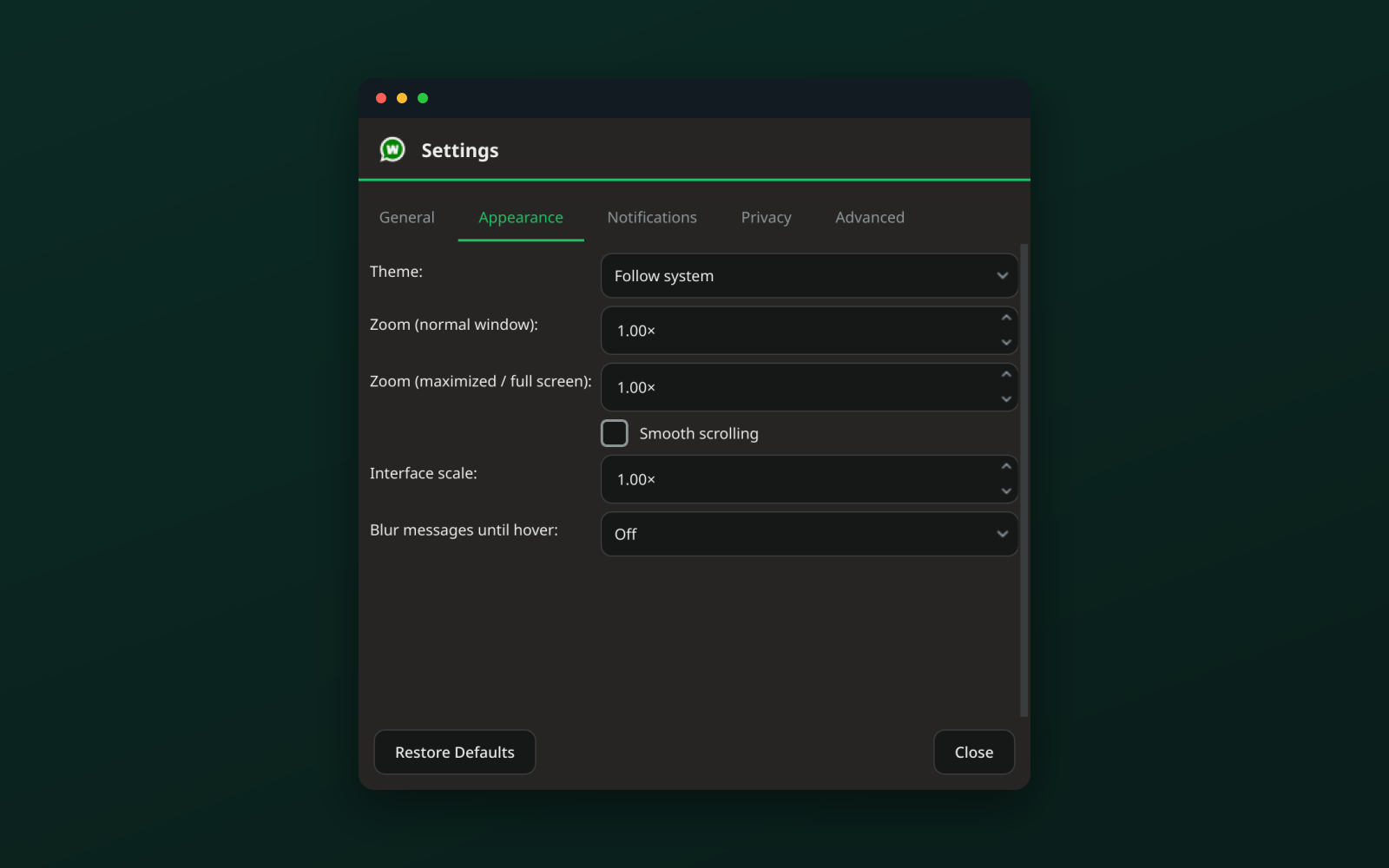
- Light, dark and follow-system themes, kept in step with WhatsApp Web
- Native desktop notifications with contact avatars
- System-tray icon with an unread badge, mute and do-not-disturb
- Voice, video and screen-share calls (Wayland via the desktop portal)
- Built-in download manager with history; drag-and-drop and paste of attachments
- Spell check for your system language
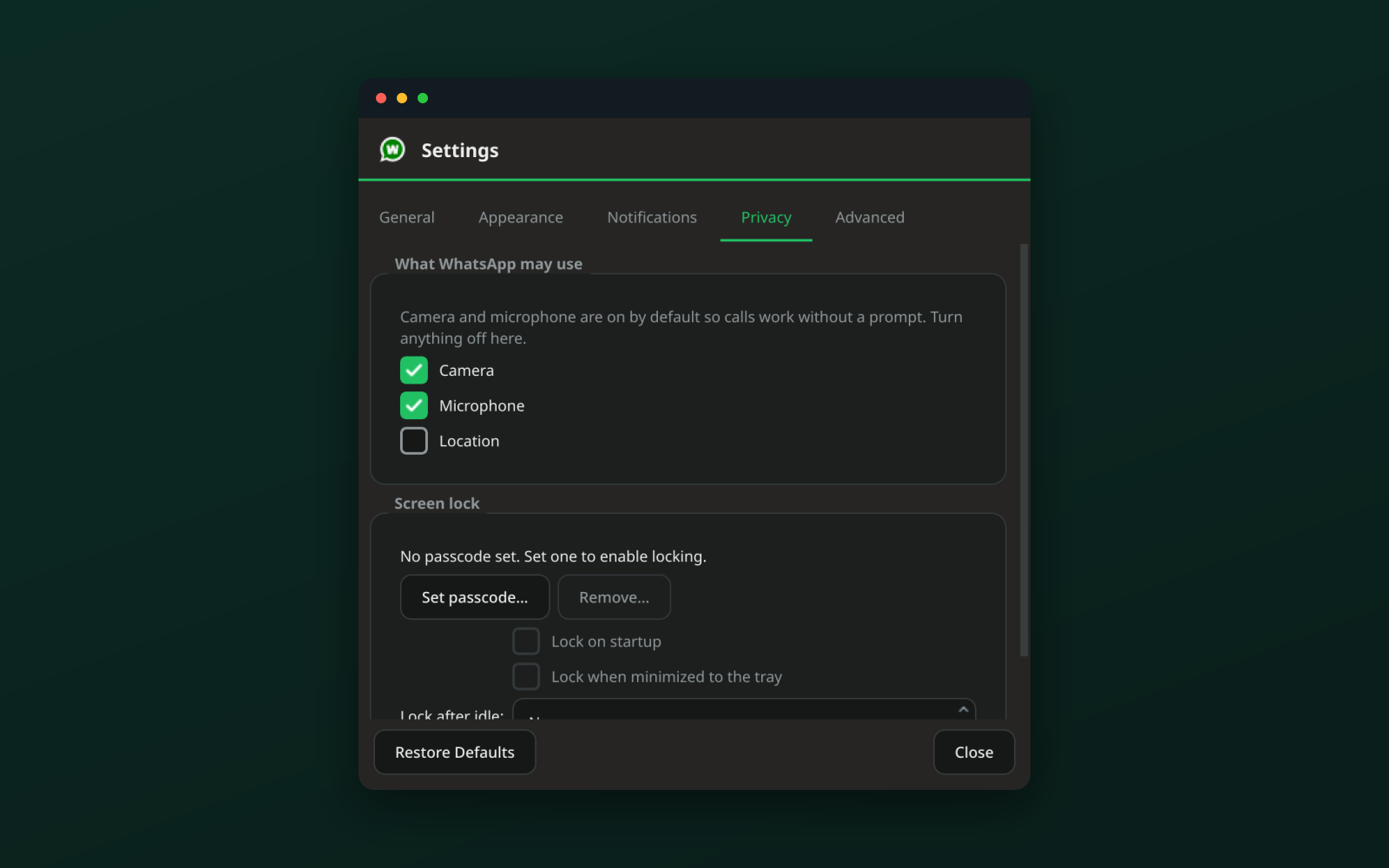
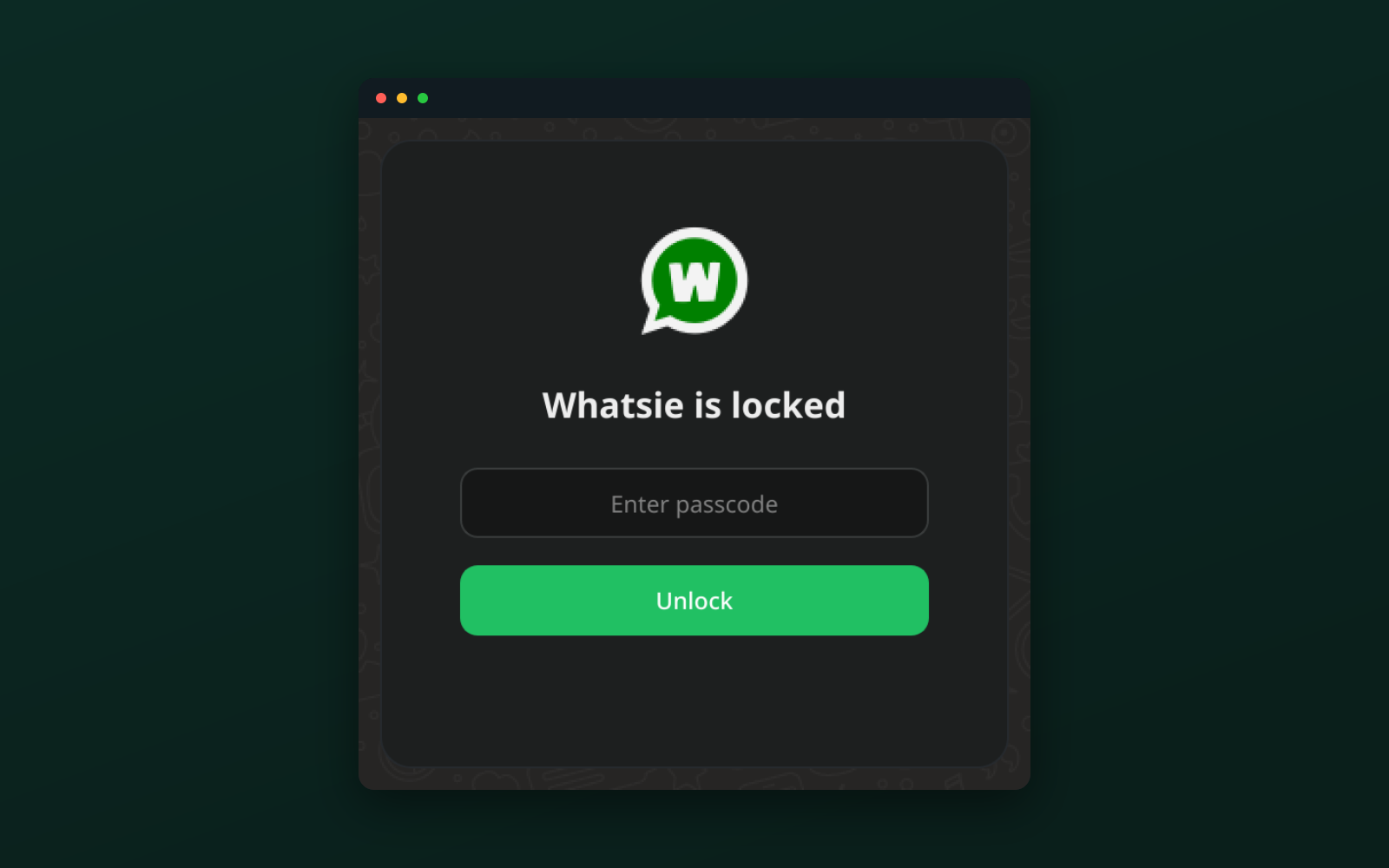
- App lock with a passcode and configurable lock on start, on hide, or after idle
- Privacy blur to hide message text and media until you hover
More controls:
- Per-site camera, microphone and location permissions
- HTTP / SOCKS5 network proxy with authentication
- Autostart at login and start minimized to the tray
- Single instance with multiple-account profiles
- Zoom and interface scaling, plus a keyboard-shortcuts sheet
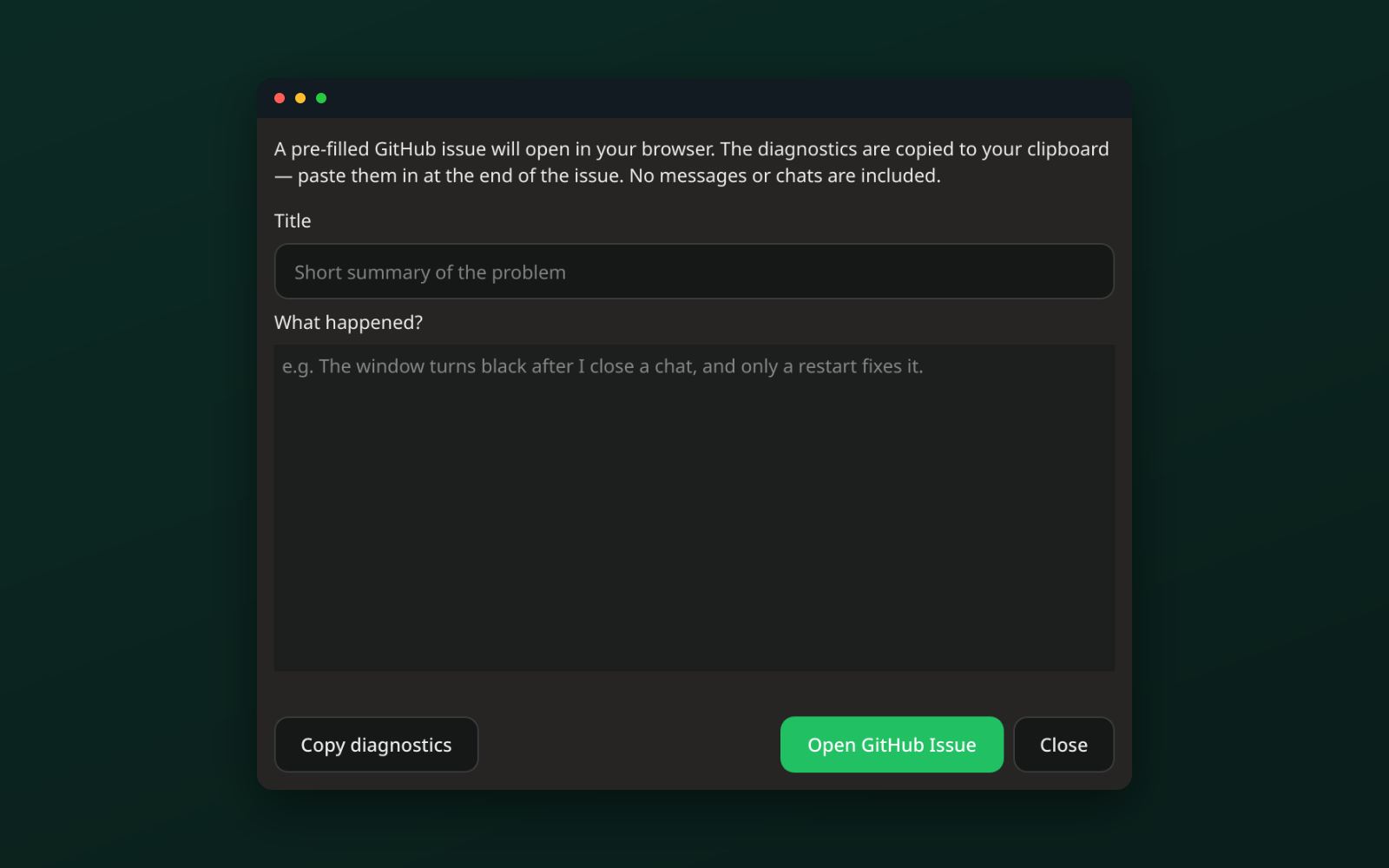
- One-click bug reporting with diagnostics, no messages included
Permissions
3 permissions weaken the sandbox. Flatsonar asks before installing.
- all devices (/dev): webcams, disks, raw hardware
--device=all - talks to system service org.freedesktop.GeoClue2
--system-talk-name=org.freedesktop.GeoClue2 - talks to system service org.freedesktop.UPower.*
--system-talk-name=org.freedesktop.UPower.* - inter-process communication (needed for X11)
--share=ipc - network
--share=network - X11 display, only when Wayland is unavailable
--socket=fallback-x11 - audio
--socket=pulseaudio - Wayland display
--socket=wayland - access to your documents folder
--filesystem=xdg-documents - access to your desktop folder
--filesystem=xdg-desktop - access to your music folder
--filesystem=xdg-music - access to xdg-config/kdeglobals
--filesystem=xdg-config/kdeglobals:ro - access to your pictures folder
--filesystem=xdg-pictures - access to your videos folder
--filesystem=xdg-videos - access to your download folder
--filesystem=xdg-download - talks to com.canonical.AppMenu.Registrar
--talk-name=com.canonical.AppMenu.Registrar - talks to org.kde.kconfig.notify
--talk-name=org.kde.kconfig.notify - talks to org.kde.KGlobalSettings
--talk-name=org.kde.KGlobalSettings - system tray
--talk-name=org.kde.StatusNotifierWatcher - notifications
--talk-name=org.freedesktop.Notifications - talks to com.canonical.indicator.application
--talk-name=com.canonical.indicator.application - talks to org.ayatana.indicator.application
--talk-name=org.ayatana.indicator.application
Who publishes this
The creator demonstrably controls this app id: Flathub verification, the hosting account owns the namespace, or a well-known file on their domain.
- verified on Flathub: the developer proved they control this app id
publisher:flathub
Maintenance
Recent activity on the upstream repository, or built and reviewed by Flathub.
No staleness signals: recent activity, or built and reviewed by Flathub.