
LNXDrive Preferences
by Strange Days Tech
Configure LNXDrive cloud synchronization for GNOME
About
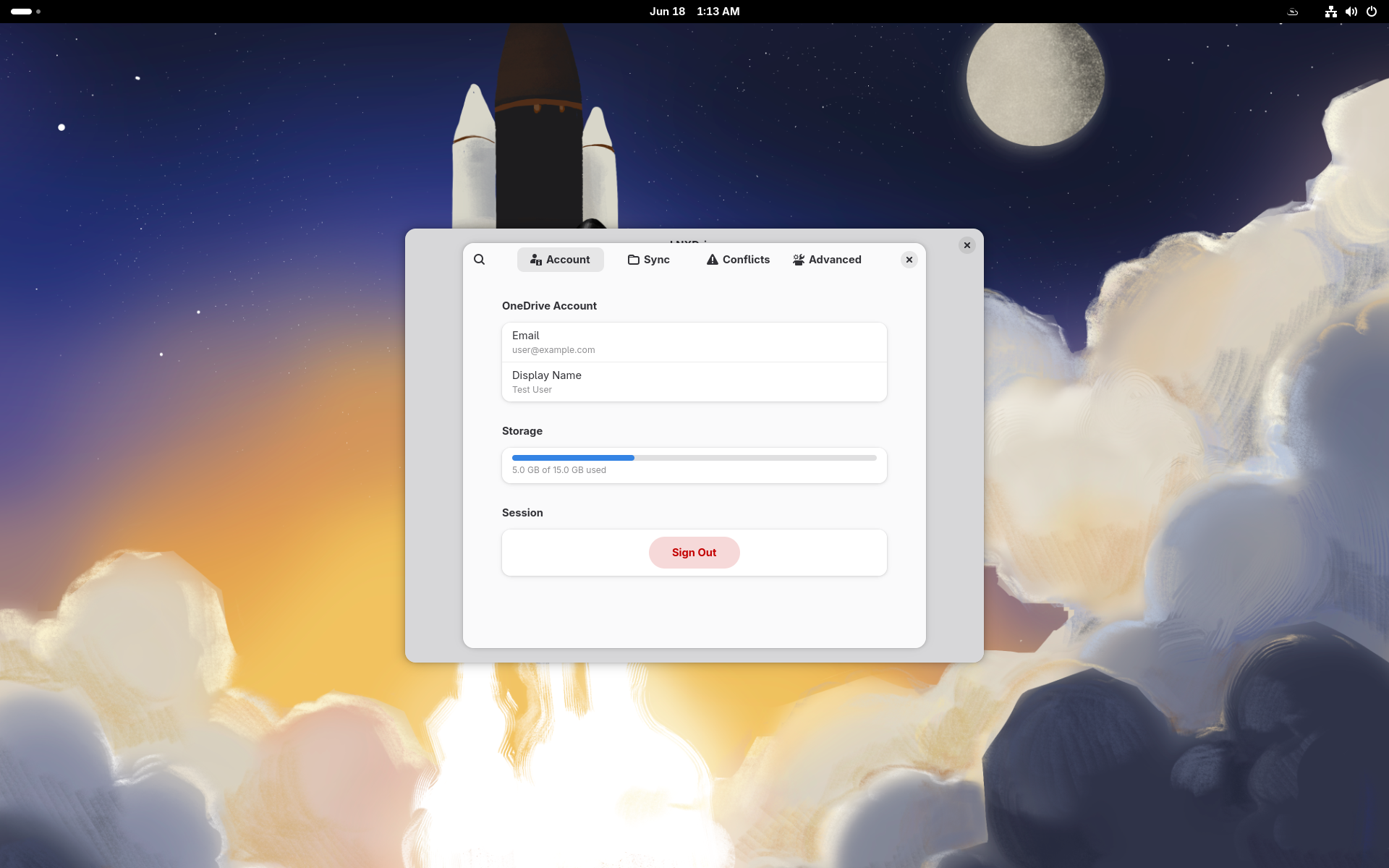
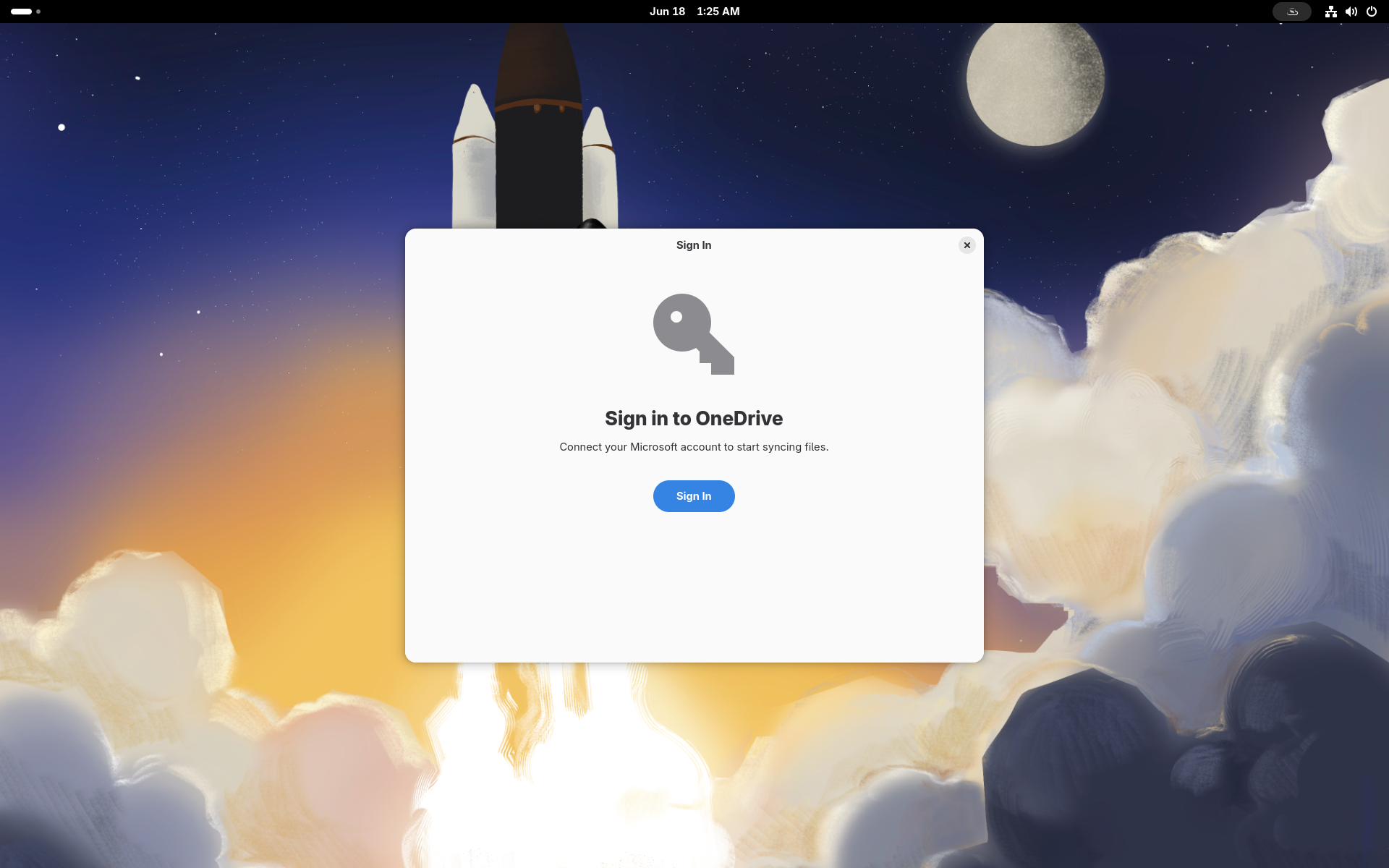
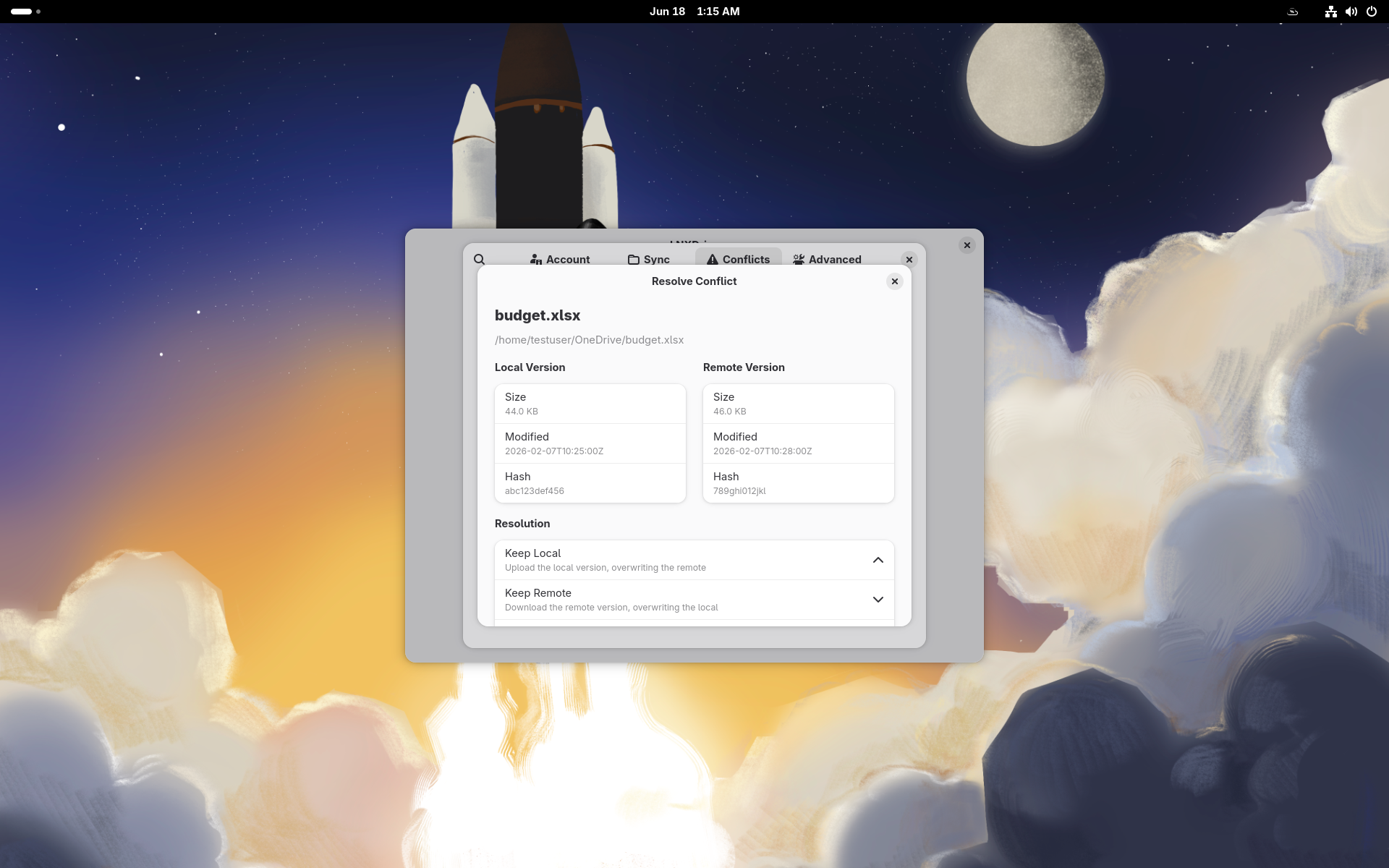
LNXDrive Preferences lets you manage your cloud synchronization settings directly from GNOME. Configure your OneDrive accounts, choose which folders to sync, set bandwidth limits, and control files-on-demand behavior — all from a single, native desktop application. LNXDrive is a OneDrive synchronization client for Linux built around a background daemon with files-on-demand support: your cloud files appear in the file manager and download only when you open them. The preferences panel talks to the daemon over D-Bus and covers the full day-to-day configuration surface: - Account: sign in with Microsoft via GNOME Online Accounts or the browser flow, see quota usage live, and sign out safely - Folders: pick which OneDrive folders sync to your computer, including nested selective sync - Network: cap upload and download bandwidth so syncing never gets in your way - Conflicts: review files changed both locally and in the cloud, and resolve them side by side OAuth tokens are stored in the system keyring (Secret Service), never on disk in cleartext. This alpha release targets GNOME on Wayland and ships as a Flatpak.
Permissions
3 permissions weaken the sandbox. Flatsonar asks before installing.
- all devices (/dev): webcams, disks, raw hardware
--device=all - full access to your home folder
--filesystem=home - your keyring / saved passwords
--talk-name=org.freedesktop.secrets - Wayland display
--socket=wayland - X11 display, only when Wayland is unavailable
--socket=fallback-x11 - inter-process communication (needed for X11)
--share=ipc - network
--share=network - owns its own bus name
--own-name=com.strangedaystech.LNXDrive - talks to org.gnome.OnlineAccounts
--talk-name=org.gnome.OnlineAccounts
Who publishes this
Nobody has confirmed that the publisher controls this app id. Flatsonar warns before installing.
- com.strangedaystech.LNXDrive claims the domain strangedaystech.com; only its owner can prove that
publisher:namespace - the build has network access: it can download things the manifest does not list
build-options:--share=network
Maintenance
Recent activity on the upstream repository, or built and reviewed by Flathub.
No staleness signals: recent activity, or built and reviewed by Flathub.