
Try Omarchy
by Brandon South
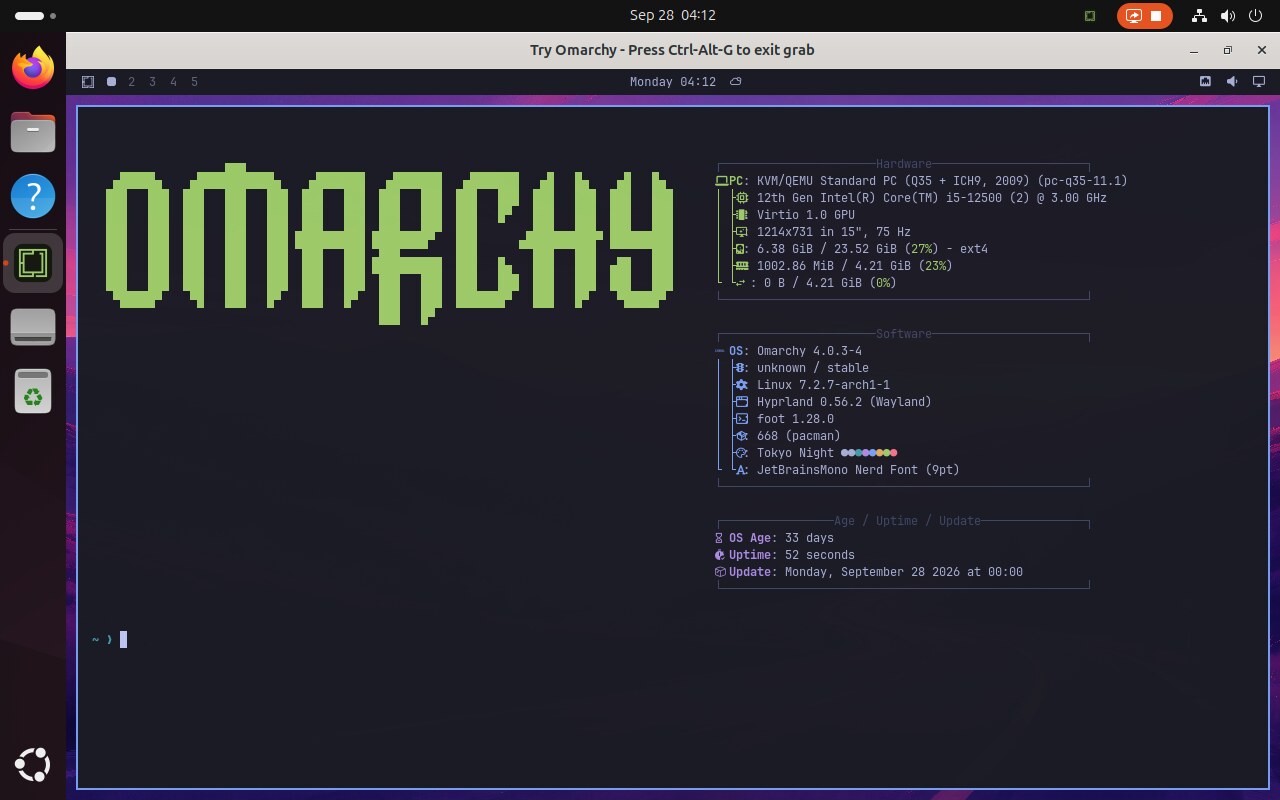
Try the Omarchy desktop in a window
About
Try Omarchy runs the Omarchy desktop in a virtual machine, so you can explore its apps, themes and keyboard-first workflow without replacing your current distro or repartitioning a drive. - GPU accelerated graphics through VirGL, with software rendering as a fallback - Clipboard and file sharing with your desktop, plus an optional shared folder - A persistent disk with backup and restore - Settings for memory, processors, rendering and microphone access First setup downloads a guest image of about 2 GB. The app needs a 64-bit x86 PC with hardware virtualization and access to KVM.
Permissions
1 permission weaken the sandbox. Flatsonar asks before installing.
- virtualisation (KVM)
--device=kvm - GPU acceleration
--device=dri - Wayland display
--socket=wayland - X11 display, only when Wayland is unavailable
--socket=fallback-x11 - inter-process communication (needed for X11)
--share=ipc - network
--share=network - audio
--socket=pulseaudio - access to xdg-run/pipewire-0
--filesystem=xdg-run/pipewire-0 - system tray
--talk-name=org.kde.StatusNotifierWatcher
Who publishes this
Nobody has confirmed that the publisher controls this app id. Flatsonar warns before installing.
- com.tryomarchy.TryOmarchy claims the domain tryomarchy.com; only its owner can prove that
publisher:namespace - repository is 0 day(s) old with 1 star(s): no track record yet
publisher:new-repo - installs a prebuilt binary instead of building from source (x2)
source:prebuilt
Maintenance
Recent activity on the upstream repository, or built and reviewed by Flathub.
No staleness signals: recent activity, or built and reviewed by Flathub.