
Voxel Paint
by James William Fletcher
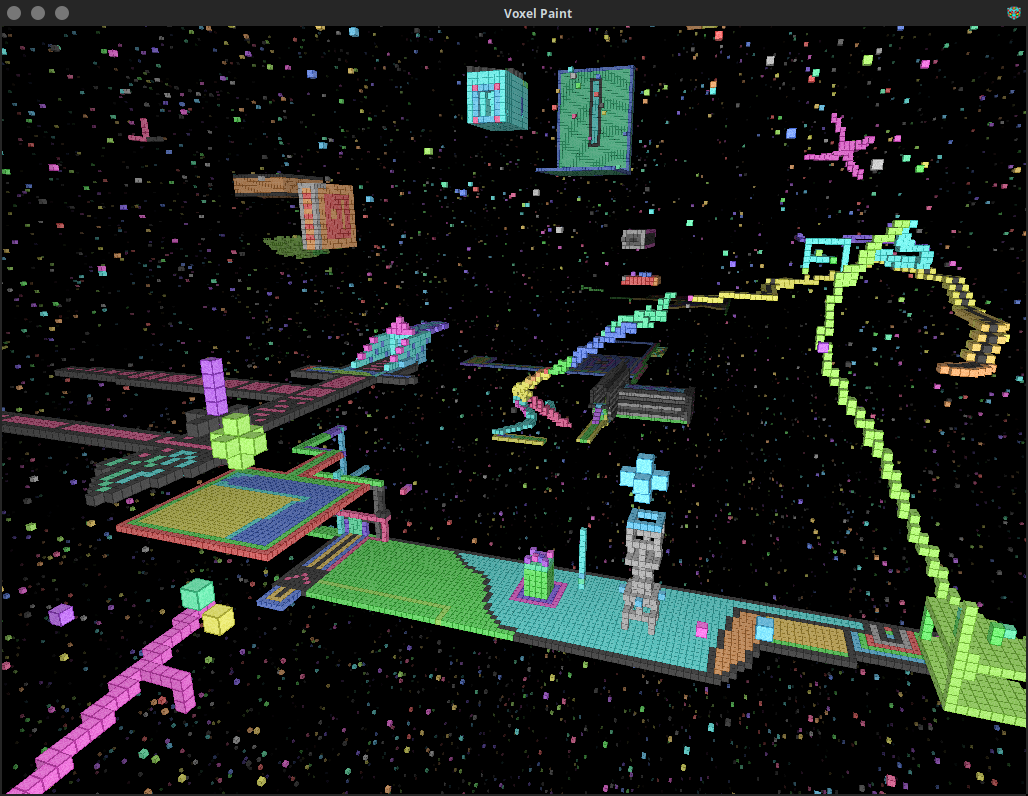
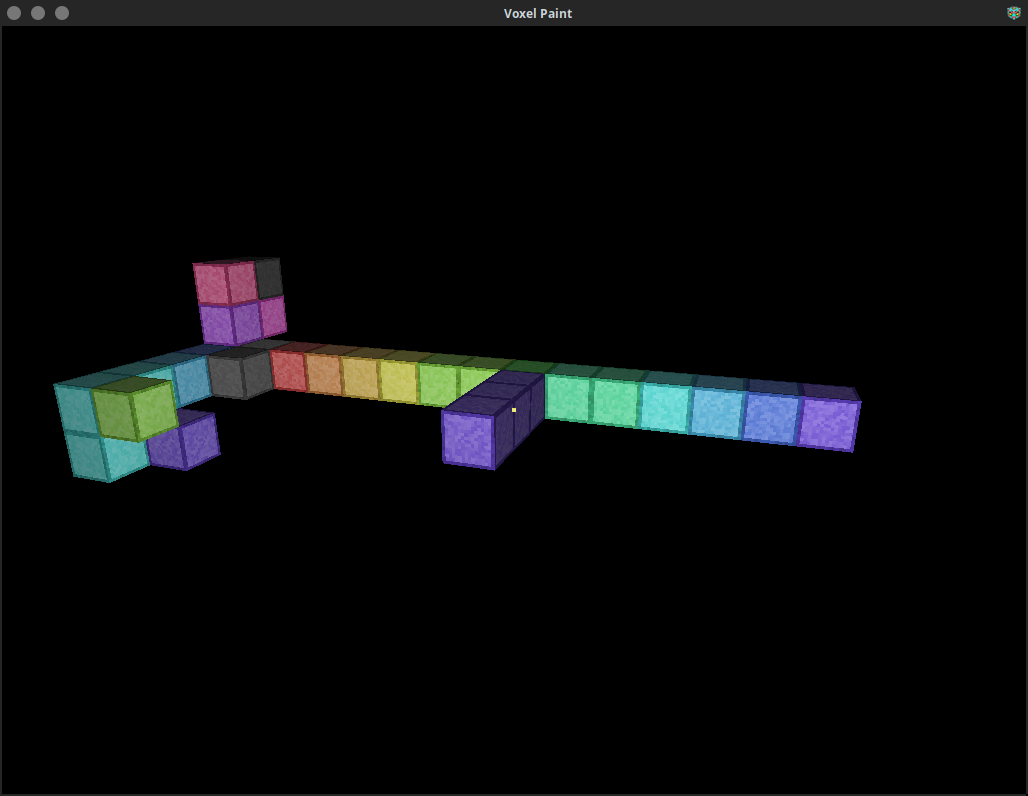
Paint in 3D using Voxels
About
Mouse locks when you click on the game window, press ESCAPE or TAB to unlock the mouse.
- W,A,S,D = Move around based on relative orientation to X and Y.
- SPACE + L-SHIFT = Move up and down relative Z.
- Left Click / R-SHIFT = Place node.
- Right Click / R-CTRL = Delete node.
- Q / Middle Click = Clone texture of pointed node.
- R = Places node at your current position.
- E / F / Mouse4 = Toggle player fast speed on and off.
- 1-7 = Change move speed for selected fast state.
- X + C / Slash + Quote = Change texture of pointed node.
- T = Resets player state to start.
- G = Gravity on/off.
- P = Toggle pitch lock.
- F3 = Save. (auto saves on exit or idle for more than 3 minutes)
- F8 = Load. (will erase what you have done since the last save)
- F10 = Export the VoxelPaint data to a zip file in $HOME/EXPORTS.
To multiselect click and drag with Middle Mouse or Q. Fill the nodes with B or delete them with N. Middle Scroll or X+C to change texture. V to paste selected nodes to pointed position.
Arrow Keys can be used to move the view around.
Your state is automatically saved on exit.
You can customize the 17 block tileset, in your dataPath you will find a tiles.ppm image file, edit this file and save it as a PPM with a P6 272 16 255 header. Krita or KolourPaint can edit PPM files.
Sensitivity as the 1st command line parameter default is 0.003 `./voxelpaintpro 0.003`.
Permissions
2 permissions weaken the sandbox. Flatsonar asks before installing.
- X11 display: X11 lets apps read input and windows of other apps
--socket=x11 - full access to your home folder
--filesystem=home - inter-process communication (needed for X11)
--share=ipc - Wayland display
--socket=wayland - X11 display, only when Wayland is unavailable
--socket=fallback-x11 - GPU acceleration
--device=dri
Who publishes this
The creator demonstrably controls this app id: Flathub verification, the hosting account owns the namespace, or a well-known file on their domain.
- verified on Flathub: the developer proved they control this app id
publisher:flathub
Maintenance
Recent activity on the upstream repository, or built and reviewed by Flathub.
No staleness signals: recent activity, or built and reviewed by Flathub.