
Voxel Paint Pro
by James William Fletcher
Paint in 3D using pixel Voxels
Broad permissions
Verified creator
GPL-2.0-only
v1.2.3
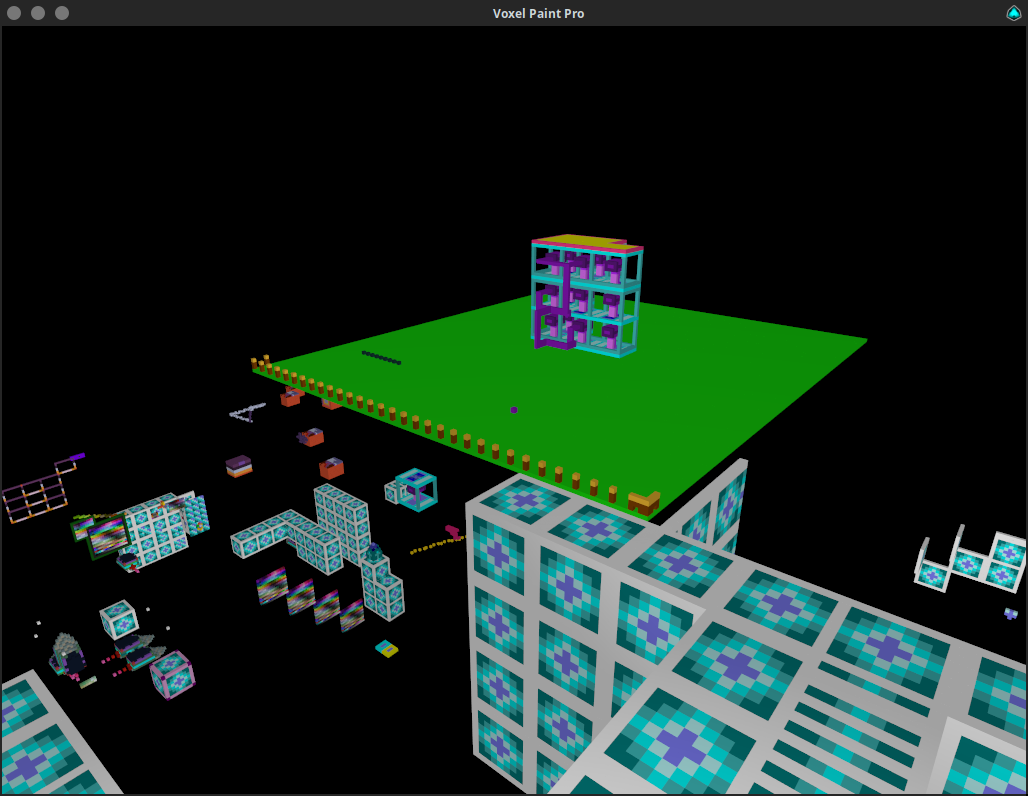
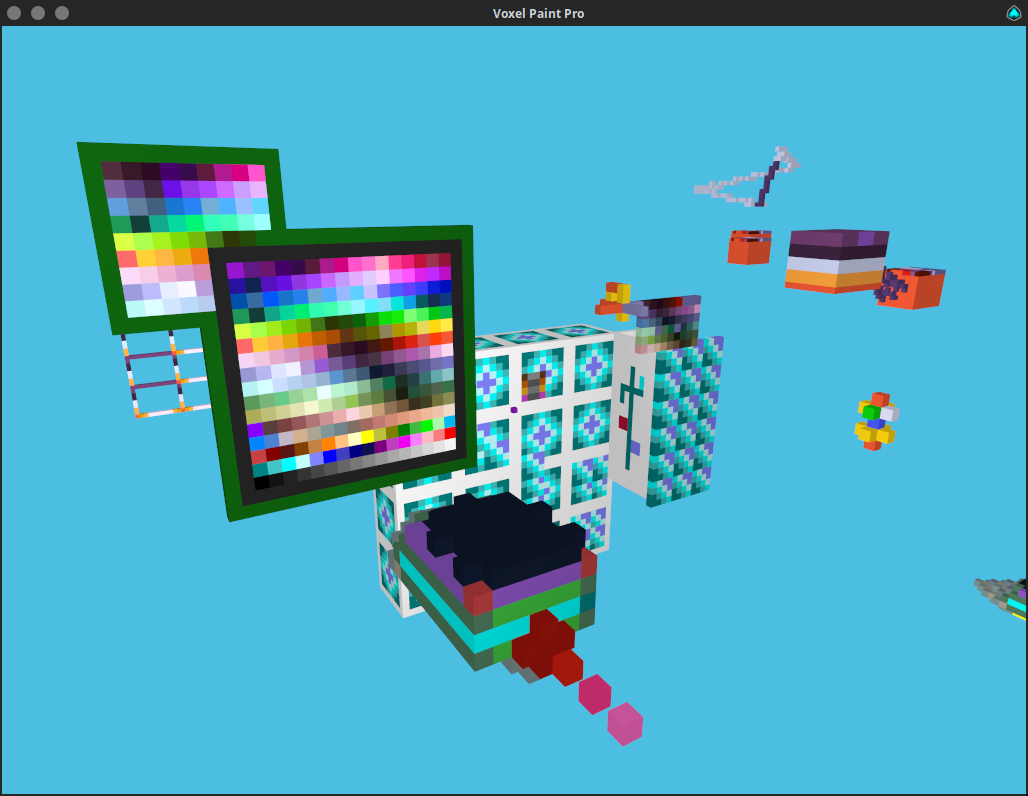
About
Mouse locks when you click on the game window, press ESCAPE to unlock the mouse.
- W,A,S,D = Move around based on relative orientation to X and Y.
- SPACE + L-SHIFT = Move up and down relative Z.
- Left Click / R-SHIFT = Place node.
- Right Click / R-CTRL = Delete node.
- Tab = Teleports you from colour palette to last position and vice-versa.
- Q / Middle Click / Mouse4 = Clone texture of pointed node.
- E / Mouse5 = Replace pointed node.
- R = Places node at your current position.
- F = Toggle player fast speed on and off.
- 1-7 = Change move speed for selected fast state.
- X + C / Slash + Quote = Change texture of pointed node.
- G = Gravity on/off.
- P = Toggle pitch lock.
- F1 = Resets environment state back to default.
- F3 = Save. (auto saves on exit or idle for more than 3 minutes)
- F8 = Load. (will erase what you have done since the last save)
- F10 = Export the VoxelPaint data to a zip file in $HOME/EXPORTS.
- Middle Mouse Click and Drag or Mouse4 and Drag (or Q and drag) to select area.
- V = Copies the selected nodes to the currently pointed position, the point you started the selection from is the point you will copy from at the new pointed location.
- T = Copies the selected nodes to the currently pointed position, but each time you press T it will iterate one of 24 rotations.
- Y = Shoots an array of the selected nodes in the direction you are facing in 24 different rotations. Pick the one you want.
- B = Fill selected nodes with selected color.
- N = Delete selected nodes.
Arrow Keys can be used to move the view around.
Your state is automatically saved on exit.
Sensitivity as the 1st command line parameter default is 0.003 `./voxelpaintpro 0.003`.
Permissions
2 permissions weaken the sandbox. Flatsonar asks before installing.
- X11 display: X11 lets apps read input and windows of other apps
--socket=x11 - full access to your home folder
--filesystem=home - inter-process communication (needed for X11)
--share=ipc - Wayland display
--socket=wayland - X11 display, only when Wayland is unavailable
--socket=fallback-x11 - GPU acceleration
--device=dri
Who publishes this
The creator demonstrably controls this app id: Flathub verification, the hosting account owns the namespace, or a well-known file on their domain.
- verified on Flathub: the developer proved they control this app id
publisher:flathub
Maintenance
Recent activity on the upstream repository, or built and reviewed by Flathub.
No staleness signals: recent activity, or built and reviewed by Flathub.