
Wings 3D
by Wings3D Team
An advanced subdivision modeler
About
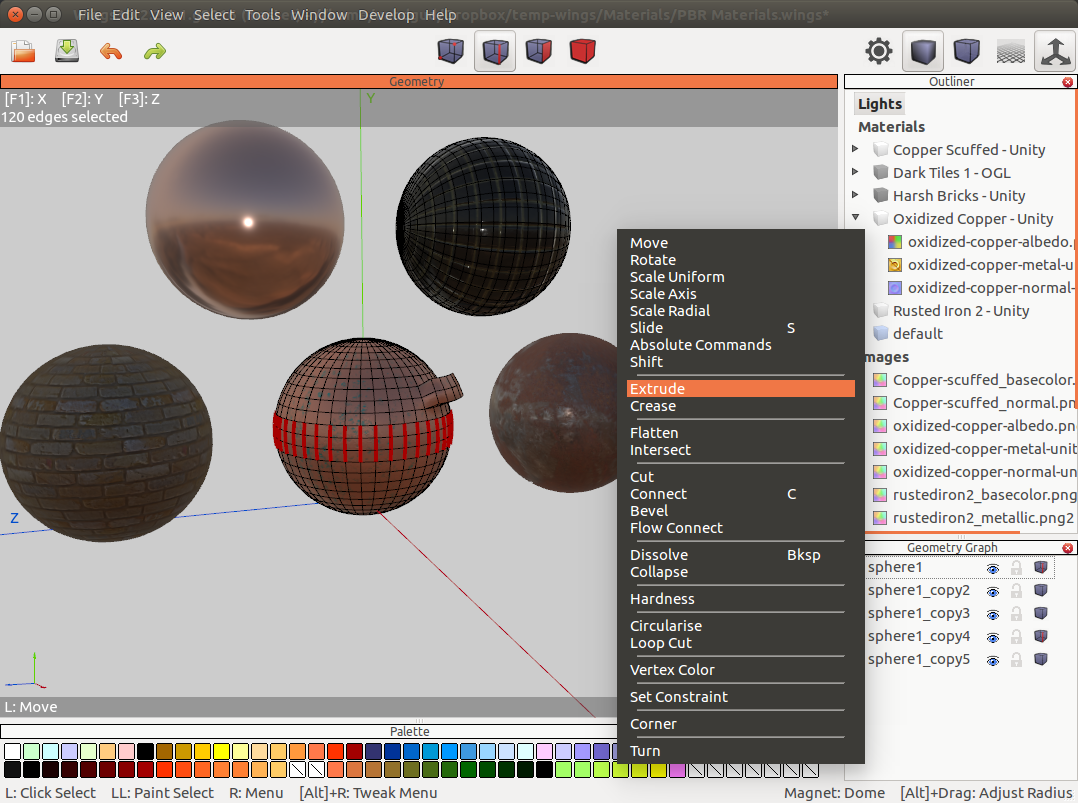
Wings 3D is an advanced subdivision modeler that is both powerful and easy to use. Wings has a simple interface. Right-click menus give you easy access to common commands. These menus are context sensitive, so depending on your selection, a different menu pops up.
Wings has a many standard mesh modeling and selection tools such as Move, Scale, Rotate, Extrude, Bevel, Bridge, Cut, and Weld. Wings also features advance modelling tools such as: Sweep, Plane Cut, Circularise, Intersect, Bend, Shear, and Inset, Magnets and Magnet Masking, Virtual Mirror for symmetrical modeling, Tweak and Sculpt, Edge Loop and Edge Ring selection and navigation tools and Smooth Preview.
Permissions
2 permissions weaken the sandbox. Flatsonar asks before installing.
- X11 display: X11 lets apps read input and windows of other apps
--socket=x11 - full access to your home folder
--filesystem=home - inter-process communication (needed for X11)
--share=ipc - Wayland display
--socket=wayland - X11 display, only when Wayland is unavailable
--socket=fallback-x11 - GPU acceleration
--device=dri
Who publishes this
On Flathub: the manifest was reviewed and built on Flathub's infrastructure, but the developer has not verified ownership of the app id.
- on Flathub: manifest reviewed and built by Flathub; the developer has not verified the app id
publisher:flathub
Maintenance
Recent activity on the upstream repository, or built and reviewed by Flathub.
No staleness signals: recent activity, or built and reviewed by Flathub.