
Linwood Butterfly
by Linwood
Draw and organize ideas
About
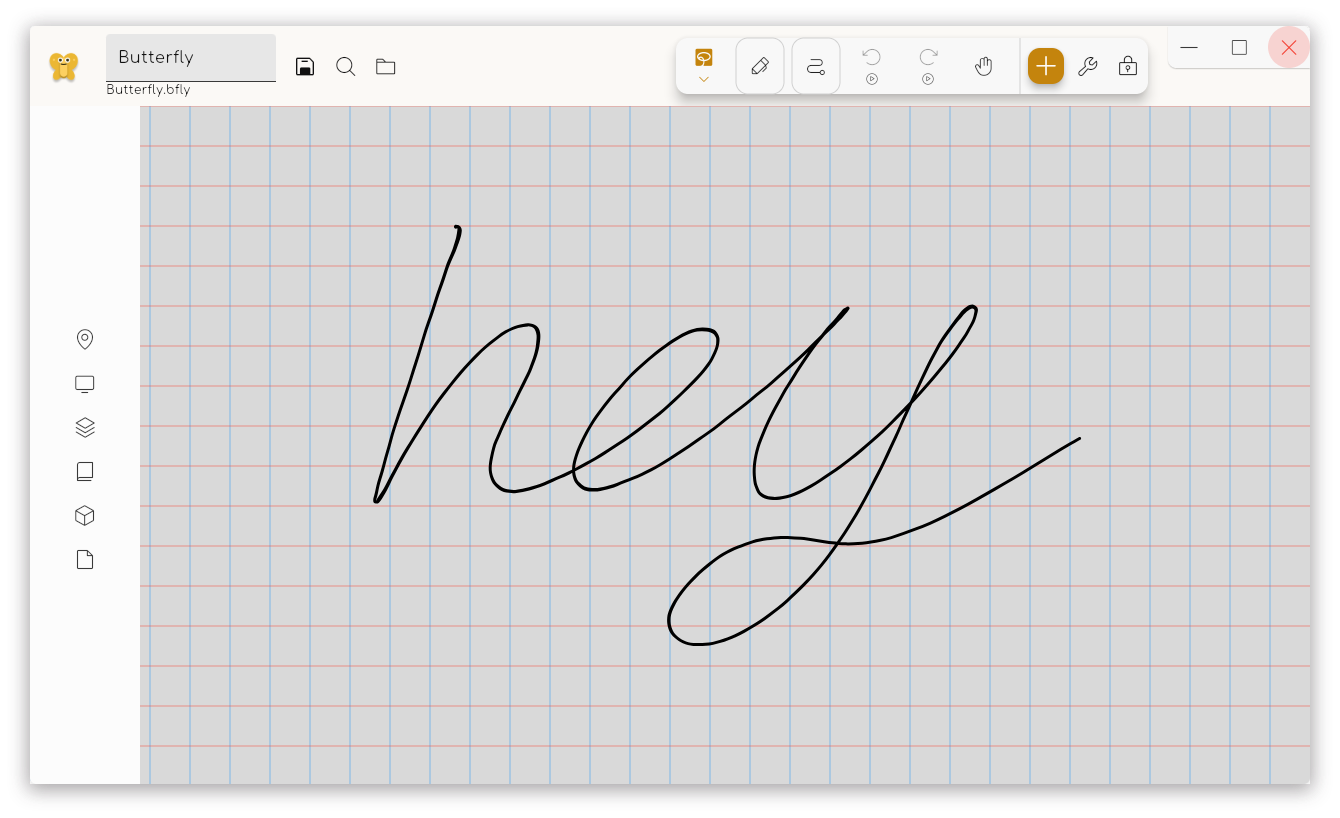
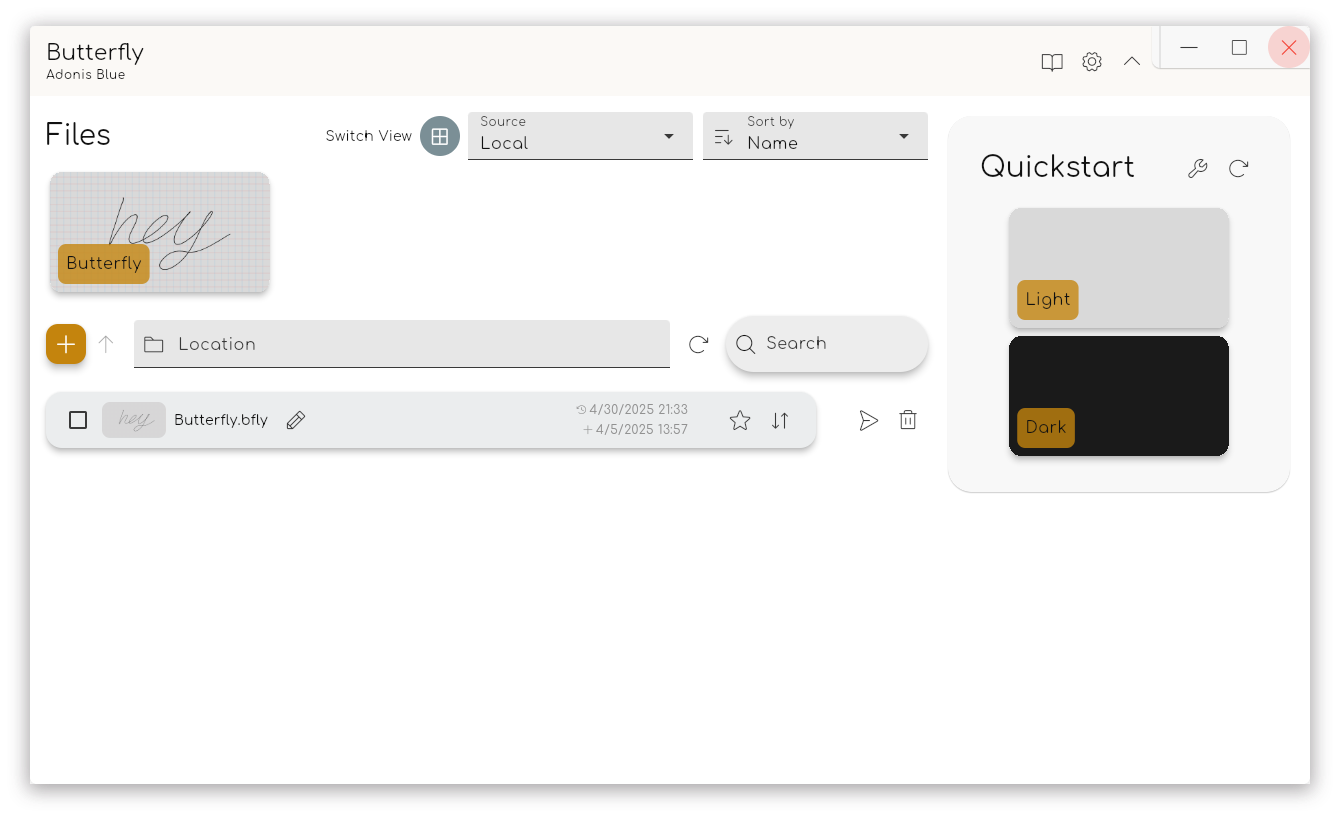
Butterfly is a note-taking app where your ideas come first. You can paint, add texts, and export them easily on every device. This app works on Android, Windows, Linux, and in the web.
Features:
- Simple and intuitive: Every tool is in the right place. Open the app and start drawing. Change your tools by clicking on them. - Customizable: Change everything to your needs. Choose your custom color, create a palette, and add your pages to the paper. The paper has an infinite size, perfect for your ideas and notes. - Supports your favorite formats: Import and export are supported for images, PDF and SVG. Open these files directly to edit them. - Works on every device: The app is available for Android, Windows, Linux, and in the web. You can use it on your phone, tablet, or computer. - Choose where your data is stored: You can choose to store your data locally or in your favorite cloud (WebDAV). You can also export your data to a file and import it again. - Available in many languages: The app is available in many languages. Help us to translate this app to your language. - FOSS: The app is open source and free. You can contribute to the project and help to make it better. - Use it offline: You can use the app offline. You can draw, paint, and export your notes without an internet connection. - Use your favorite stylus: The app supports stylus and touch devices. You can draw and paint with your favorite stylus. - Write text: You can write text on your notes. You can change the font, size, and color. - Take photos: You can take photos and add them to your notes. You can also import photos from your gallery. - Editable: You can change the size, color, and position of every element after you added it to your note. - Add shapes: You can add shapes to your notes. You can choose between a rectangle, triangle, circle and line. - Structure your notes: Add areas and waypoints to your notes to keep them organized.
Permissions
2 permissions weaken the sandbox. Flatsonar asks before installing.
- access to unrecognised path 'xdg-documents/Linwood/Butterfly:create'
--filesystem=xdg-documents/Linwood/Butterfly:create - your keyring / saved passwords
--talk-name=org.freedesktop.secrets - inter-process communication (needed for X11)
--share=ipc - network
--share=network - X11 display, only when Wayland is unavailable
--socket=fallback-x11 - Wayland display
--socket=wayland - GPU acceleration
--device=dri
Who publishes this
The creator demonstrably controls this app id: Flathub verification, the hosting account owns the namespace, or a well-known file on their domain.
- installs a prebuilt binary instead of building from source (x2)
source:prebuilt - verified on Flathub: the developer proved they control this app id
publisher:flathub
Maintenance
Recent activity on the upstream repository, or built and reviewed by Flathub.
No staleness signals: recent activity, or built and reviewed by Flathub.