
SSH Studio
by Mahyar Darvishi
Edit SSH configuration files

About
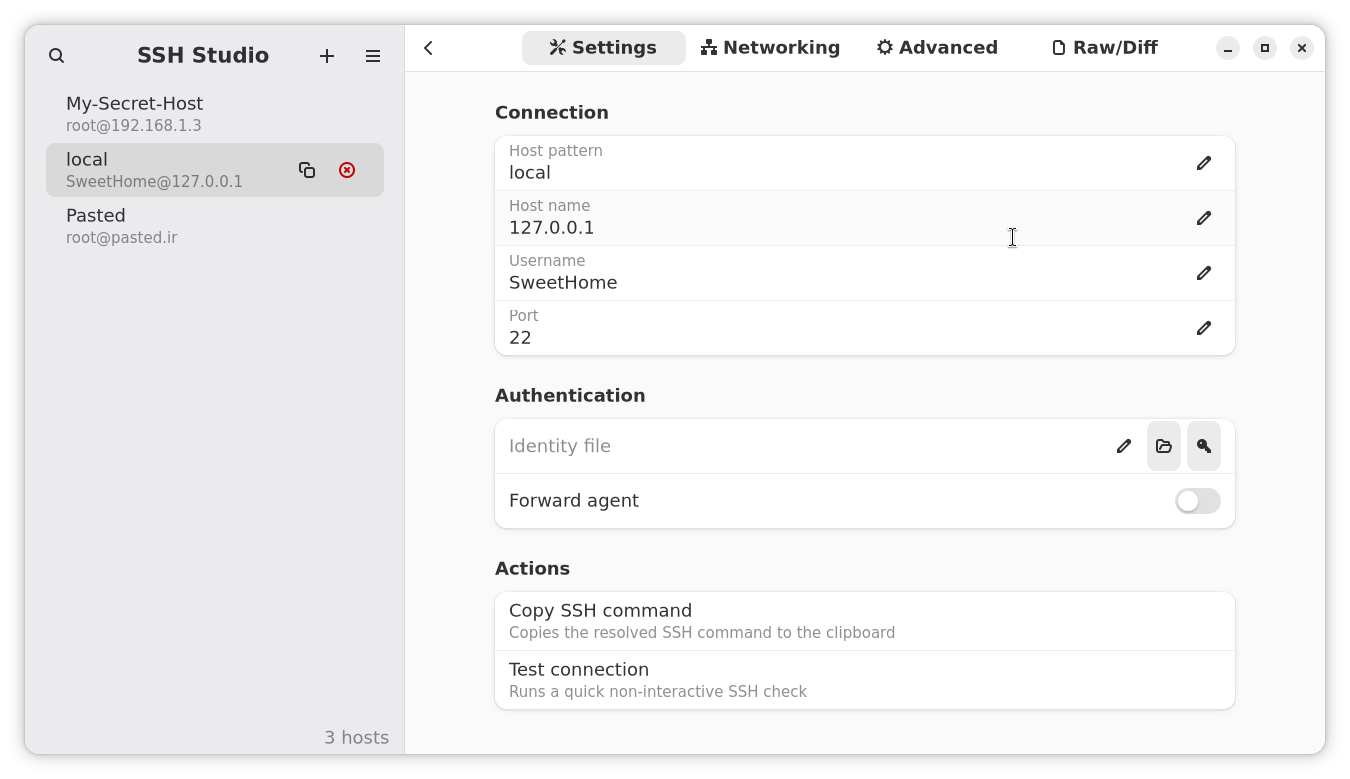
SSH Studio is a native desktop application for managing SSH configuration files. It provides a user-friendly interface to create, edit, and validate SSH hosts without needing to use terminal editors.
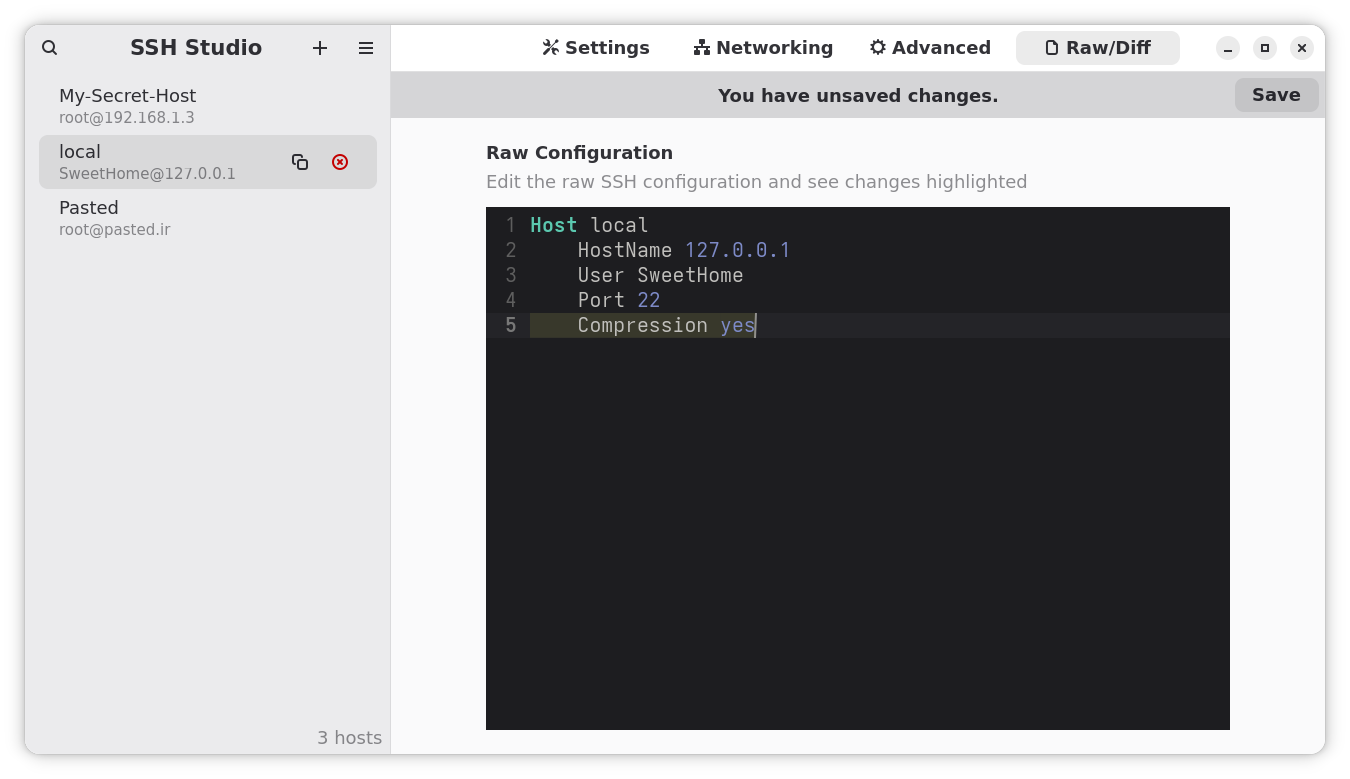
The application offers both visual and text-based editing modes. The visual editor lets you fill in common SSH fields like Host, HostName, User, Port, and IdentityFile with form-based inputs. For advanced users, the raw text editor provides direct access to the configuration with live syntax validation and diff highlighting.
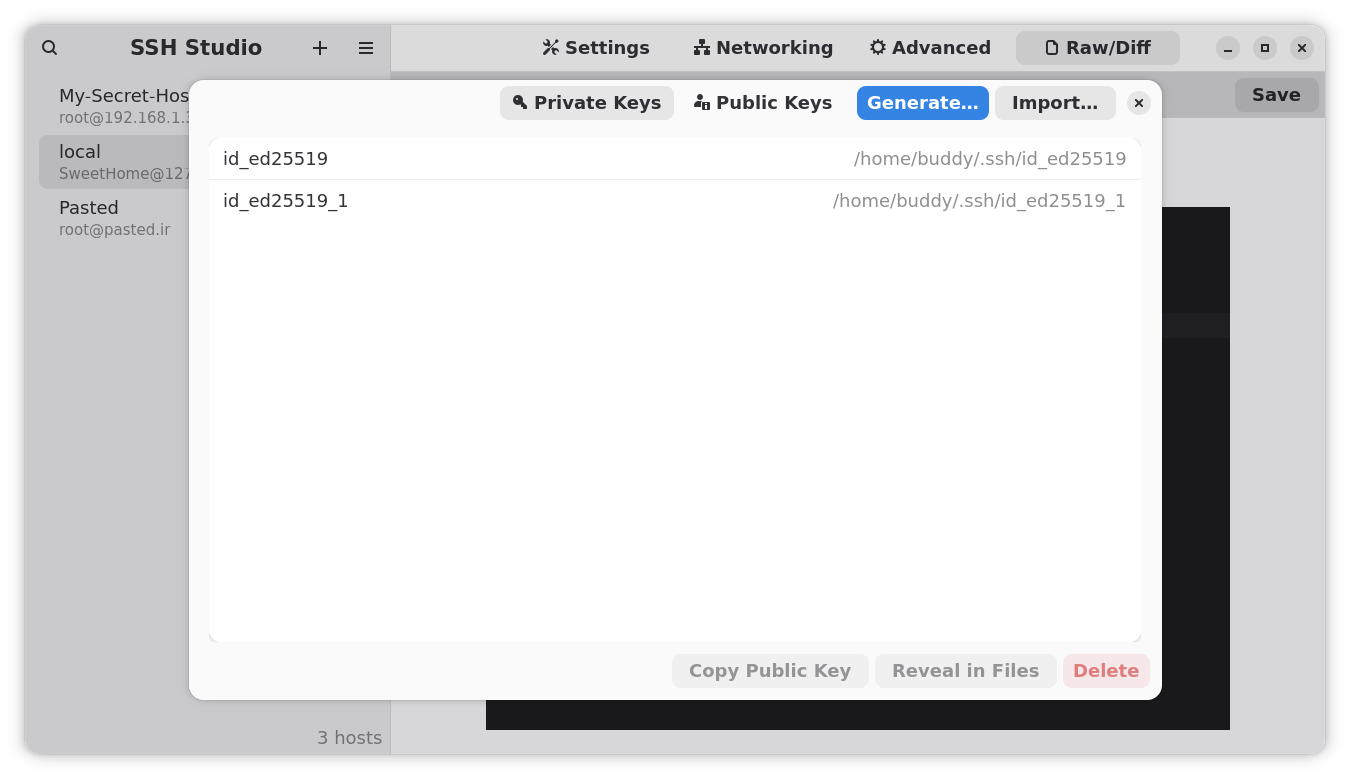
Key features include inline validation to catch duplicate aliases and syntax errors, search and filtering capabilities, SSH key management tools, and safe saving with automatic backups. The interface is designed for GNOME with support for both light and dark themes.
Permissions
3 permissions weaken the sandbox. Flatsonar asks before installing.
- access to a sensitive location (~/.ssh): credentials or autostart
--filesystem=~/.ssh - X11 display: X11 lets apps read input and windows of other apps
--socket=x11 - your SSH agent (can sign with your SSH keys)
--socket=ssh-auth - network
--share=network - inter-process communication (needed for X11)
--share=ipc - Wayland display
--socket=wayland - X11 display, only when Wayland is unavailable
--socket=fallback-x11
Who publishes this
The creator demonstrably controls this app id: Flathub verification, the hosting account owns the namespace, or a well-known file on their domain.
- verified on Flathub: the developer proved they control this app id
publisher:flathub
Maintenance
Recent activity on the upstream repository, or built and reviewed by Flathub.
No staleness signals: recent activity, or built and reviewed by Flathub.