
CrossMacro
by Alper Han
Mouse and keyboard macro automation
About
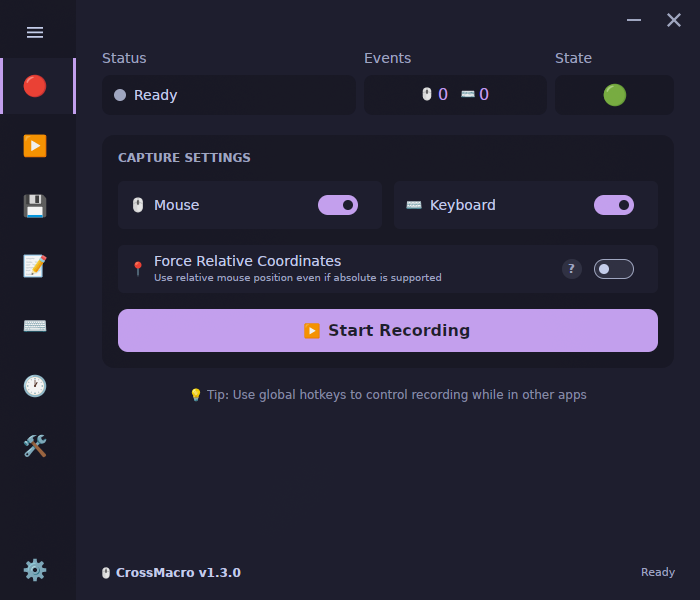
CrossMacro is an open-source, cross-platform mouse and keyboard macro recorder, editor, and automation tool for Linux, Windows, and macOS. Record clicks, movement, scrolling, and keyboard input, then edit and replay macros with configurable speed, pauses, loops, repeat counts, delays, global hotkeys, or schedules.
Linux-first Wayland and X11 support provides compositor-aware cursor positioning and daemon-backed or direct-device input paths. CrossMacro uses absolute mouse positioning when the active session exposes a compatible cursor-position protocol and falls back to relative input when that capability is unavailable. It also combines text expansion, screen-reading commands, native PNG image recognition, profiles, themes, a GUI, and a scriptable CLI in one application.
Features:
- Record and replay mouse and keyboard macros with configurable timing and pause/resume control
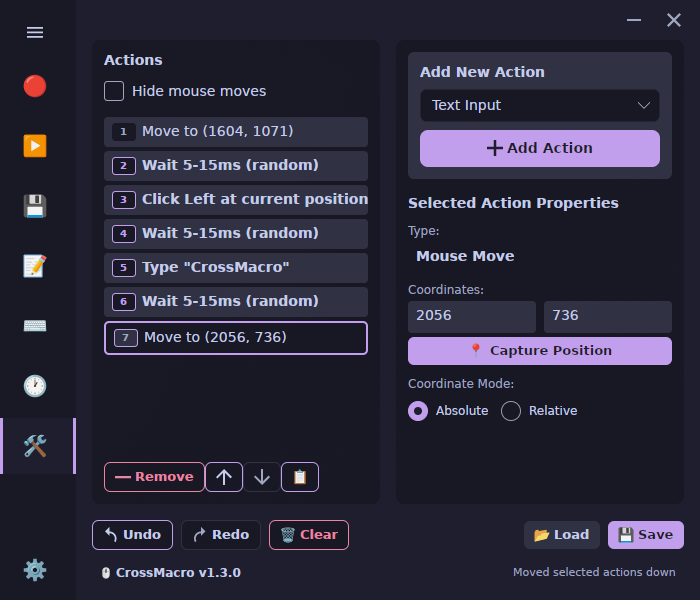
- Edit macros with undo/redo, action reordering, coordinate modes, variables, loops, conditionals, and text input
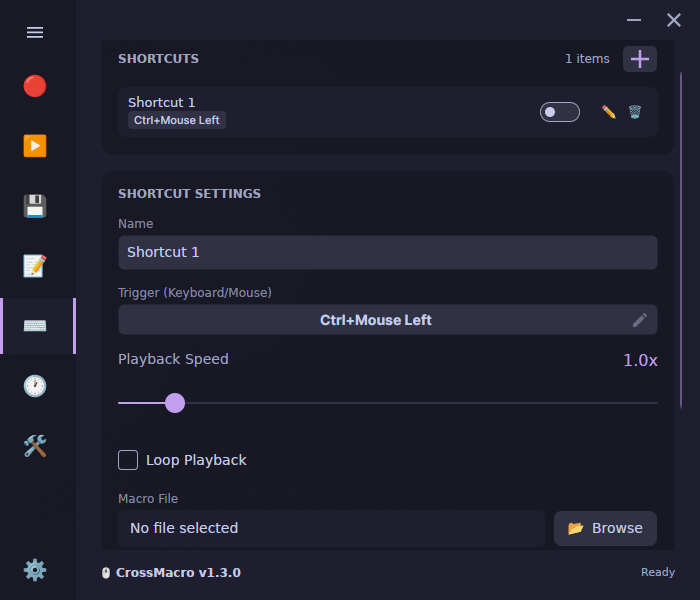
- Bind macros to global hotkeys with toggle or hold-to-run modes
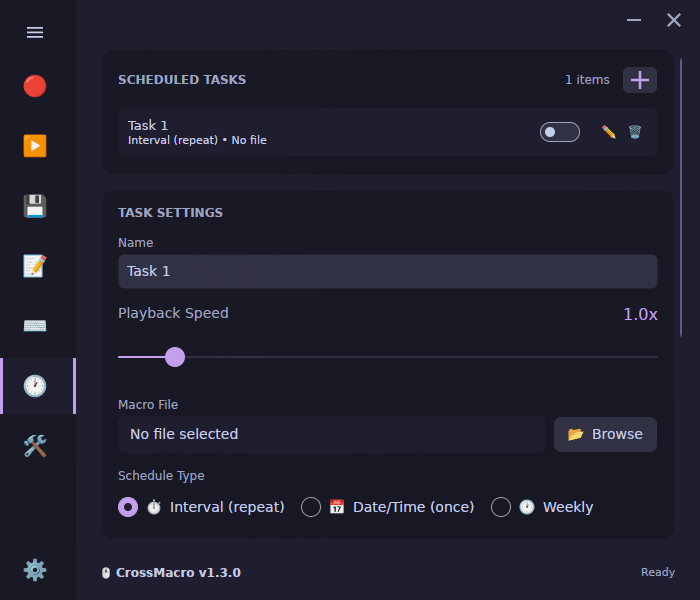
- Schedule macros at specific times or intervals, including one-time, weekly, custom weekday, and randomized intervals
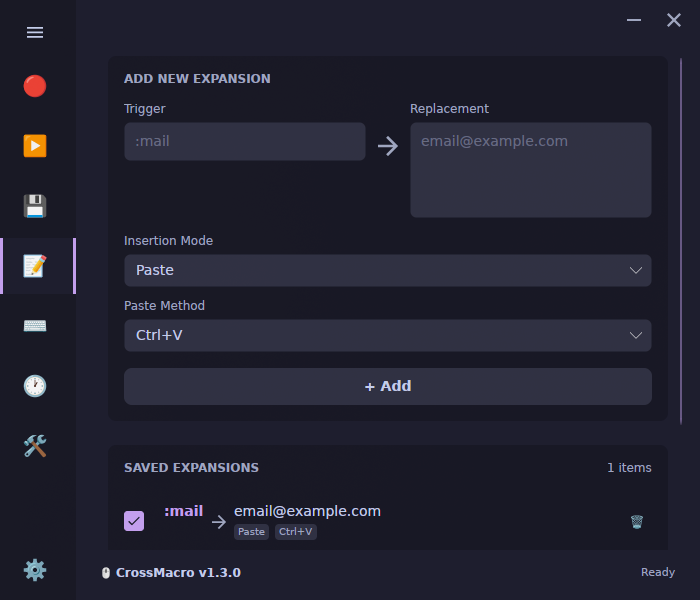
- Expand text from global shortcuts with configurable typing methods
- Read screen pixels and search native PNG templates for image-based workflows
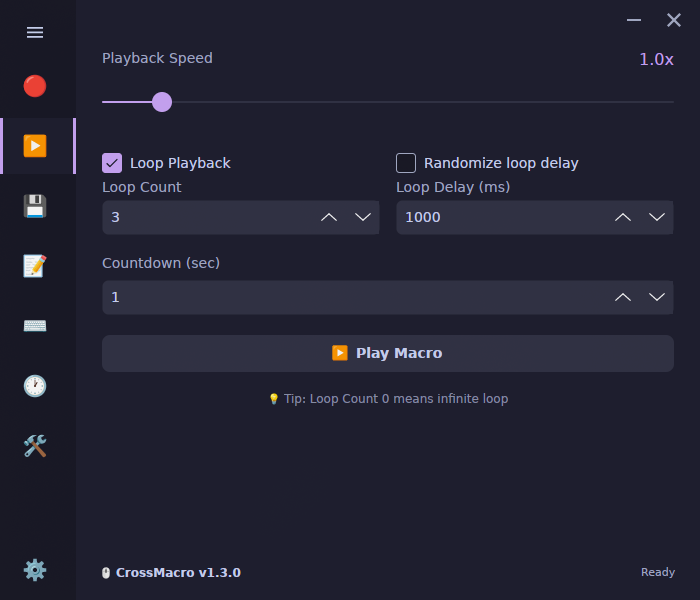
- Control playback speed from 0.1x to 10x, loops, repeat counts, and fixed or randomized repeat delays
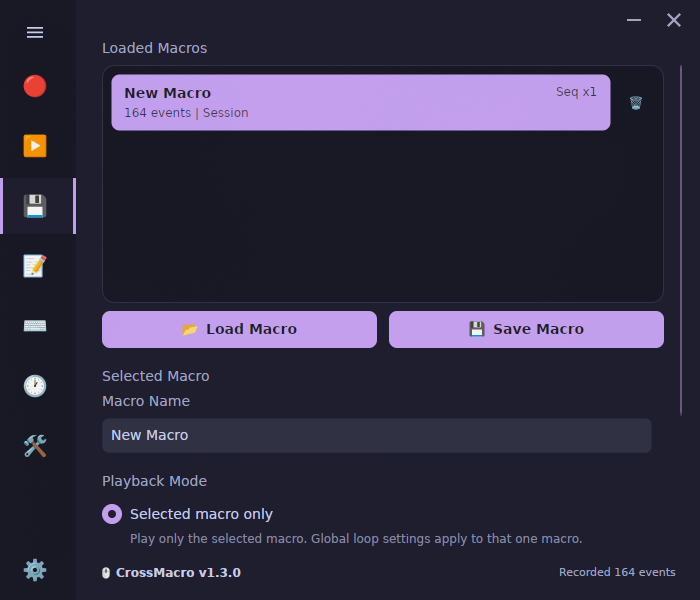
- Save, load, sequence, and replay .macro files, then switch between profiles
- Customize themes and use the desktop GUI, CLI, or GUI-less runtime on Linux Wayland/X11, Windows, and macOS
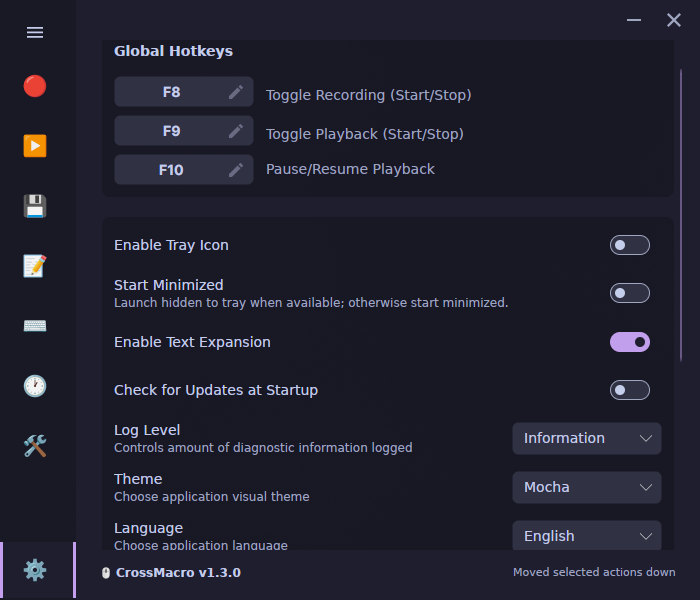
- Use customizable global controls with F8 recording, F9 playback, and F10 pause as the defaults
Wayland and X11 support:
CrossMacro treats Wayland and X11 as first-class Linux targets and selects compositor-aware positioning and daemon-backed or direct-device input according to the active session's capabilities.
On GNOME, a Shell Extension can be installed on first run. A logout/login may be required for the extension to take effect.
If permissions are missing, the app offers Quick Setup on launch. Quick Setup opens a standard system authorization prompt to enable direct device access for the current user session. If setup cannot complete, use the direct-device troubleshooting instructions in the project README.
Permissions
3 permissions weaken the sandbox. Flatsonar asks before installing.
- all devices (/dev): webcams, disks, raw hardware
--device=all - sandbox escape: can run commands on the host via flatpak-spawn
--talk-name=org.freedesktop.Flatpak - GNOME Shell: screenshots, keybindings
--talk-name=org.gnome.Shell - inter-process communication (needed for X11)
--share=ipc - X11 display, only when Wayland is unavailable
--socket=fallback-x11 - Wayland display
--socket=wayland - access to xdg-run/hypr
--filesystem=xdg-run/hypr:ro - access to ~/.local/share/gnome-shell/extensions
--filesystem=~/.local/share/gnome-shell/extensions:create - talks to org.kde.keyboard
--talk-name=org.kde.keyboard - talks to org.kde.KWin
--talk-name=org.kde.KWin
Who publishes this
The creator demonstrably controls this app id: Flathub verification, the hosting account owns the namespace, or a well-known file on their domain.
- verified on Flathub: the developer proved they control this app id
publisher:flathub
Maintenance
Recent activity on the upstream repository, or built and reviewed by Flathub.
No staleness signals: recent activity, or built and reviewed by Flathub.