LazPaint
by BGRABitmap team
Fast raster image editor
Support the creators
Flatsonar is just the shop window. The people below made LazPaint.
About
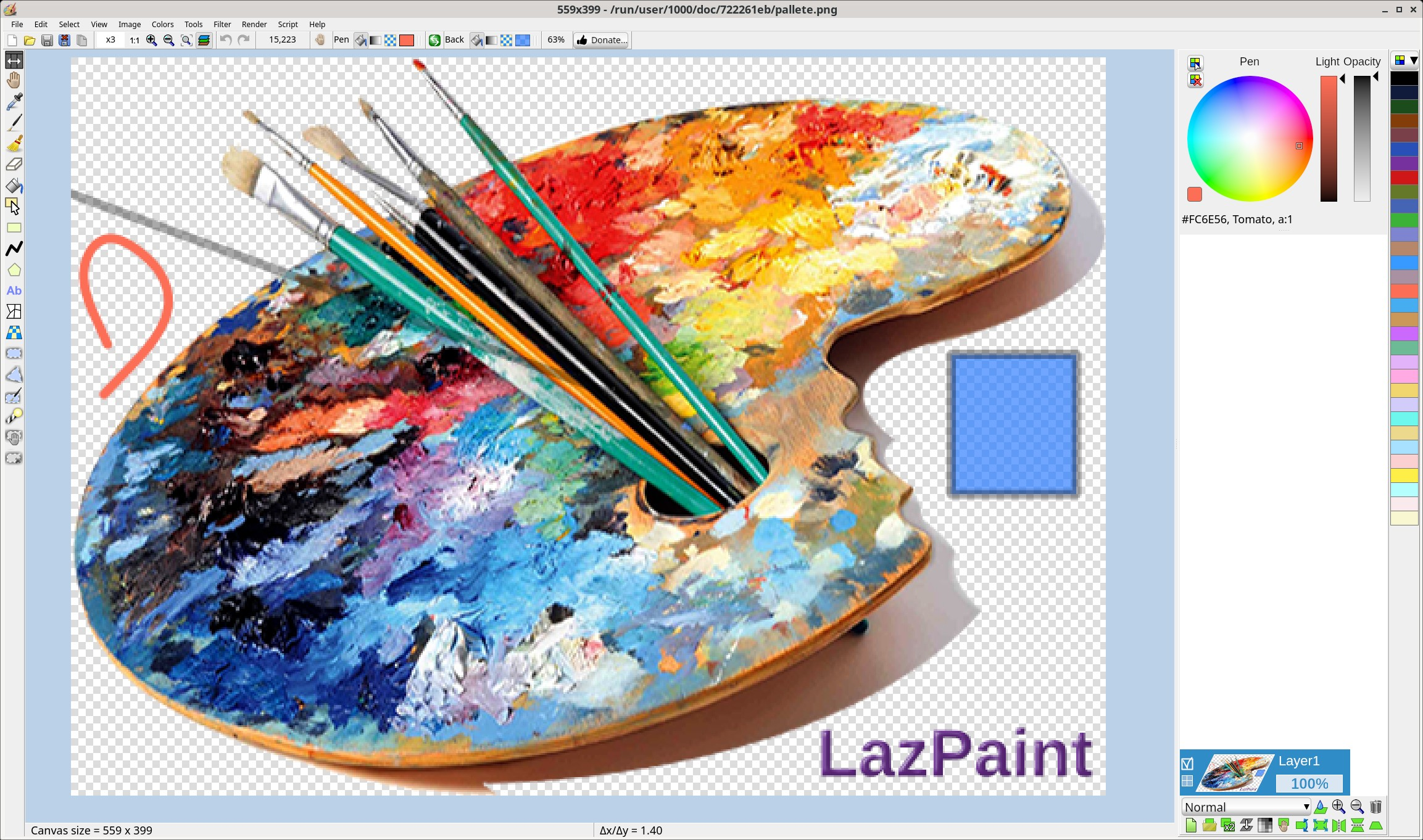
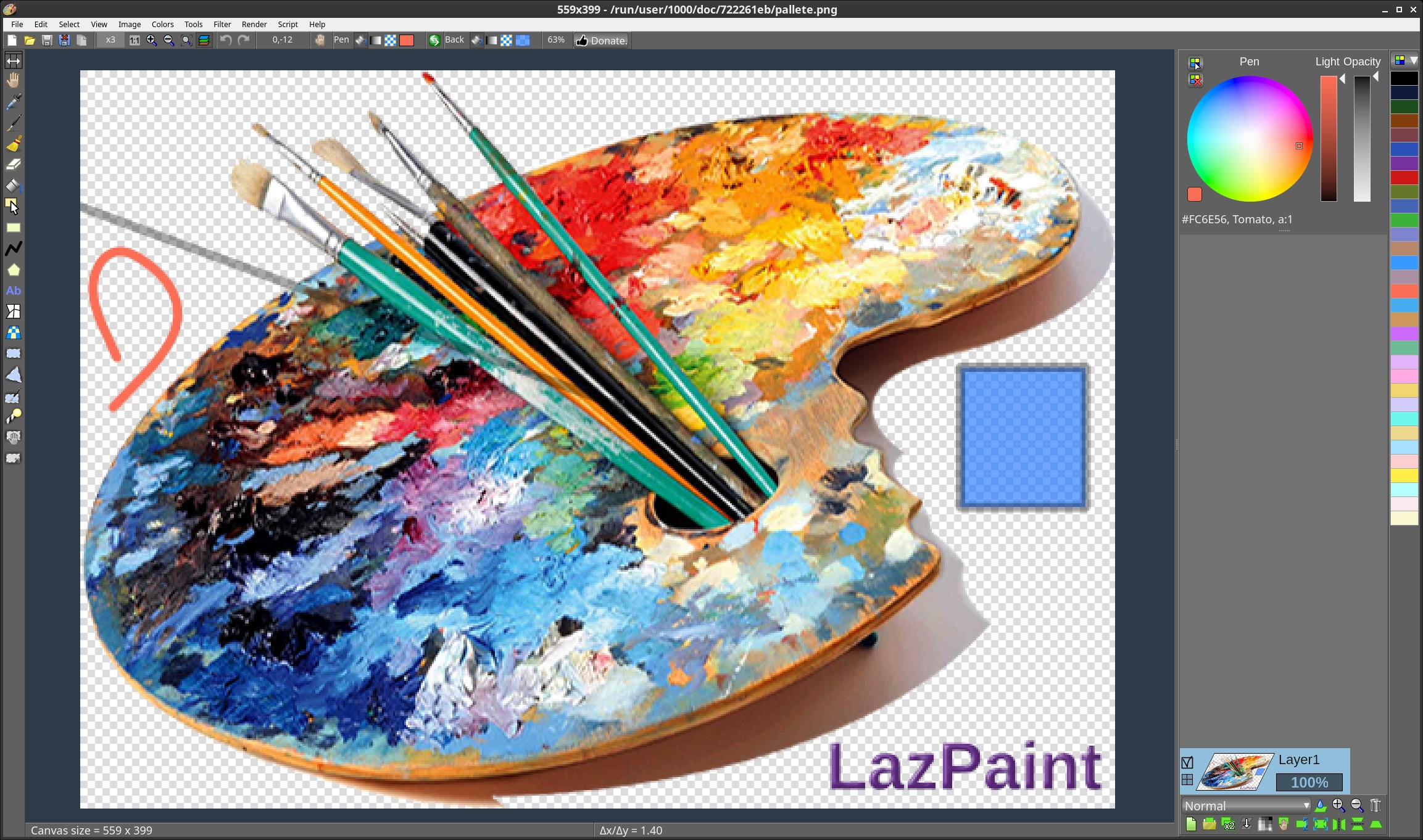
Free cross-platform image editor with raster and vector layers, written in Lazarus (Free Pascal). Can read layered files (lzp, ora, pdn, oXo, flat psd), multi-images (gif, ico, tiff), flat files (bmp, jpeg, pcx, png, tga, webp, xpm, xwd), raw images (dng, cr2, nef, arw...), vectorial (svg), 3D (obj). Has drawing tools, vector shapes, phong shading, curve adjustments, filters, render some textures, Python scripting. Uses Qt5 widgetset.
Features:
- Files: read and write a variety of file formats, including layered bitmaps and 3D files.
- Tools: many tools are available to draw on the layers.
- Edit/Select: select parts of an image with antialiasing and modify the selection as a mask.
- View: color window, layer stack window and toolbox window.
- Command line: call LazPaint from a console.
Image manipulation:
- An image can be resampled, flipped horizontally and vertically.
- Smart zoom x3 : resize the image x3 and detects borders; this provides a useful zoom with ancient games sprites.
Color manipulation:
- Colorize : set the color of an image while preserving intensities
- Shift colors : cycle colors and change colorness (saturation)
- Intensity : make colors lighter or darker without making them white
- Lightness : make colors lighter or darker by making them whiter
- Normalize : use the whole range of each color channel and alpha channel
- Negative : invert colors (with gamma correction)
- Linear negative : invert colors (without gamma correction)
- Grayscale : converts colors to grayscale with gamma correction
Filters: Filters can be applied to the whole image or to the active selection.
- Radial blur : non directional blur
- Motion blur : directional blur
- Custom blur : blur according to a mask
- Sharpen : makes contours more accurate, complementary to Smooth
- Smooth : softens whole image, complementary to Sharpen
- Median : computes the median of colors around each pixel, which softens corners
- Contour : draws contours on a white background (like a pencil drawing)
- Emboss : draws contours with shadow
- Sphere : spherical projection
- Cylinder : cylinder projection
- Clouds : add clouds of the current pen color
- Scripts: scripts are provided to do layer effects. You can as well write your own Python scripts.
Permissions
1 permission weaken the sandbox. Flatsonar asks before installing.
- X11 display: X11 lets apps read input and windows of other apps
--socket=x11 - inter-process communication (needed for X11)
--share=ipc - Wayland display
--socket=wayland - X11 display, only when Wayland is unavailable
--socket=fallback-x11 - GPU acceleration
--device=dri - access to xdg-config/kdeglobals
--filesystem=xdg-config/kdeglobals:ro - talks to com.canonical.AppMenu.Registrar
--talk-name=com.canonical.AppMenu.Registrar - talks to org.kde.kconfig.notify
--talk-name=org.kde.kconfig.notify - talks to org.kde.KGlobalSettings
--talk-name=org.kde.KGlobalSettings
Who publishes this
The creator demonstrably controls this app id: Flathub verification, the hosting account owns the namespace, or a well-known file on their domain.
- verified on Flathub: the developer proved they control this app id
publisher:flathub
Maintenance
Recent activity on the upstream repository, or built and reviewed by Flathub.
No staleness signals: recent activity, or built and reviewed by Flathub.