
mhWaveEdit
by Magnus Hjorth
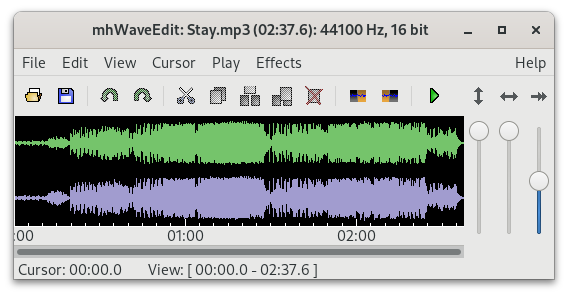
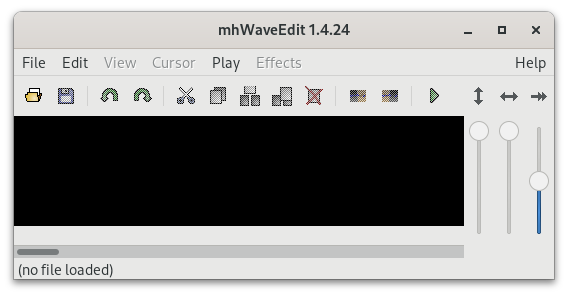
mhWaveEdit is a graphical program for editing sound files
About
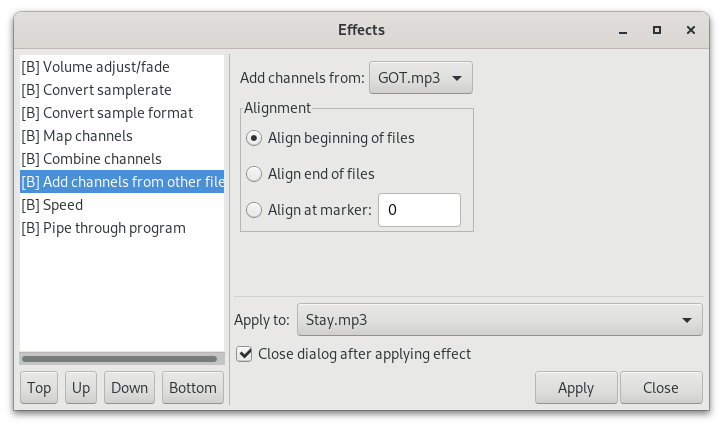
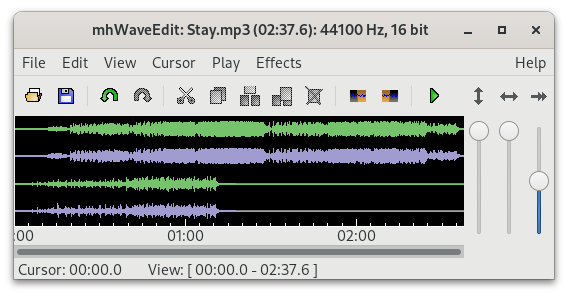
MhWaveEdit can play and edit sound files like .wav, .mp3, .ogg. It is intended to be user-friendly and robust. It does not require a fast computer. It supports effects like: fade in/out, Normalize, Volume adjust/fade, convert sample rate, convert sample format, byte swap, mix to mono, add channel, map channels, combine channels, speed adjustment, pipe through program.
Features:
- Loads, plays, records and saves wav, mp3, ogg files and a few other formats as well.
- If the file is small, it's loaded into memory. Otherwise, it's edited on disc.
- Cut, copy and paste.
- Combine two or more files into single mp3/wav/ogg
- Volume and speed adjustment
- Convert between sample rates, sample sizes, stereo and mono
- You can always undo, all the way back to the original state of the file (even when editing large files.)
Permissions
1 permission weaken the sandbox. Flatsonar asks before installing.
- X11 display: X11 lets apps read input and windows of other apps
--socket=x11 - inter-process communication (needed for X11)
--share=ipc - audio
--socket=pulseaudio - GPU acceleration
--device=dri - access to your music folder
--filesystem=xdg-music
Who publishes this
On Flathub: the manifest was reviewed and built on Flathub's infrastructure, but the developer has not verified ownership of the app id.
- on Flathub: manifest reviewed and built by Flathub; the developer has not verified the app id
publisher:flathub
Maintenance
Recent activity on the upstream repository, or built and reviewed by Flathub.
No staleness signals: recent activity, or built and reviewed by Flathub.