
Rclone Shuttle
by pieterdd
Upload your files to anywhere
About
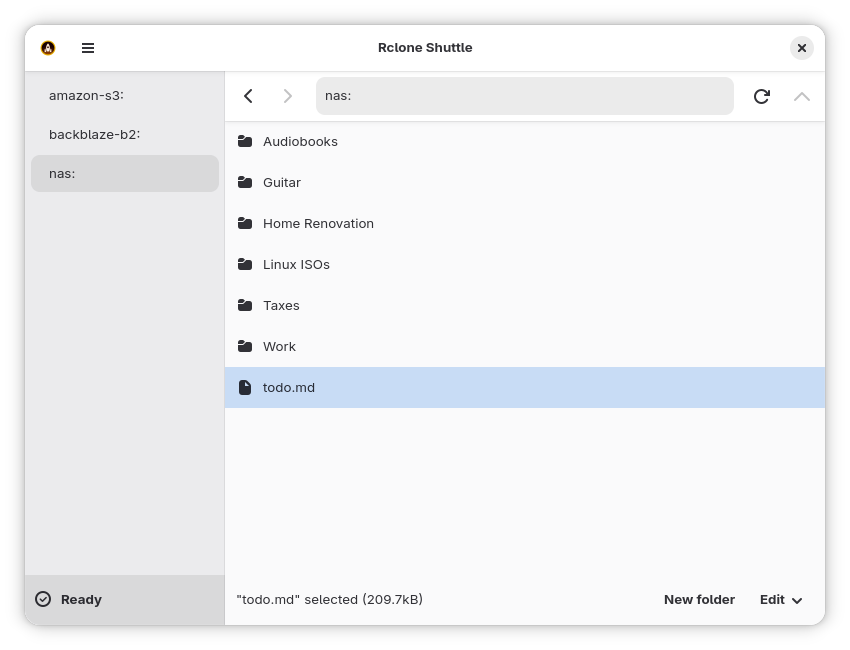
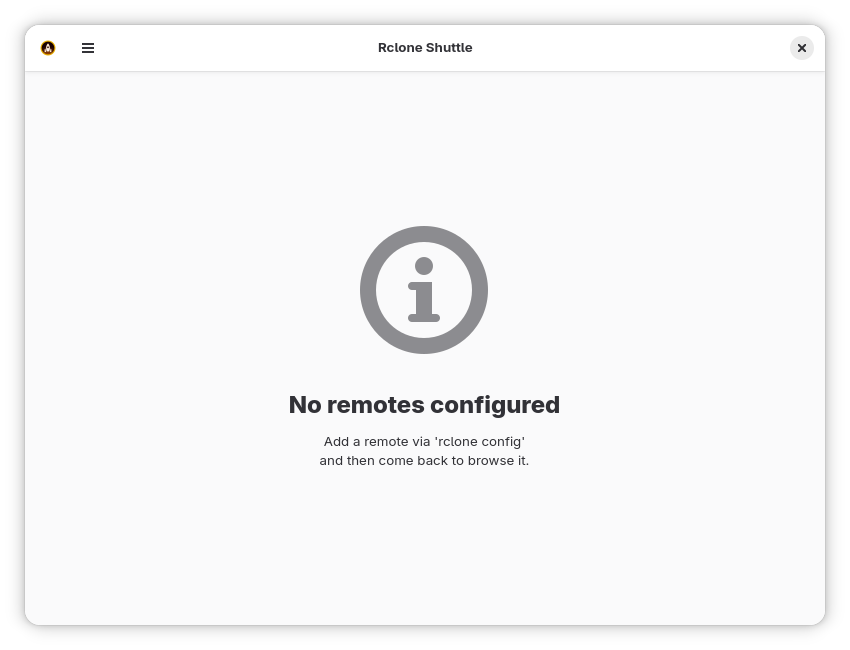
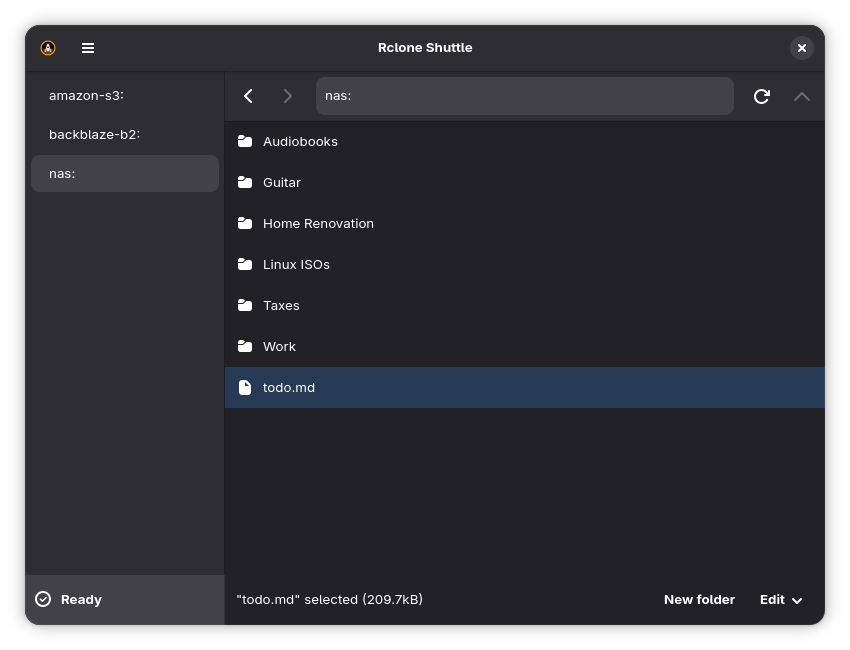
Access all your cloud storage providers from one app. Powered by Rclone's superb command line tool, Rclone Shuttle lets you browse your files wherever they are hosted.
Rclone Shuttle can:
- Upload files via drag and drop
- Rename, move, copy and delete files/folders
- Open remote files locally via double click
- Permanently save a local copy of specific files/folders
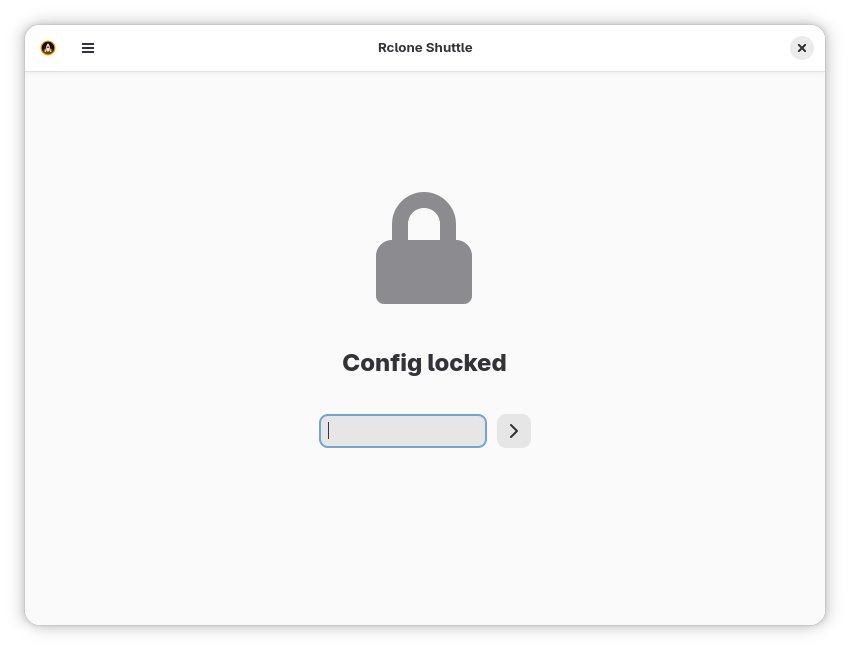
- Handle encrypted Rclone configuration files
Rclone supports a variety of providers and protocols including:
- Amazon S3
- Dropbox
- FTP
- Google Cloud Storage
- Google Drive
- Google Photos
- OneDrive
- Proton Drive
- SFTP
- SMB (Samba)
- WebDAV (works with Nextcloud)
Full host filesystem access is necessary to enable drag-and-drop until https://github.com/pieterdd/RcloneShuttle/issues/7 is fixed.
Permissions
1 permission weaken the sandbox. Flatsonar asks before installing.
- full access to your entire file system
--filesystem=host - inter-process communication (needed for X11)
--share=ipc - network
--share=network - X11 display, only when Wayland is unavailable
--socket=fallback-x11 - Wayland display
--socket=wayland - GPU acceleration
--device=dri
Who publishes this
The creator demonstrably controls this app id: Flathub verification, the hosting account owns the namespace, or a well-known file on their domain.
- verified on Flathub: the developer proved they control this app id
publisher:flathub
Maintenance
Recent activity on the upstream repository, or built and reviewed by Flathub.
No staleness signals: recent activity, or built and reviewed by Flathub.