
Pictures Converter
by Quantum_mutnauQ
Converting image formats
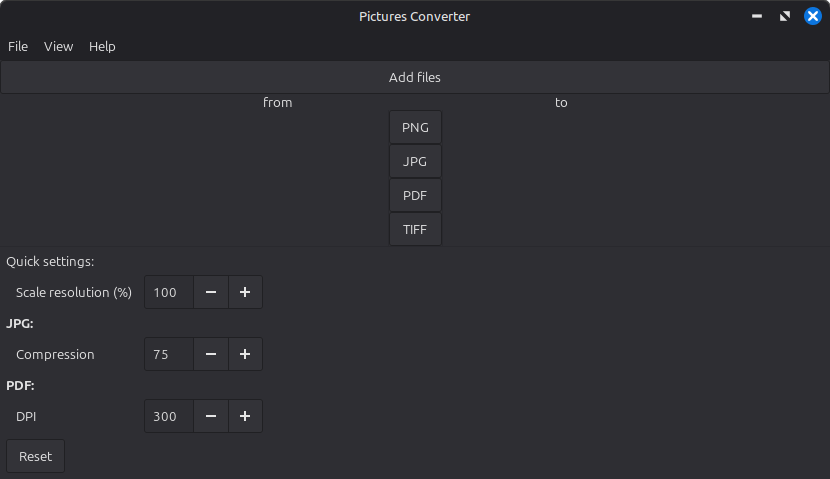
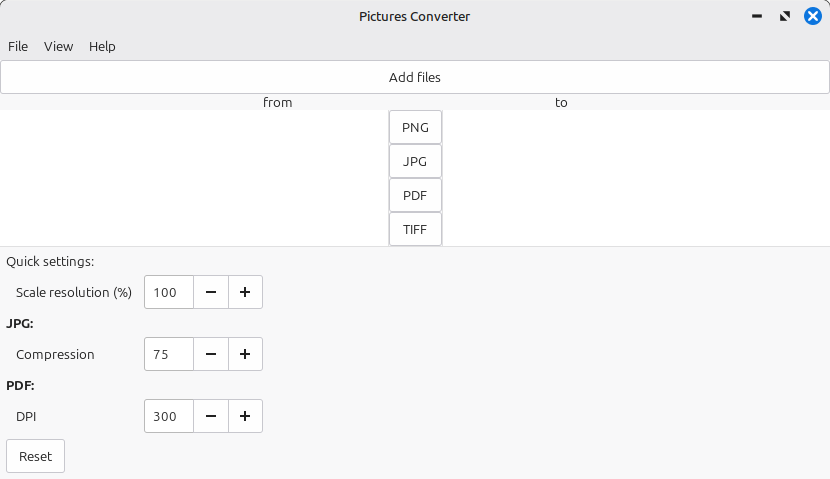
About
The image converter is a program that allows users to convert various file formats through a graphical interface. With this program, the following formats can be converted into all supported formats:
JPG, PNG, TIFF, and PDF
Users can select images from different directories. By double-clicking, the program automatically navigates to the directory where the image is stored. After selecting the new format (using the buttons in the middle), the files are converted into the desired format. They are saved in the same directory from which they were selected.
The TIFF and PDF formats can contain multiple pages. These pages are converted into separate files with sequential numbering.
In the settings function, users can choose whether images are always saved in the "Pictures/Converted" directory, the original directory from which they came (note that the Flatpak version requires elevated permissions for this), or if the program should always prompt for the desired save location.
Permissions
Everything this app can reach outside its sandbox. Nothing here weakens it.
- inter-process communication (needed for X11)
--share=ipc - X11 display, only when Wayland is unavailable
--socket=fallback-x11 - Wayland display
--socket=wayland - GPU acceleration
--device=dri - access to your pictures folder
--filesystem=xdg-pictures
Who publishes this
The creator demonstrably controls this app id: Flathub verification, the hosting account owns the namespace, or a well-known file on their domain.
- verified on Flathub: the developer proved they control this app id
publisher:flathub
Maintenance
Recent activity on the upstream repository, or built and reviewed by Flathub.
No staleness signals: recent activity, or built and reviewed by Flathub.