
RustConn
by Anton Isaiev
Manage SSH, RDP, and VNC connections
Support the creators
Flatsonar is just the shop window. The people below made RustConn.
About
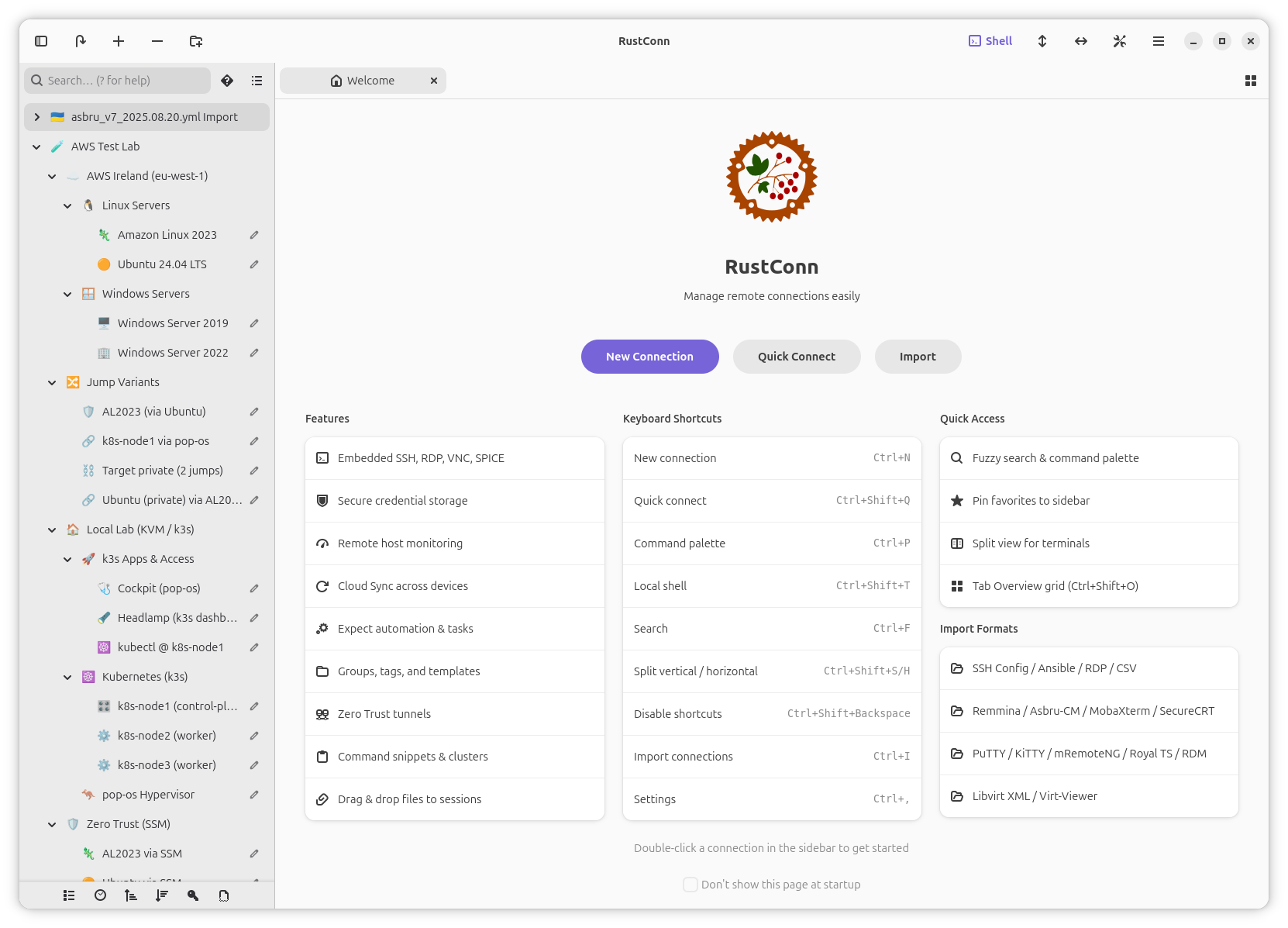
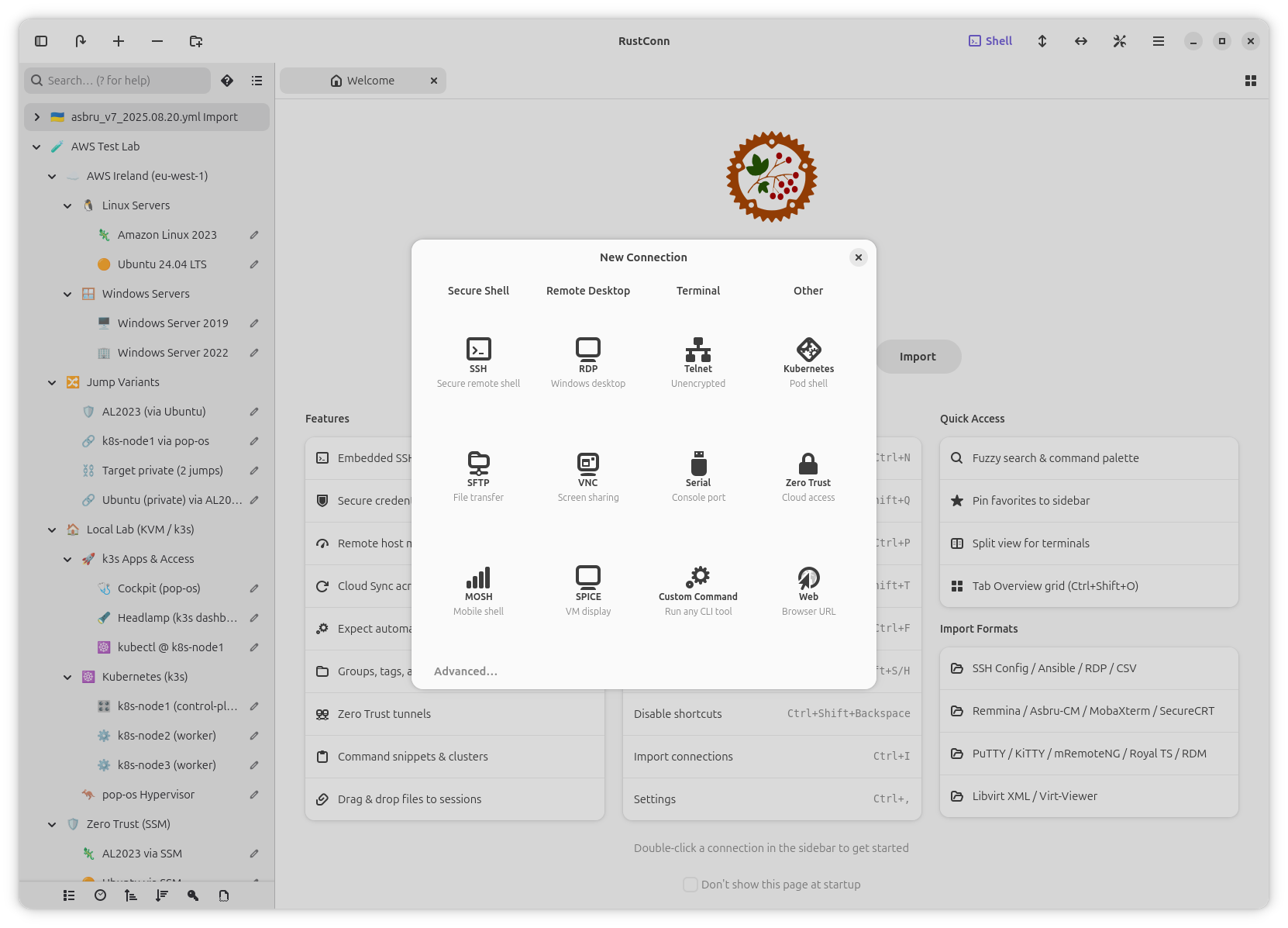
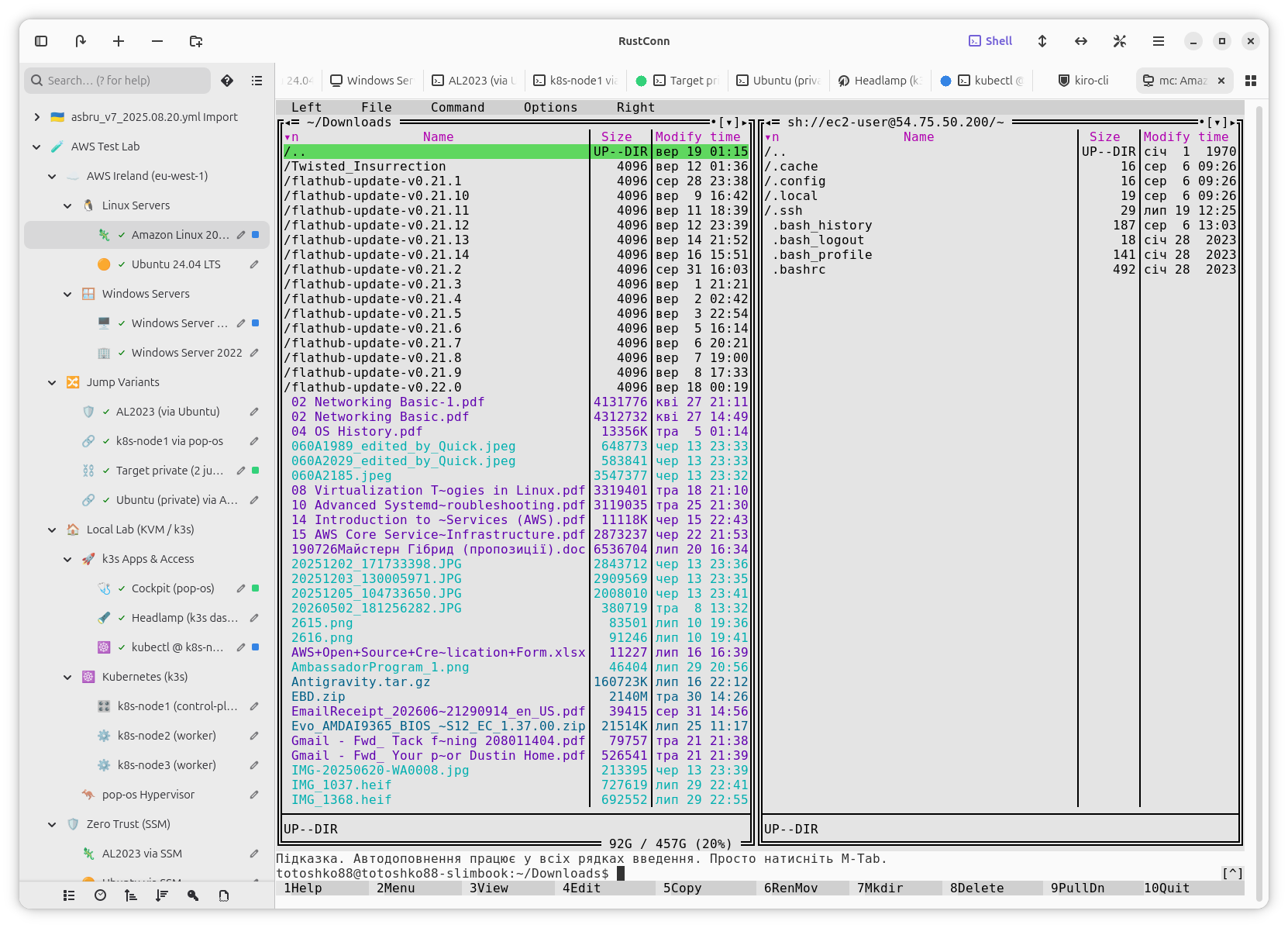
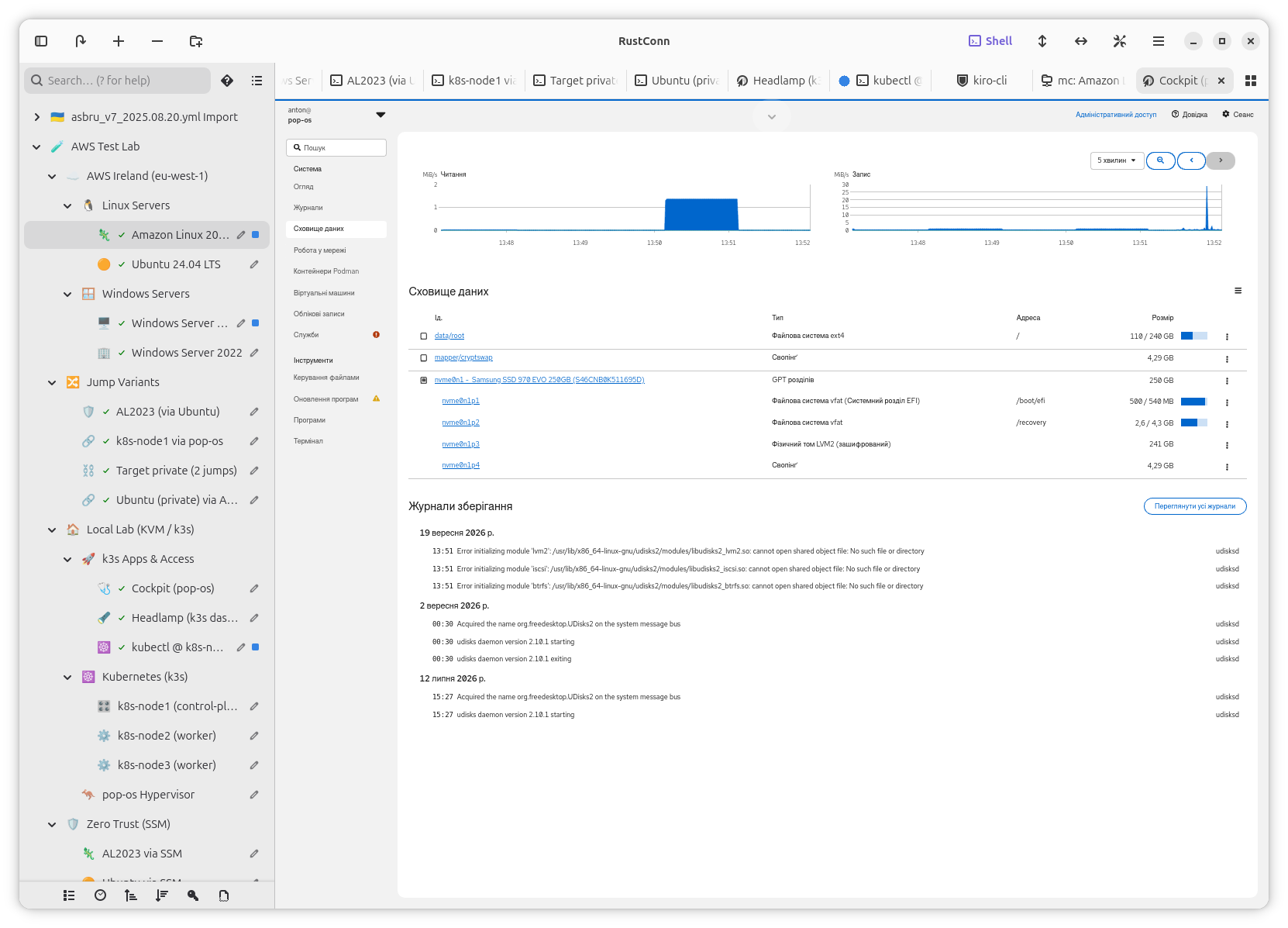
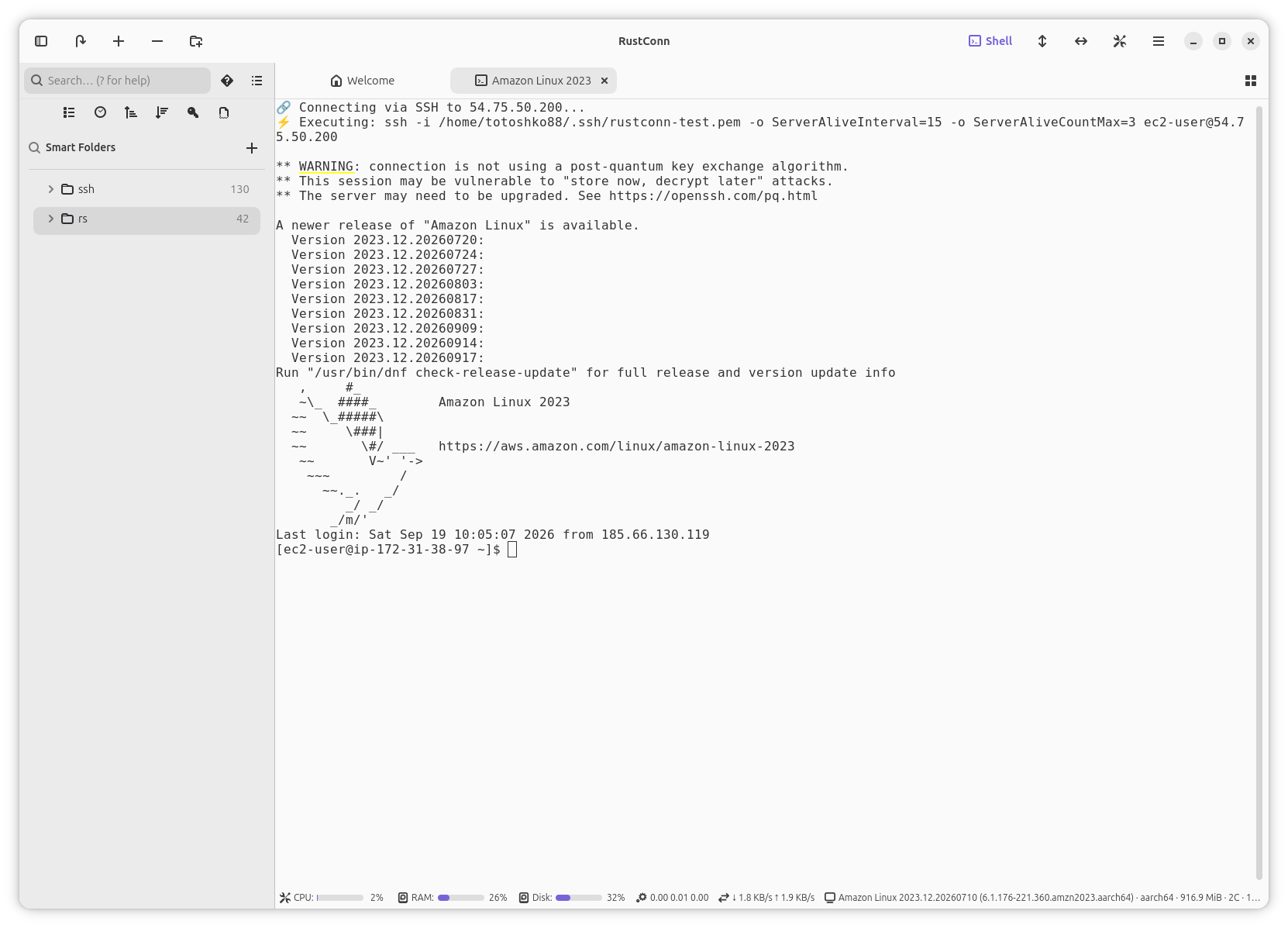
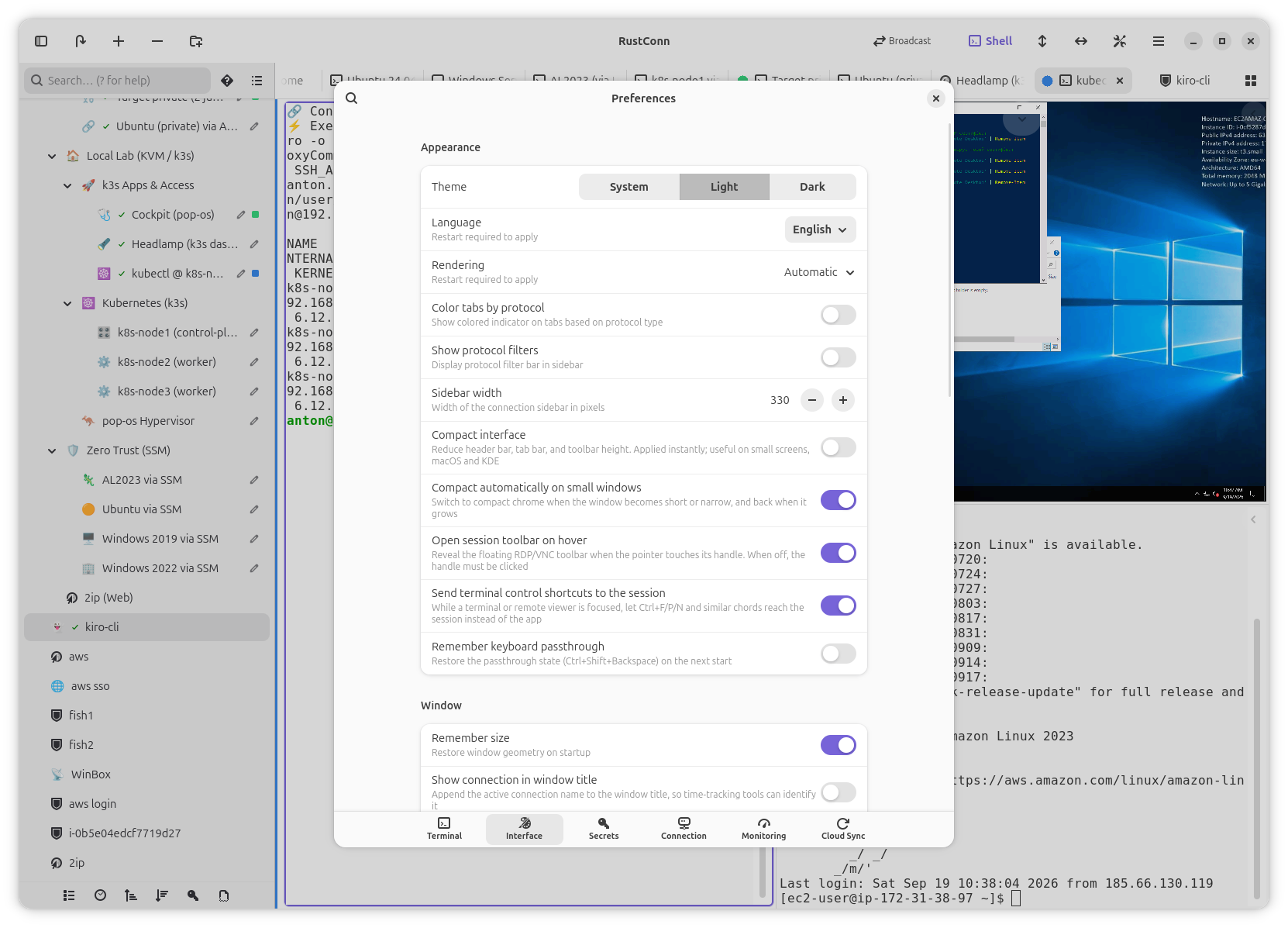
RustConn is a modern connection manager for Linux. Manage SSH, RDP, VNC, SPICE, MOSH, Telnet, Serial, Kubernetes, and Zero Trust connections from a single application with embedded protocol support and no external dependencies required.
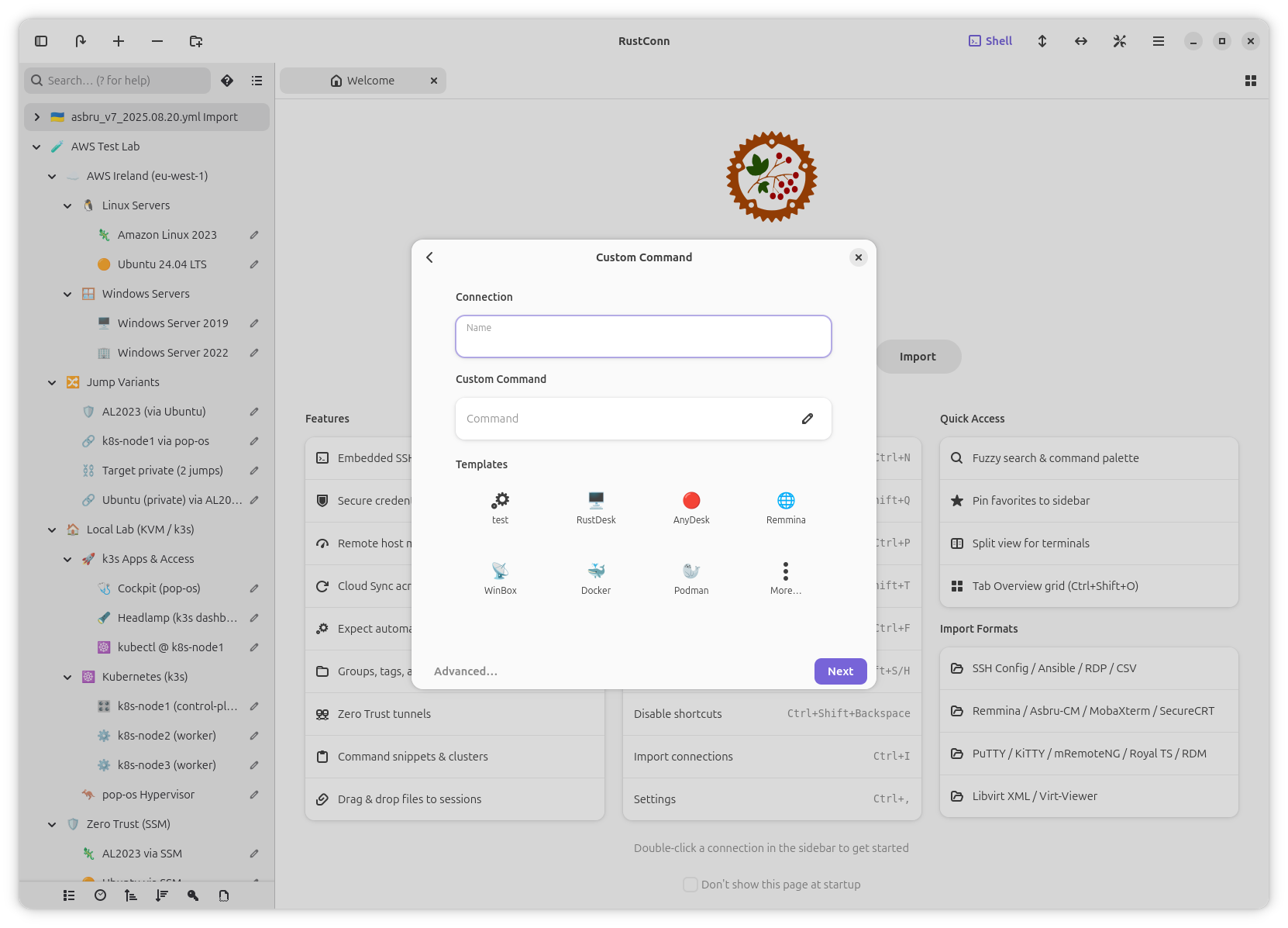
Organize connections into groups and tags, split terminals side by side, automate tasks with expect scripts and command snippets, and synchronize configurations across devices via Cloud Sync. Import from Remmina, Asbru-CM, MobaXterm, Royal TS, SSH config, Ansible inventory, CSV, RDP files, or libvirt.
- SSH, MOSH, Telnet, Serial, and Kubernetes terminals with scrollbar and font zoom
- Embedded RDP, VNC, and SPICE sessions with external client fallback
- Zero Trust tunnels: AWS SSM, GCP IAP, Azure Bastion, Cloudflare, Teleport, Tailscale, and more
- Cloud Sync via shared directories (Google Drive, Syncthing, Nextcloud, Dropbox)
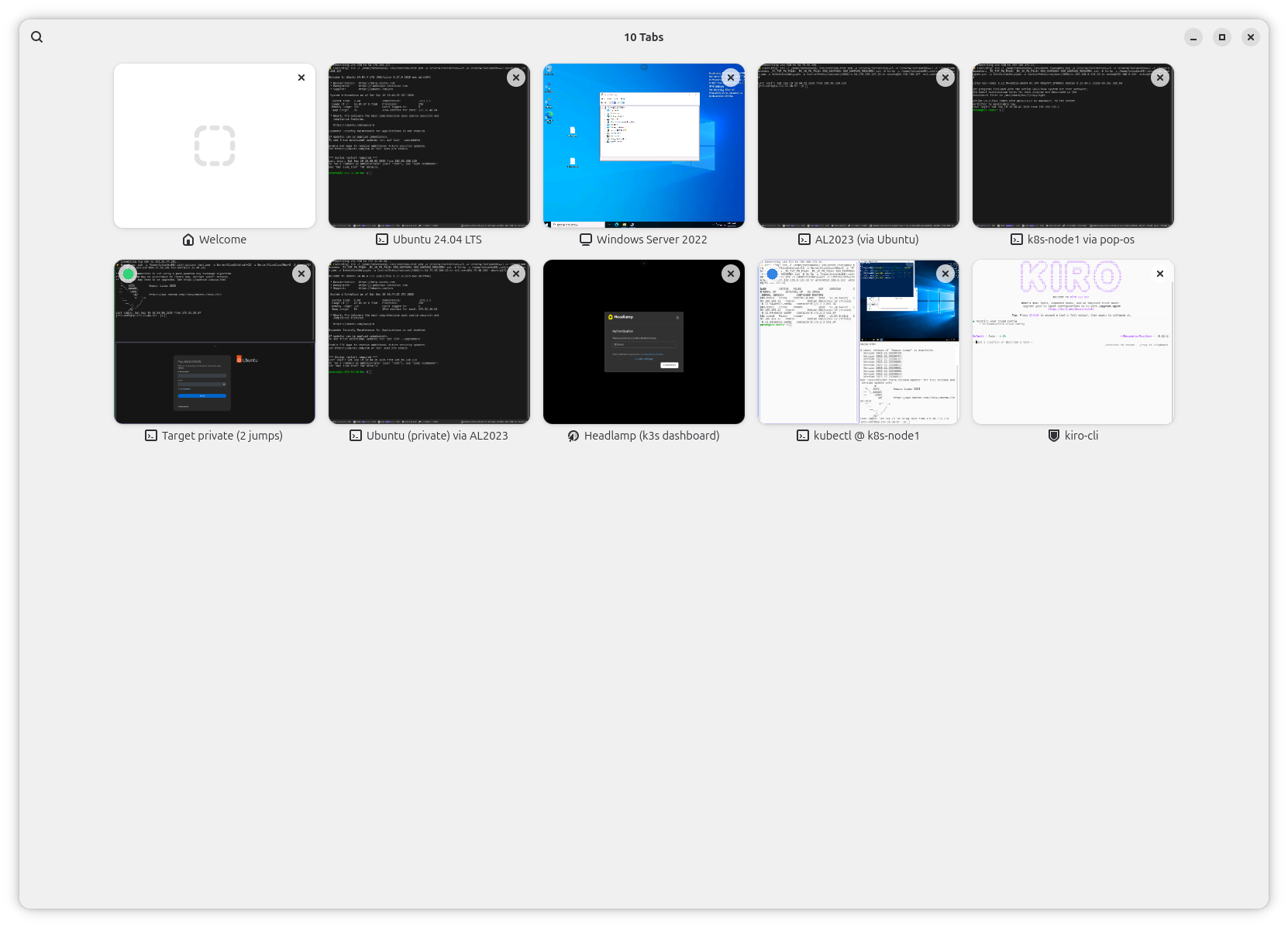
- Tab Overview, Tab Pinning, Split View, and cluster commands for managing many sessions
- Credential storage via KeePassXC, GNOME Keyring, Bitwarden, 1Password, Passbolt, or Pass
- SFTP file browser with split-panel navigation and remote host monitoring
- Session recording, text highlighting, Wake-on-LAN, and custom terminal themes
Permissions
7 permissions weaken the sandbox. Flatsonar asks before installing.
- all devices (/dev): webcams, disks, raw hardware
--device=all - access to a sensitive location (~/.aws): credentials or autostart
--filesystem=~/.aws - access to a sensitive location (~/.kube): credentials or autostart
--filesystem=~/.kube:ro - access to a sensitive location (~/.ssh): credentials or autostart
--filesystem=~/.ssh:ro - sandbox escape: can run commands on the host via flatpak-spawn
--talk-name=org.freedesktop.Flatpak - your SSH agent (can sign with your SSH keys)
--socket=ssh-auth - your keyring / saved passwords
--talk-name=org.freedesktop.secrets - inter-process communication (needed for X11)
--share=ipc - network
--share=network - X11 display, only when Wayland is unavailable
--socket=fallback-x11 - audio
--socket=pulseaudio - Wayland display
--socket=wayland - access to ~/.azure
--filesystem=~/.azure:ro - access to ~/.config/gcloud
--filesystem=~/.config/gcloud:ro - access to your download folder
--filesystem=xdg-download:create - system tray
--talk-name=org.kde.StatusNotifierWatcher - talks to org.kde.kwalletd5
--talk-name=org.kde.kwalletd5 - talks to org.kde.kwalletd6
--talk-name=org.kde.kwalletd6 - talks to org.keepassxc.KeePassXC.BrowserServer
--talk-name=org.keepassxc.KeePassXC.BrowserServer - restricts BASH_FUNC_mc%%
--unset-env=BASH_FUNC_mc%%
Who publishes this
The creator demonstrably controls this app id: Flathub verification, the hosting account owns the namespace, or a well-known file on their domain.
- fetches from ftp.midnight-commander.org over unencrypted http: anyone on the path can swap the bytes
source:insecure-url - verified on Flathub: the developer proved they control this app id
publisher:flathub
Maintenance
Recent activity on the upstream repository, or built and reviewed by Flathub.
No staleness signals: recent activity, or built and reviewed by Flathub.