
WiVRn server
by Guillaume Meunier, Patrick Nicolas et al
Play your PC VR games on a standalone headset
Support the creators
Flatsonar is just the shop window. The people below made WiVRn server.
About
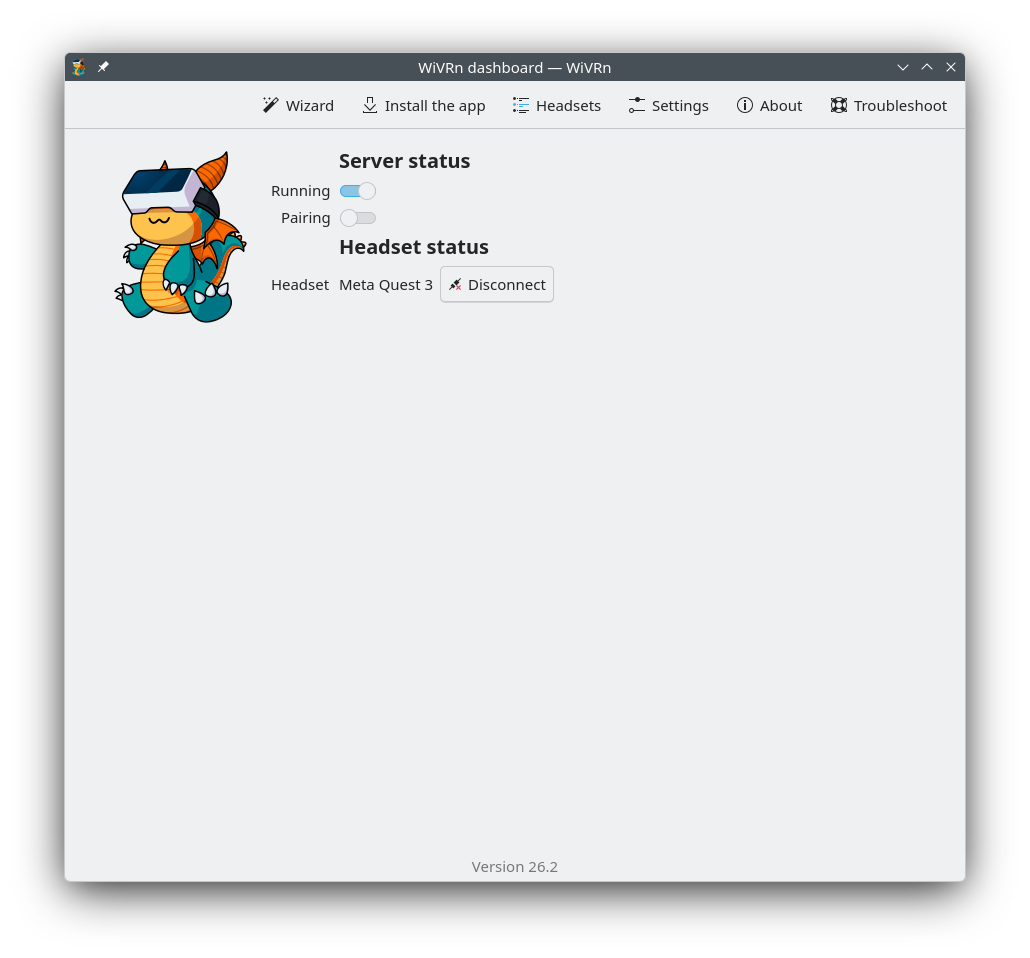
WiVRn allows you to run your VR games from your PC and play them from a standalone headset.
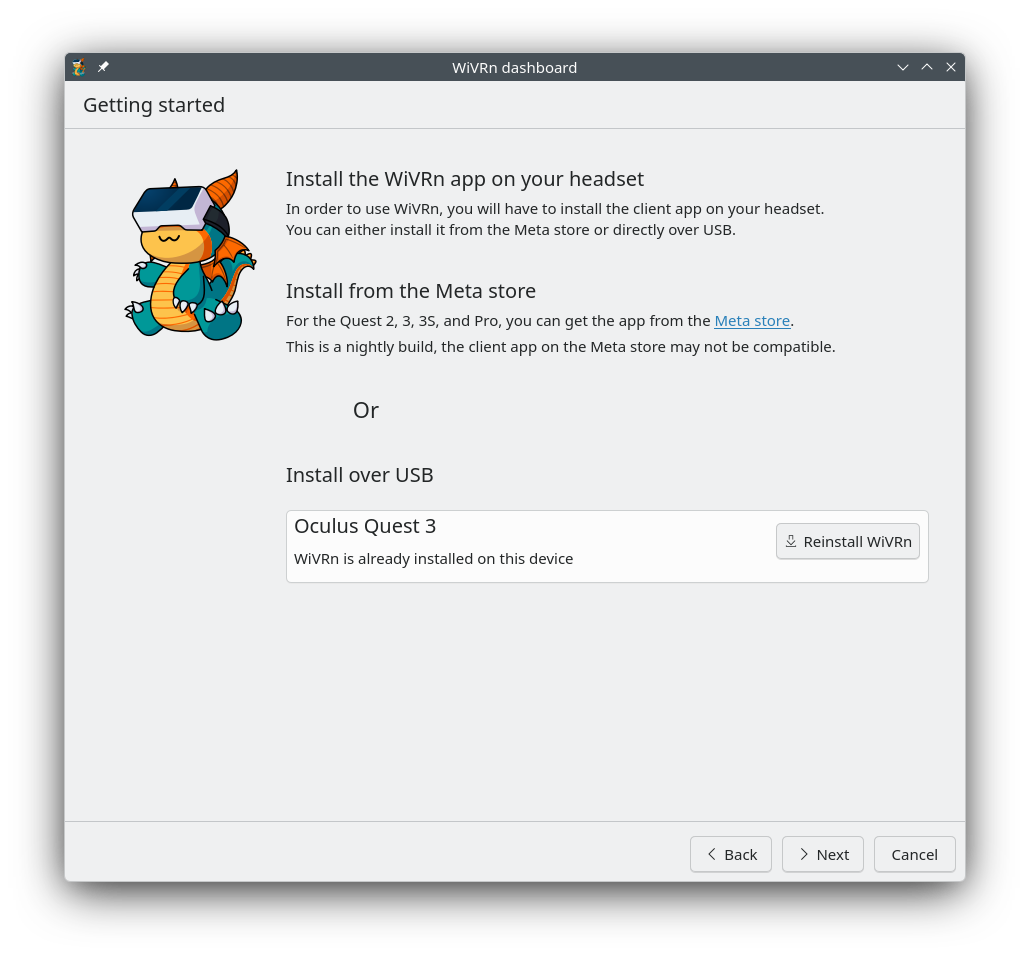
Works with the WiVRn client app on standalone headsets, available as an APK and on the Meta Store.
Features:
- Supports OpenXR and OpenVR applications through xrizer or OpenComposite
- Controller tracking, hand tracking, eye gaze tracking, body tracking as supported by the headset
- Audio streaming and microphone
- Low latency video streaming with H264 / HEVC / AV1 compression
- Hardware accelerated compression with Vulkan video encode, VAAPI or NVENC
- Software compression with x264
Supported headsets:
- Meta Quest 1, 2, 3, 3S, pro
- Pico Neo 4
- HTC Vive Focus 3, XR Elite
- Samsung Galaxy XR
For desktop streaming, check out WayVR.
Permissions
8 permissions weaken the sandbox. Flatsonar asks before installing.
- sandbox escape: can run commands on the host via flatpak-spawn
--talk-name=org.freedesktop.Flatpak - access to operating-system files
--filesystem=host-etc - access to operating-system files
--filesystem=host-os:ro - talks to system service org.freedesktop.Avahi
--system-talk-name=org.freedesktop.Avahi - session management (logout, suspend)
--system-talk-name=org.freedesktop.login1 - talks to system service org.fedoraproject.FirewallD1
--system-talk-name=org.fedoraproject.FirewallD1 - talks to system service org.fedoraproject.FirewallD1.config
--system-talk-name=org.fedoraproject.FirewallD1.config - talks to system service org.freedesktop.hostname1
--system-talk-name=org.freedesktop.hostname1 - inter-process communication (needed for X11)
--share=ipc - network
--share=network - X11 display, only when Wayland is unavailable
--socket=fallback-x11 - Wayland display
--socket=wayland - GPU acceleration
--device=dri - access to xdg-config/openxr
--filesystem=xdg-config/openxr:create - access to xdg-data/Steam
--filesystem=xdg-data/Steam:ro - access to xdg-run/.flatpak/dev.slimevr.SlimeVR
--filesystem=xdg-run/.flatpak/dev.slimevr.SlimeVR - access to xdg-config/openvr
--filesystem=xdg-config/openvr:create - access to ~/.var/app/com.valvesoftware.Steam
--filesystem=~/.var/app/com.valvesoftware.Steam:ro - access to xdg-run/wivrn
--filesystem=xdg-run/wivrn:create - access to xdg-run/SlimeVRRpc
--filesystem=xdg-run/SlimeVRRpc - access to xdg-data/dev.slimevr.SlimeVR
--filesystem=xdg-data/dev.slimevr.SlimeVR - access to xdg-data/applications
--filesystem=xdg-data/applications:ro - access to ~/.steam
--filesystem=~/.steam:ro - access to xdg-config/kdeglobals
--filesystem=xdg-config/kdeglobals:ro - access to xdg-run/SlimeVRInput
--filesystem=xdg-run/SlimeVRInput - access to xdg-run/pipewire-0
--filesystem=xdg-run/pipewire-0 - talks to com.canonical.AppMenu.Registrar
--talk-name=com.canonical.AppMenu.Registrar - talks to org.kde.kconfig.notify
--talk-name=org.kde.kconfig.notify - talks to org.kde.KGlobalSettings
--talk-name=org.kde.KGlobalSettings - system tray
--talk-name=org.kde.StatusNotifierWatcher - owns bus name io.github.wivrn.Server
--own-name=io.github.wivrn.Server
Who publishes this
The creator demonstrably controls this app id: Flathub verification, the hosting account owns the namespace, or a well-known file on their domain.
- verified on Flathub: the developer proved they control this app id
publisher:flathub
Maintenance
Recent activity on the upstream repository, or built and reviewed by Flathub.
No staleness signals: recent activity, or built and reviewed by Flathub.