
RClone Manager
by Zarestia Dev
Browse and sync cloud storage
About
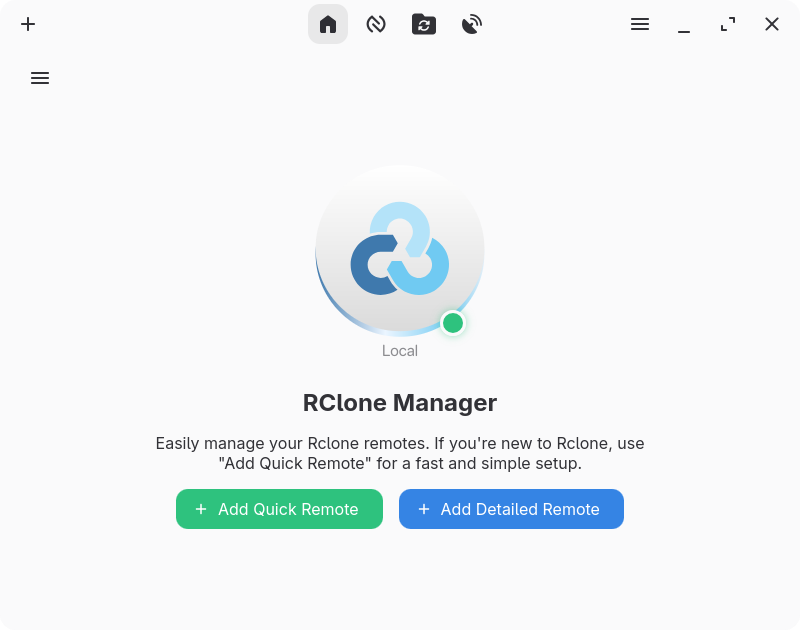
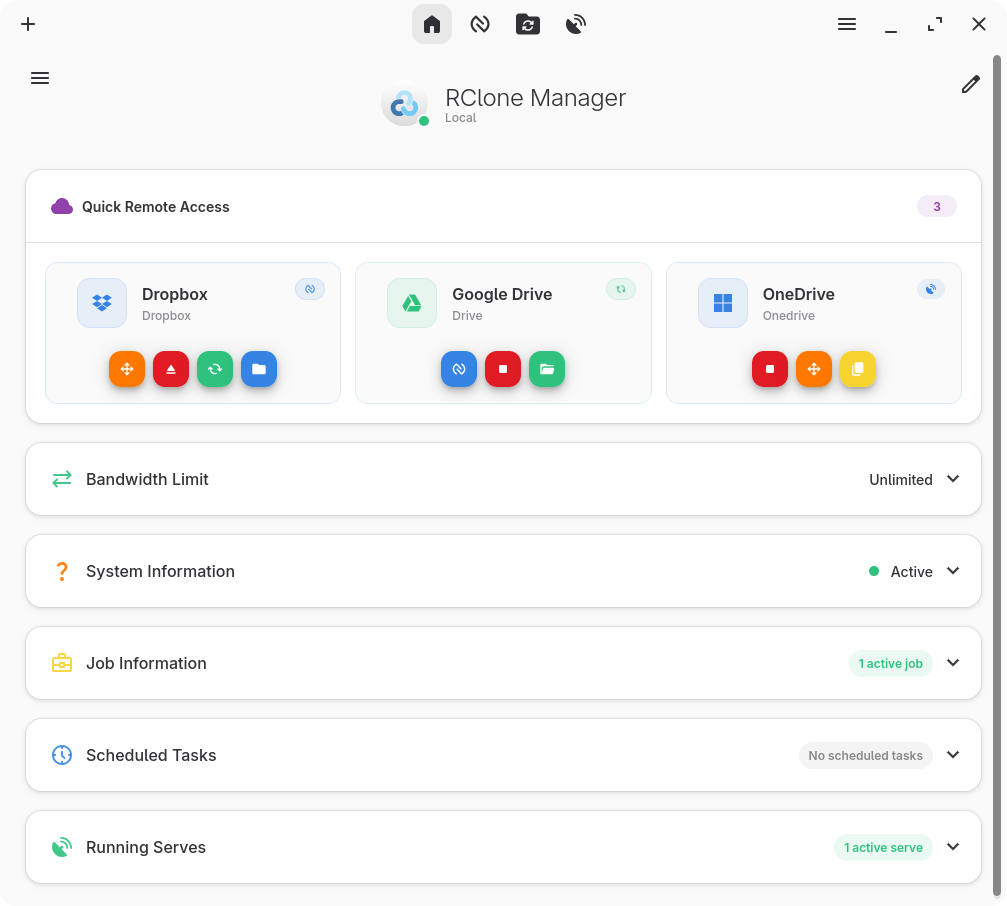
A graphical interface for rclone that lets you manage cloud storage accounts without using the command line. Supports dozens of providers including Google Drive, Dropbox, OneDrive, and S3.
Key features:
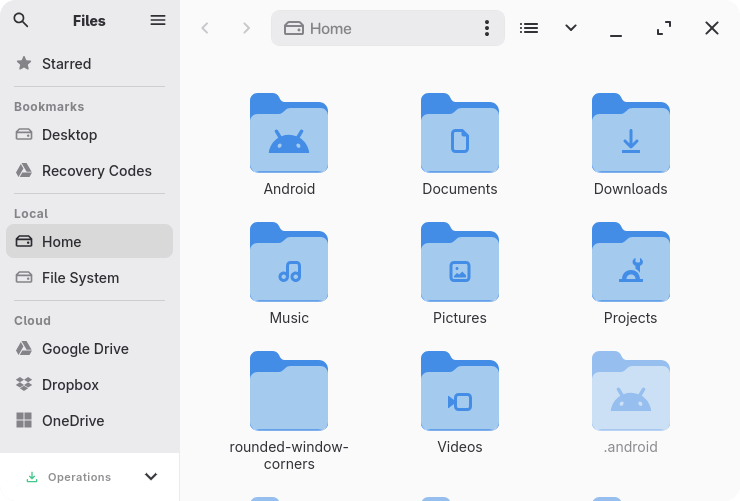
- Built-in file manager: browse, copy, move, rename, delete, and preview files on remote storage
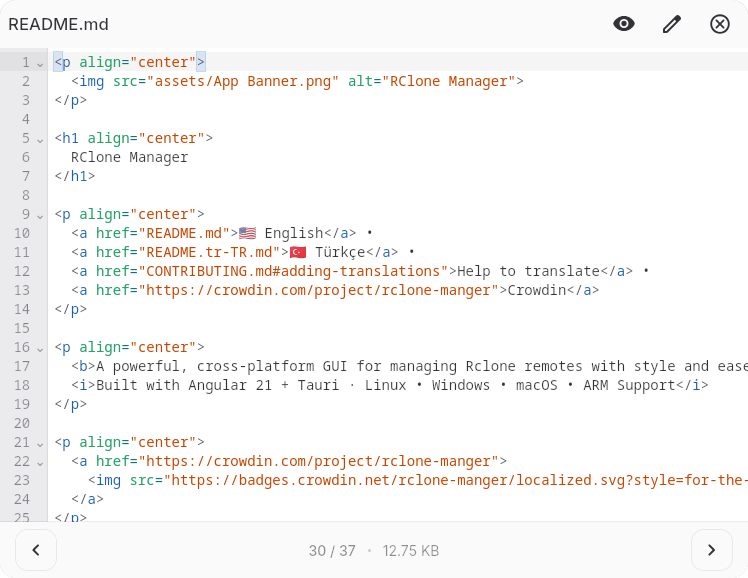
- Preview support for images, videos, PDFs, audio, text, Markdown, and code files with syntax highlighting
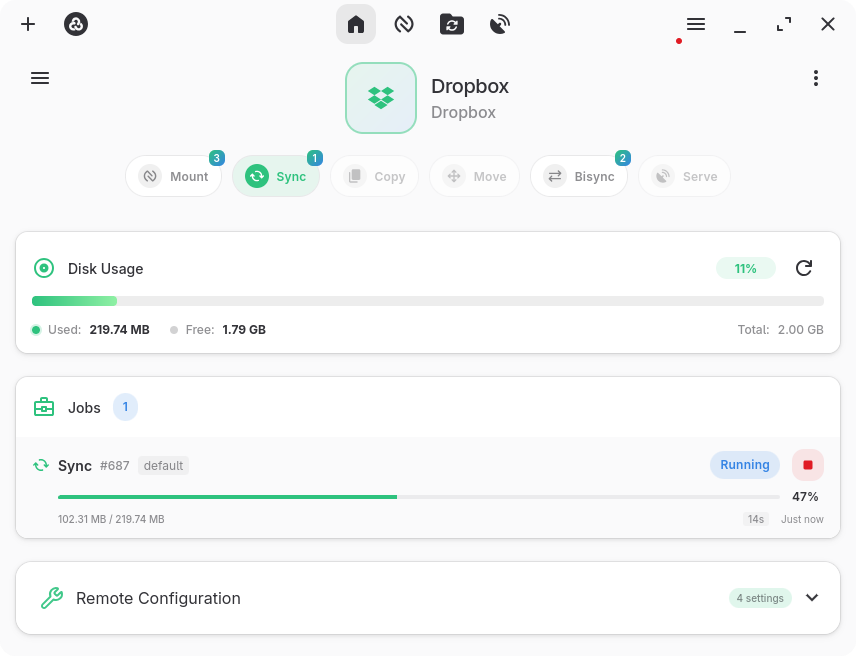
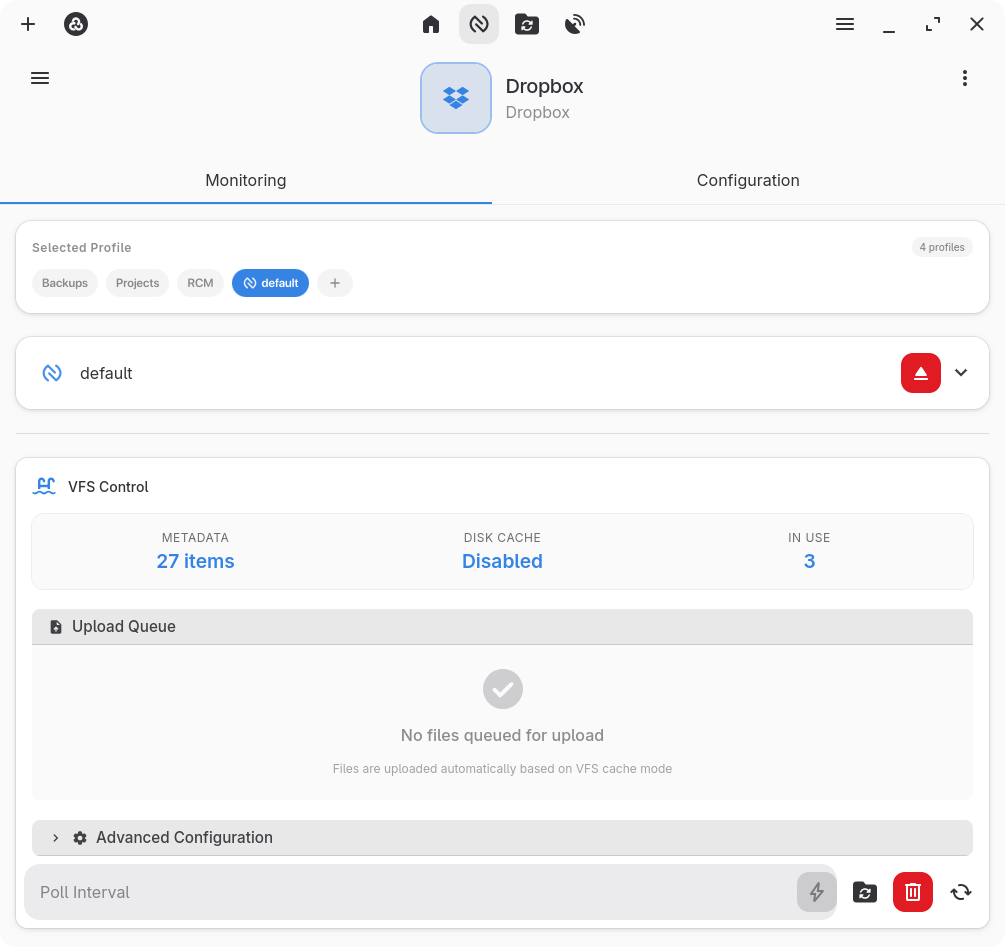
- Mount remote storage as a local drive
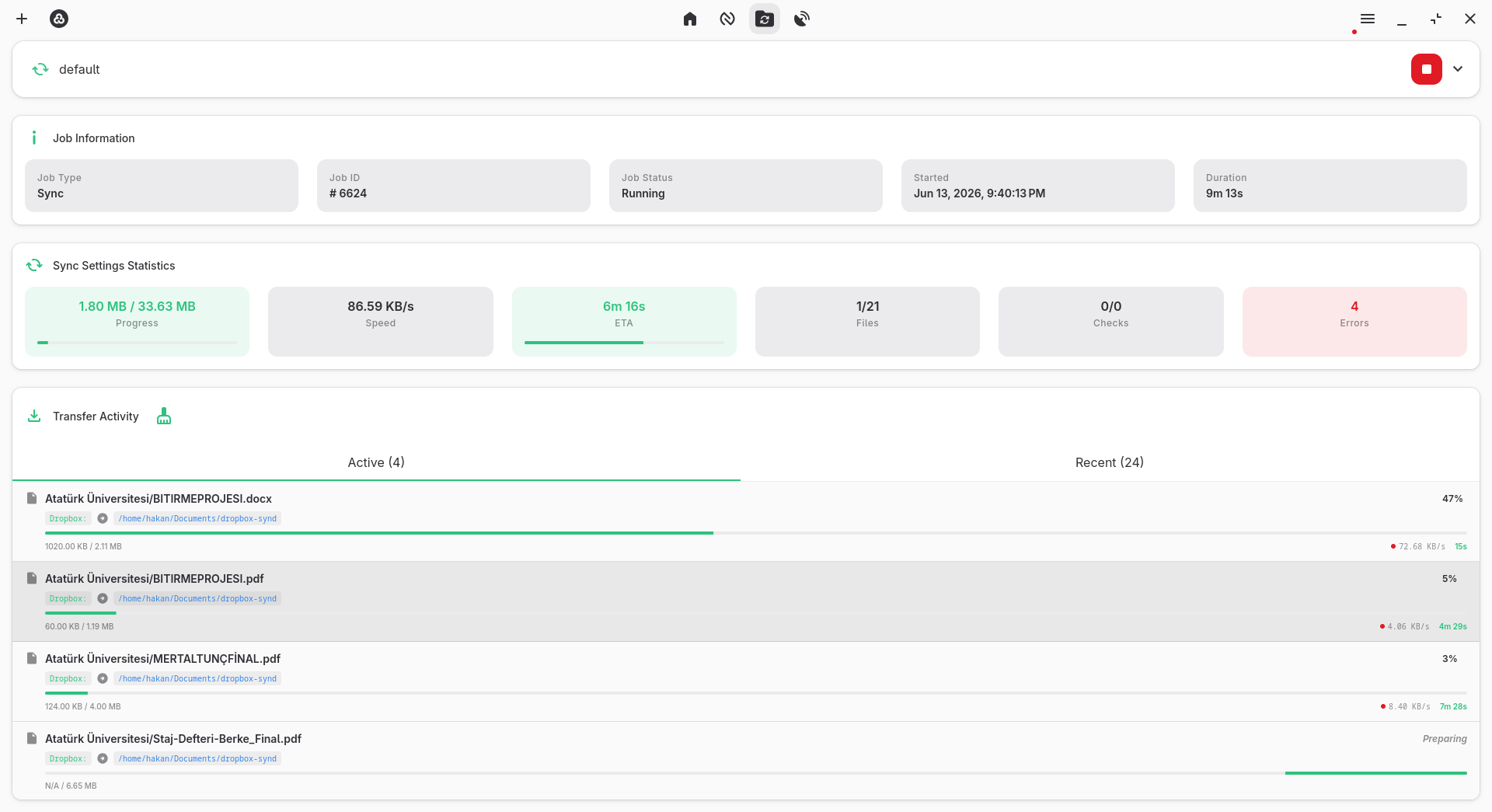
- Schedule sync, copy, move, and bisync operations using cron expressions
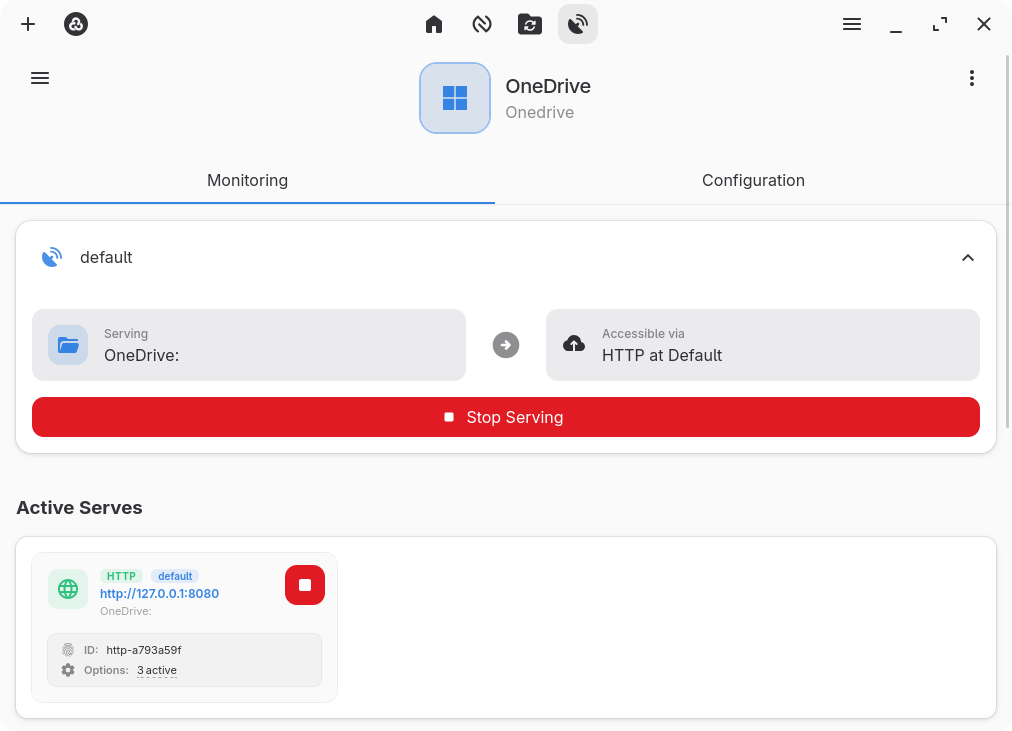
- Serve remote storage over HTTP or WebDAV
- System tray integration for monitoring active transfers and jobs
- Dark and light mode
- Encrypted configuration storage and backup/restore support
- Multiple remote backends and per-operation profiles
Troubleshooting: If you encounter an "Invalid binary" error during setup, it is likely caused by an outdated system rclone binary. Go to Settings → Core, clear the rclone binary path, and click Save & Reset Engine. When prompted, let the app download and install the latest rclone version automatically.
For other issues such as a blank screen or freezes on Linux, refer to the Linux Troubleshooting Guide linked below.
Permissions
1 permission weaken the sandbox. Flatsonar asks before installing.
- your keyring / saved passwords
--talk-name=org.freedesktop.secrets - inter-process communication (needed for X11)
--share=ipc - network
--share=network - X11 display, only when Wayland is unavailable
--socket=fallback-x11 - Wayland display
--socket=wayland - GPU acceleration
--device=dri - access to xdg-run/tray-icon
--filesystem=xdg-run/tray-icon:create - access to your download folder
--filesystem=xdg-download - access to your documents folder
--filesystem=xdg-documents - system tray
--talk-name=org.kde.StatusNotifierWatcher - notifications
--talk-name=org.freedesktop.Notifications
Who publishes this
The creator demonstrably controls this app id: Flathub verification, the hosting account owns the namespace, or a well-known file on their domain.
- verified on Flathub: the developer proved they control this app id
publisher:flathub
Maintenance
Recent activity on the upstream repository, or built and reviewed by Flathub.
No staleness signals: recent activity, or built and reviewed by Flathub.