
Mission Center
by Mission Center Developers
Monitor system resource usage
Support the creators
Flatsonar is just the shop window. The people below made Mission Center.
About
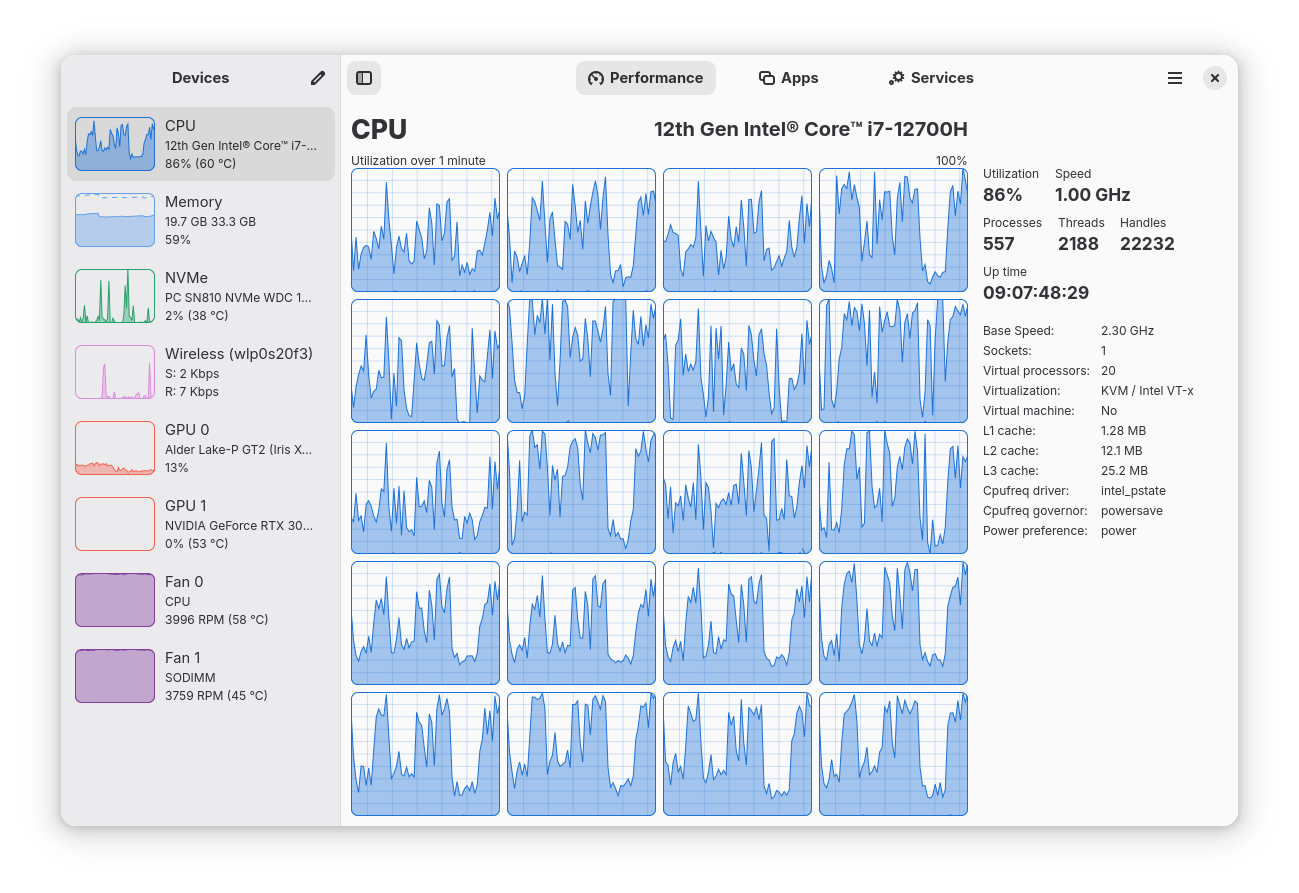
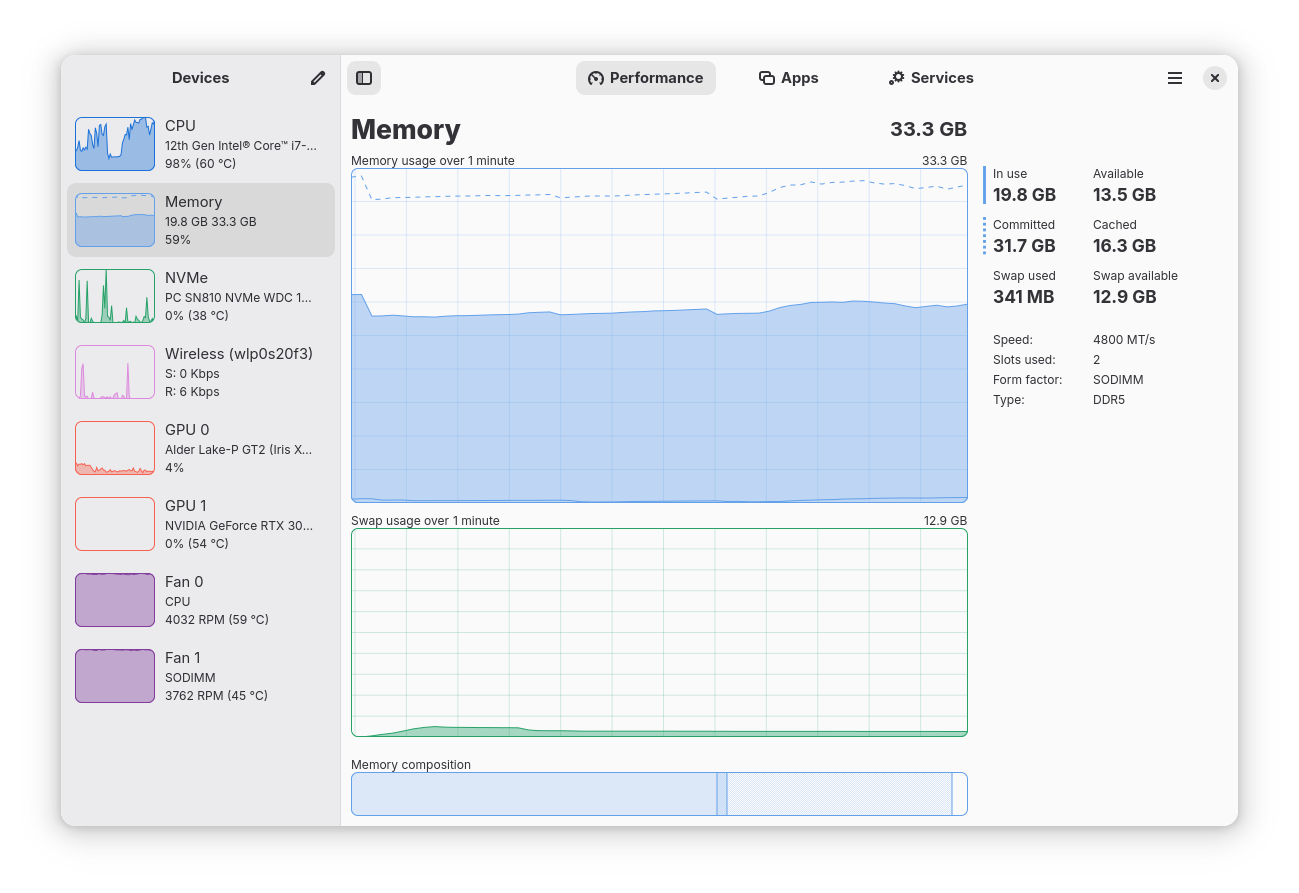
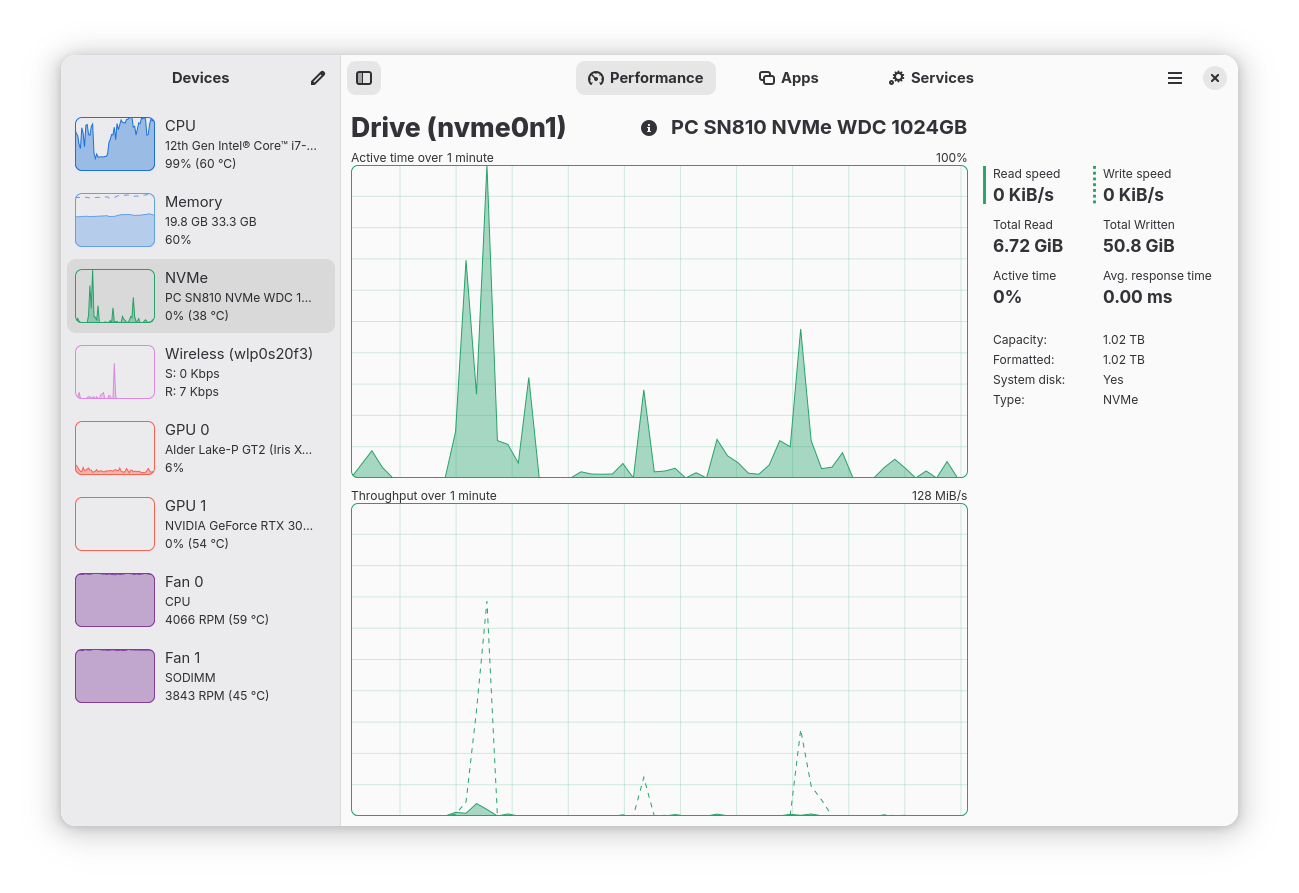
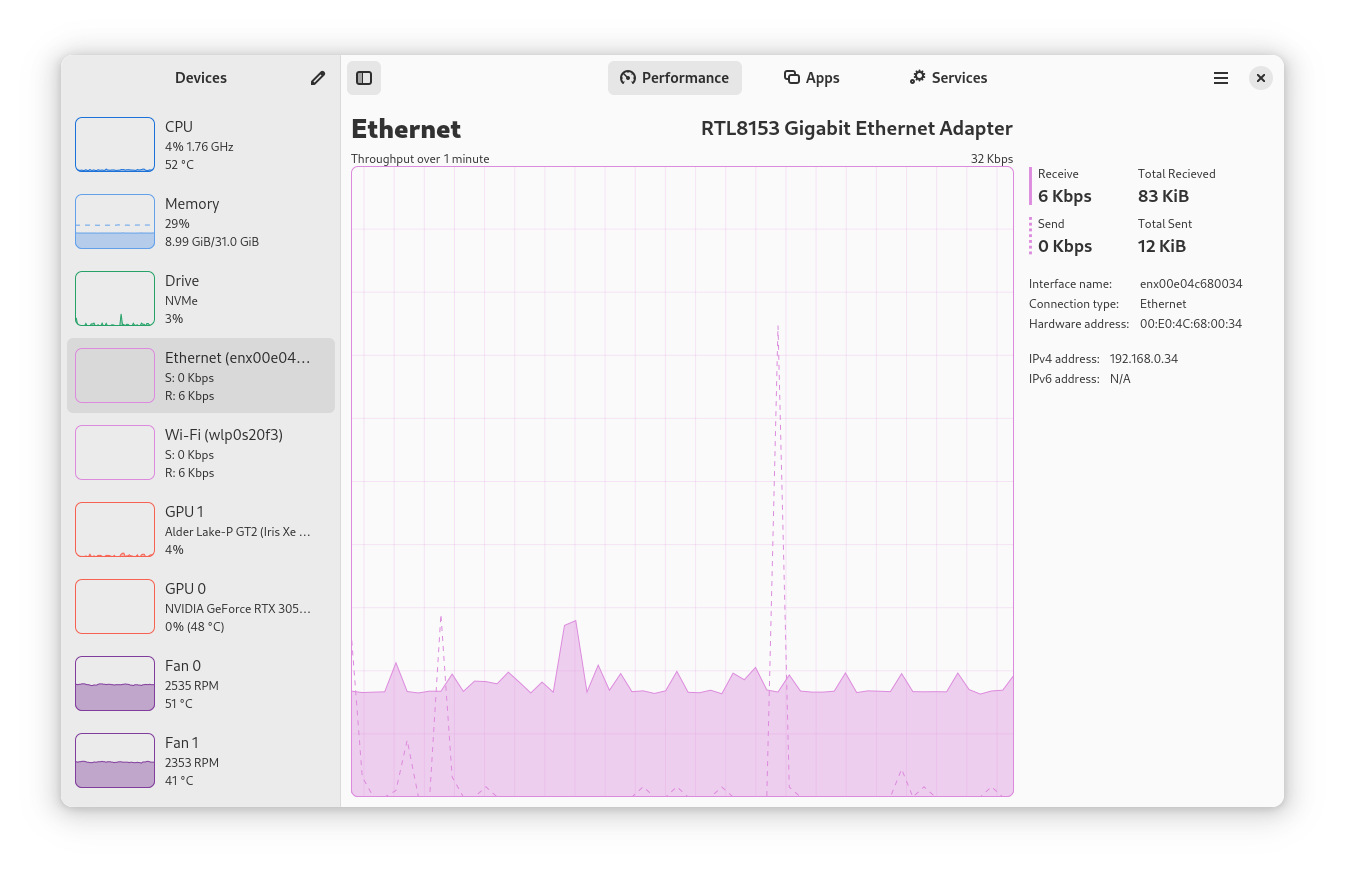
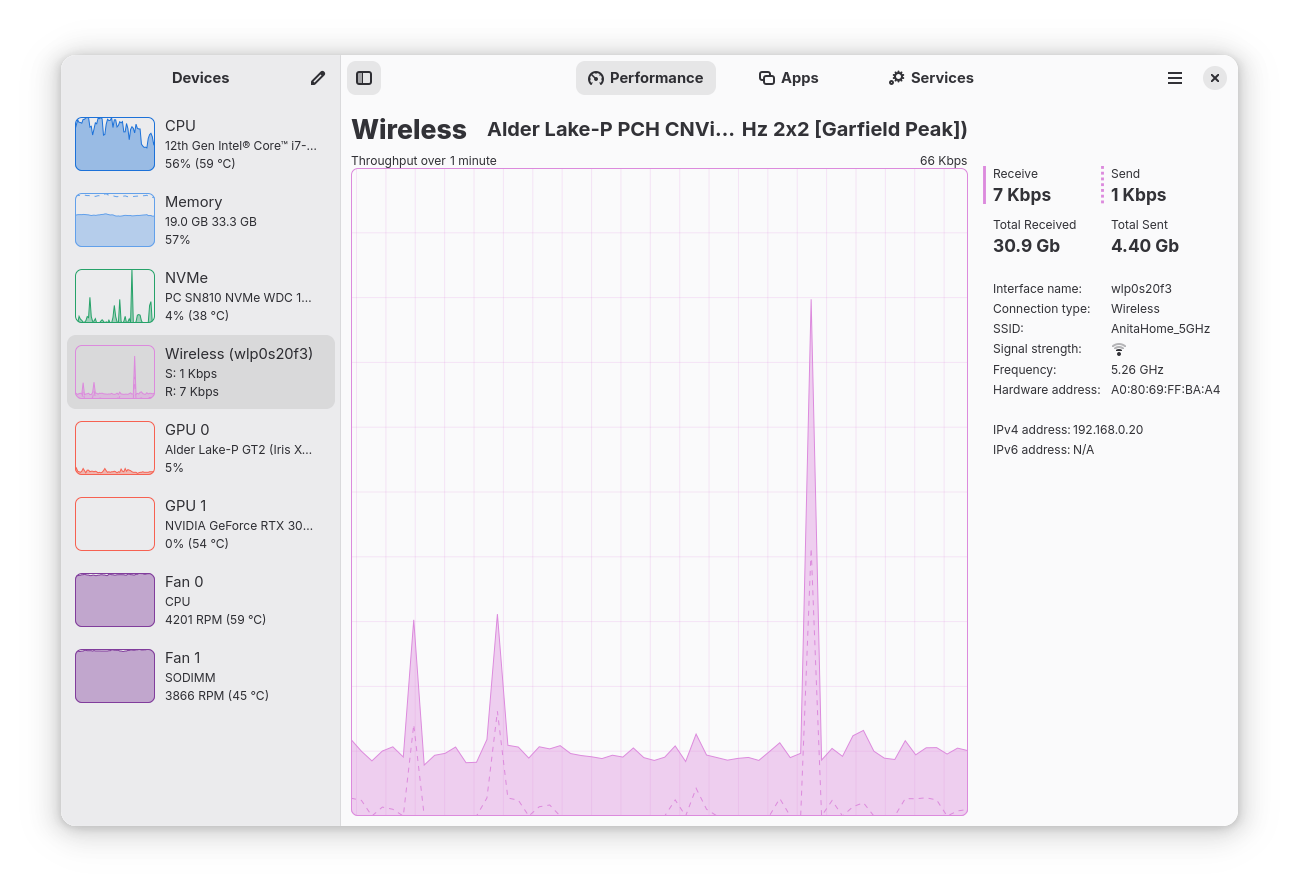
Monitor your CPU, Memory, Disk, Network and GPU usage, accompanied by a per app and process breakdown of these statistics
Features:
- Monitor overall or per-thread CPU usage - See system process, thread, and handle count, uptime, clock speed (base and current), cache sizes - Monitor RAM and Swap usage - See a breakdown how the memory is being used by the system - Monitor Disk utilization and transfer rates - Monitor network utilization and transfer speeds - See network interface information such as network card name, connection type (Wi-Fi or Ethernet), wireless speeds and frequency, hardware address, IP address
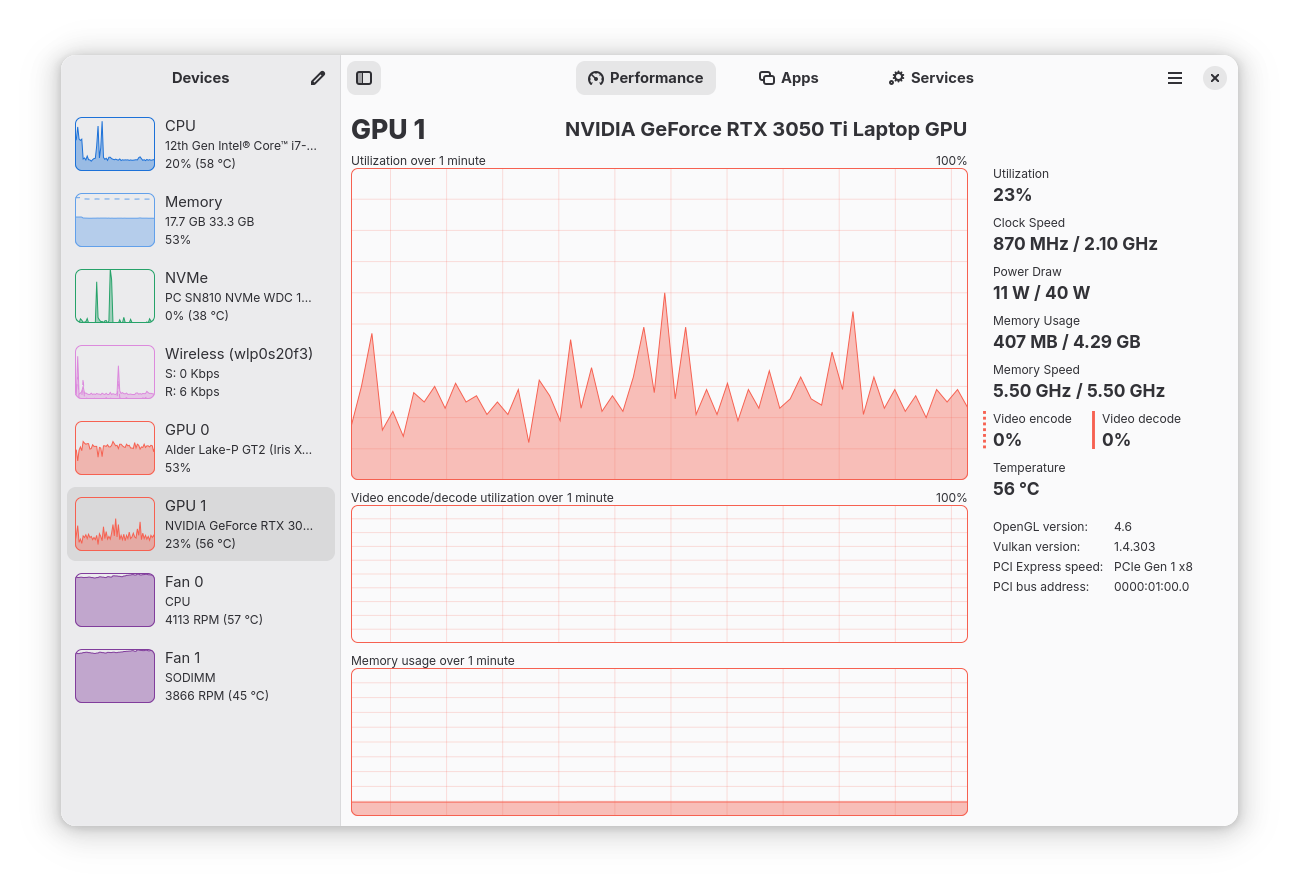
- Monitor overall GPU usage, video encoder and decoder usage, memory usage and power consumption, powered by the popular NVTOP project
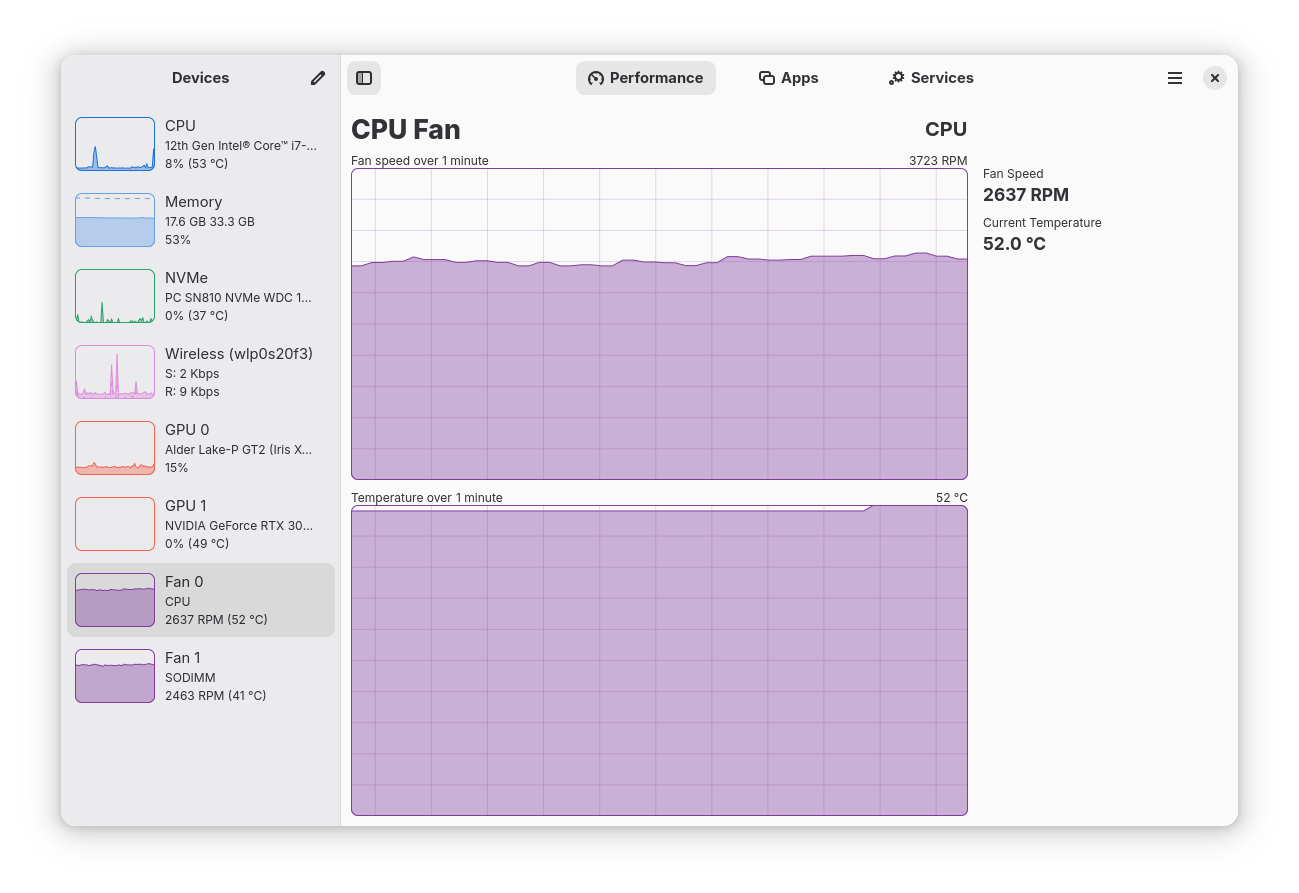
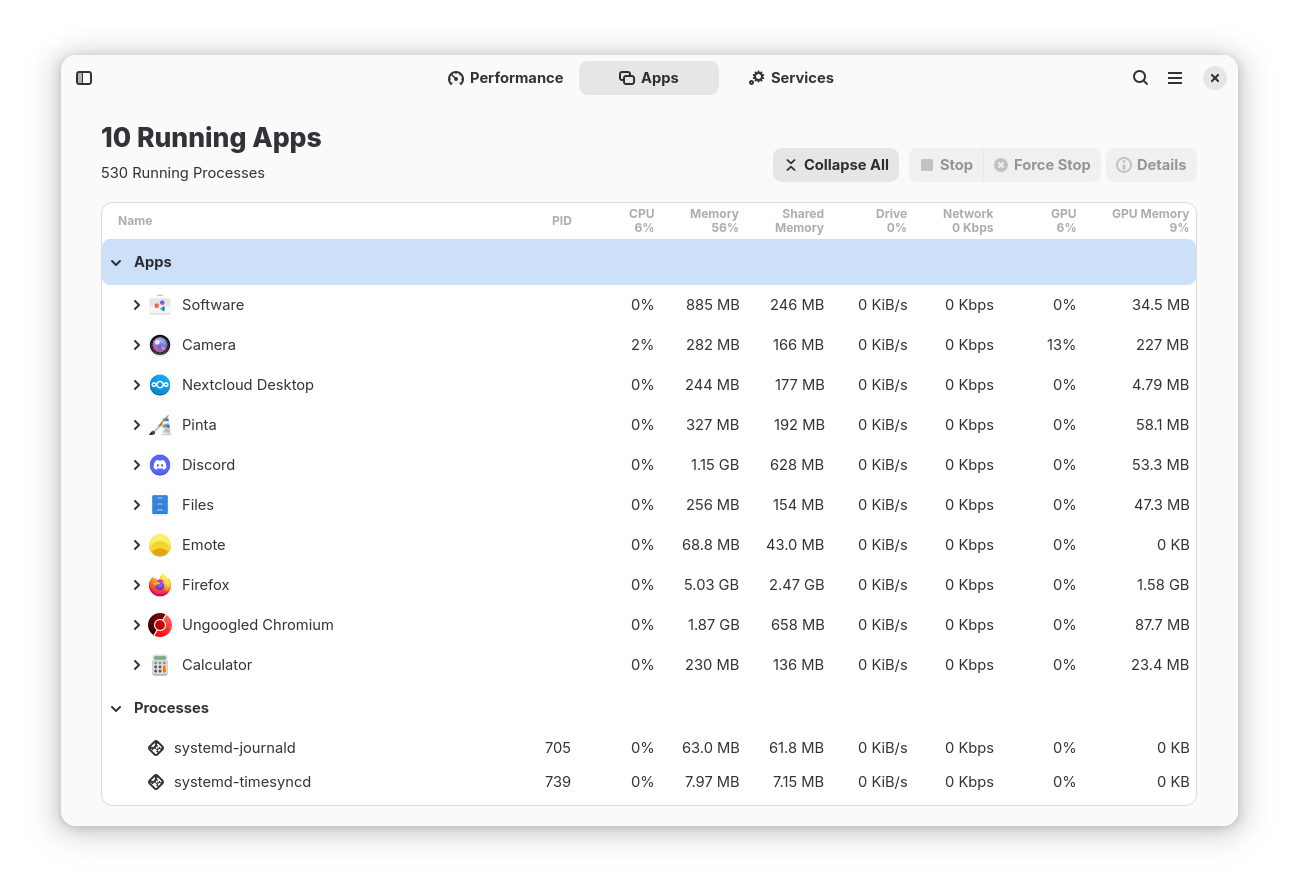
- Monitor system fans - See a breakdown of resource usage by app and process - Supports a minified summary view for simple monitoring - Use hardware accelerated rendering for all the graphs in an effort to reduce CPU and overall resource usage
- Uses GTK4 and Libadwaita
- Written in Rust
Limitations (there is ongoing work to overcome all of these):
- Intel GPU monitoring is only supported for Broadwell and later GPUs; and does not support VRAM, power, or temperature monitoring
- When using Linux Mint/Cinnamon, launched applications may not show up in the "Applications" section (Upstream issue: https://github.com/linuxmint/cinnamon/issues/12015)
Comments, suggestions, bug reports and contributions welcome
Permissions
4 permissions weaken the sandbox. Flatsonar asks before installing.
- all devices (/dev): webcams, disks, raw hardware
--device=all - sandbox escape: can run commands on the host via flatpak-spawn
--talk-name=org.freedesktop.Flatpak - network configuration
--system-talk-name=org.freedesktop.NetworkManager - systemd: can manage services
--system-talk-name=org.freedesktop.systemd1 - inter-process communication (needed for X11)
--share=ipc - network
--share=network - X11 display, only when Wayland is unavailable
--socket=fallback-x11 - Wayland display
--socket=wayland - shared memory
--device=shm - access to xdg-data/flatpak/exports/share
--filesystem=xdg-data/flatpak/exports/share:ro - access to /snap
--filesystem=/snap:ro - access to /var/lib/snapd
--filesystem=/var/lib/snapd:ro - access to xdg-data/flatpak/app
--filesystem=xdg-data/flatpak/app:ro - access to /var/lib/flatpak/app
--filesystem=/var/lib/flatpak/app:ro - access to /var/lib/flatpak/exports/share
--filesystem=/var/lib/flatpak/exports/share:ro - talks to org.gnome.Settings
--talk-name=org.gnome.Settings
Who publishes this
The creator demonstrably controls this app id: Flathub verification, the hosting account owns the namespace, or a well-known file on their domain.
- installs a prebuilt binary instead of building from source (x12)
source:prebuilt - verified on Flathub: the developer proved they control this app id
publisher:flathub
Maintenance
Recent activity on the upstream repository, or built and reviewed by Flathub.
No staleness signals: recent activity, or built and reviewed by Flathub.