
Gromit-MPX
by Christian Beier
Make annotations on the screen
About
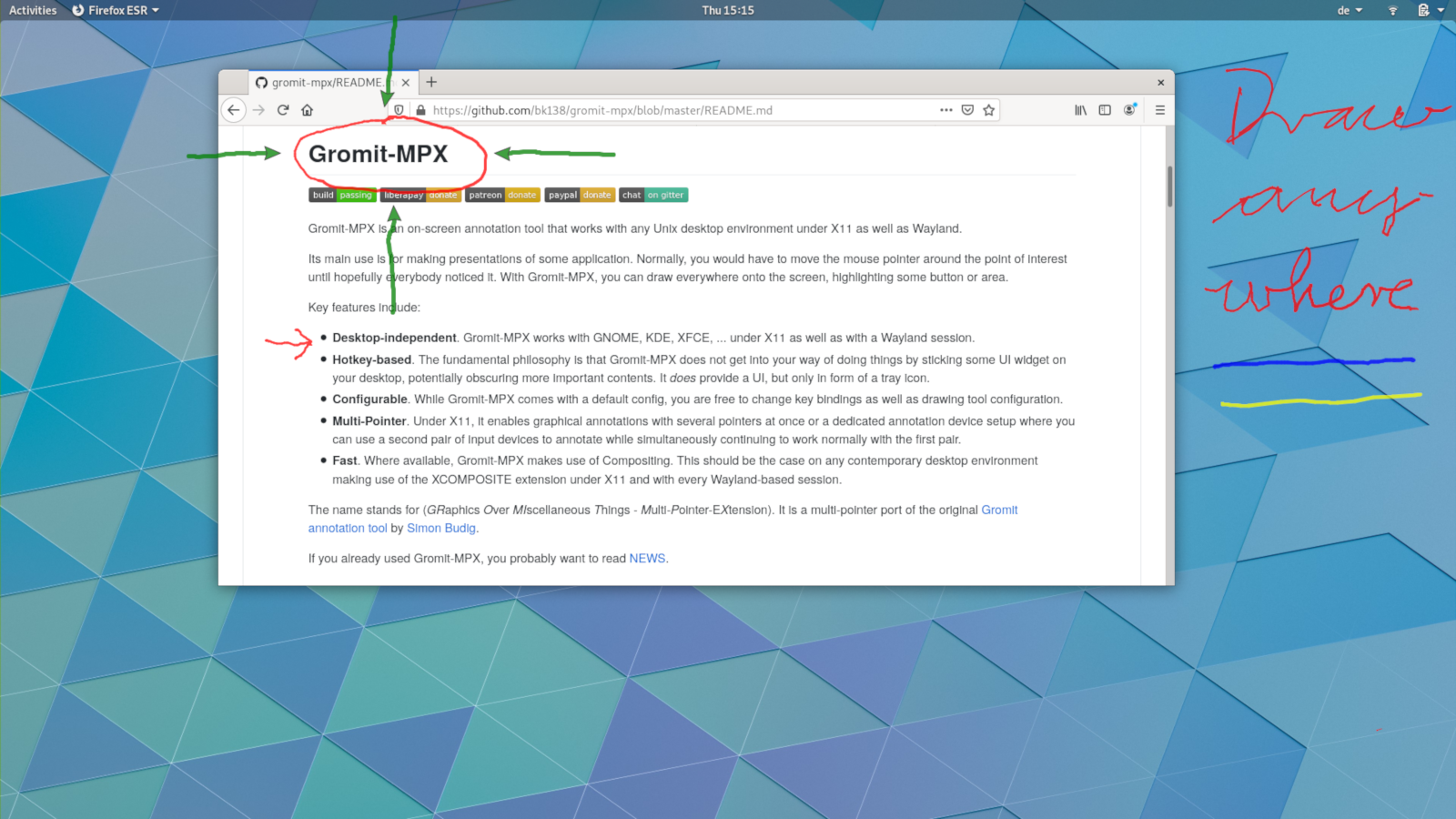
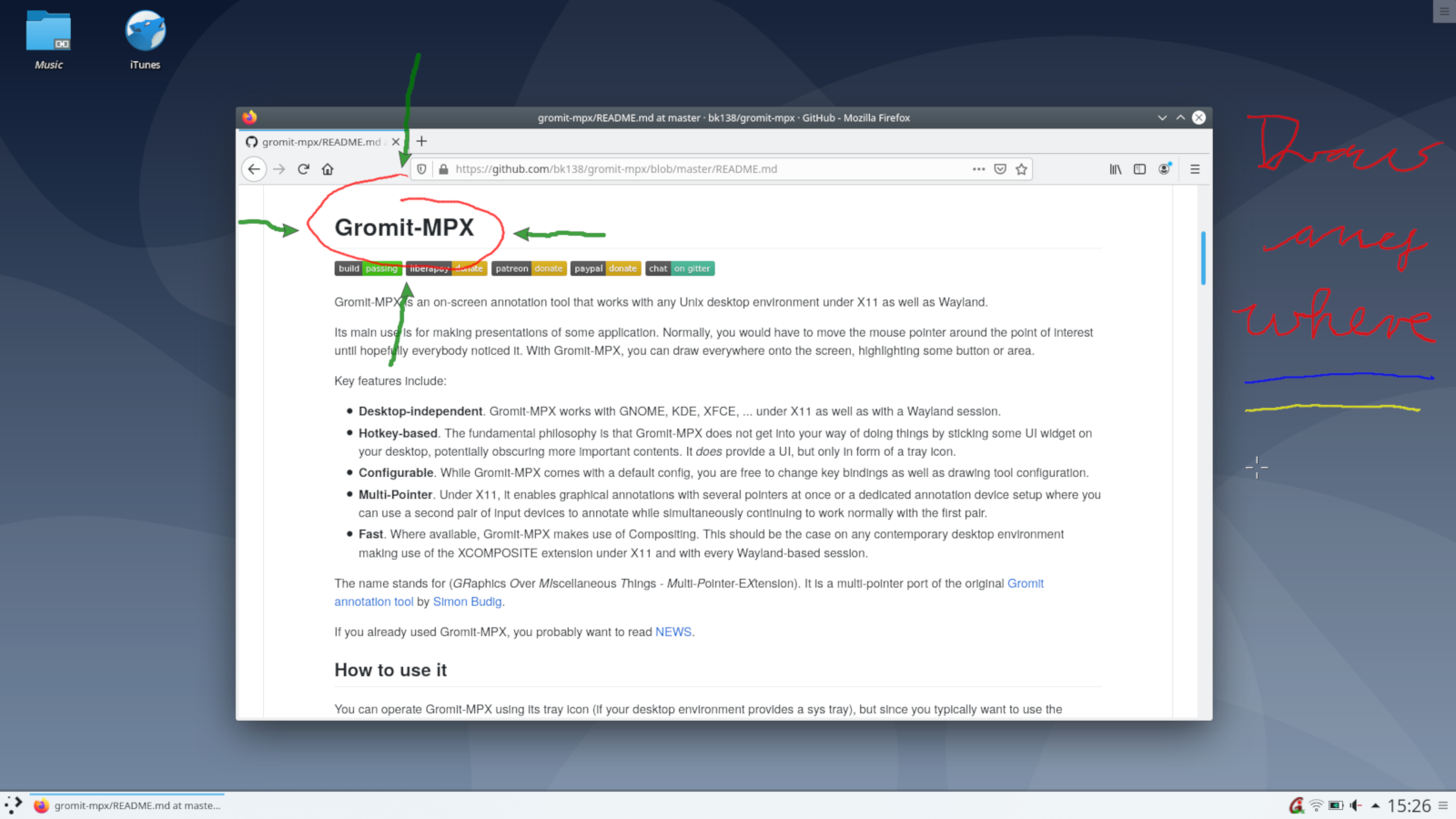
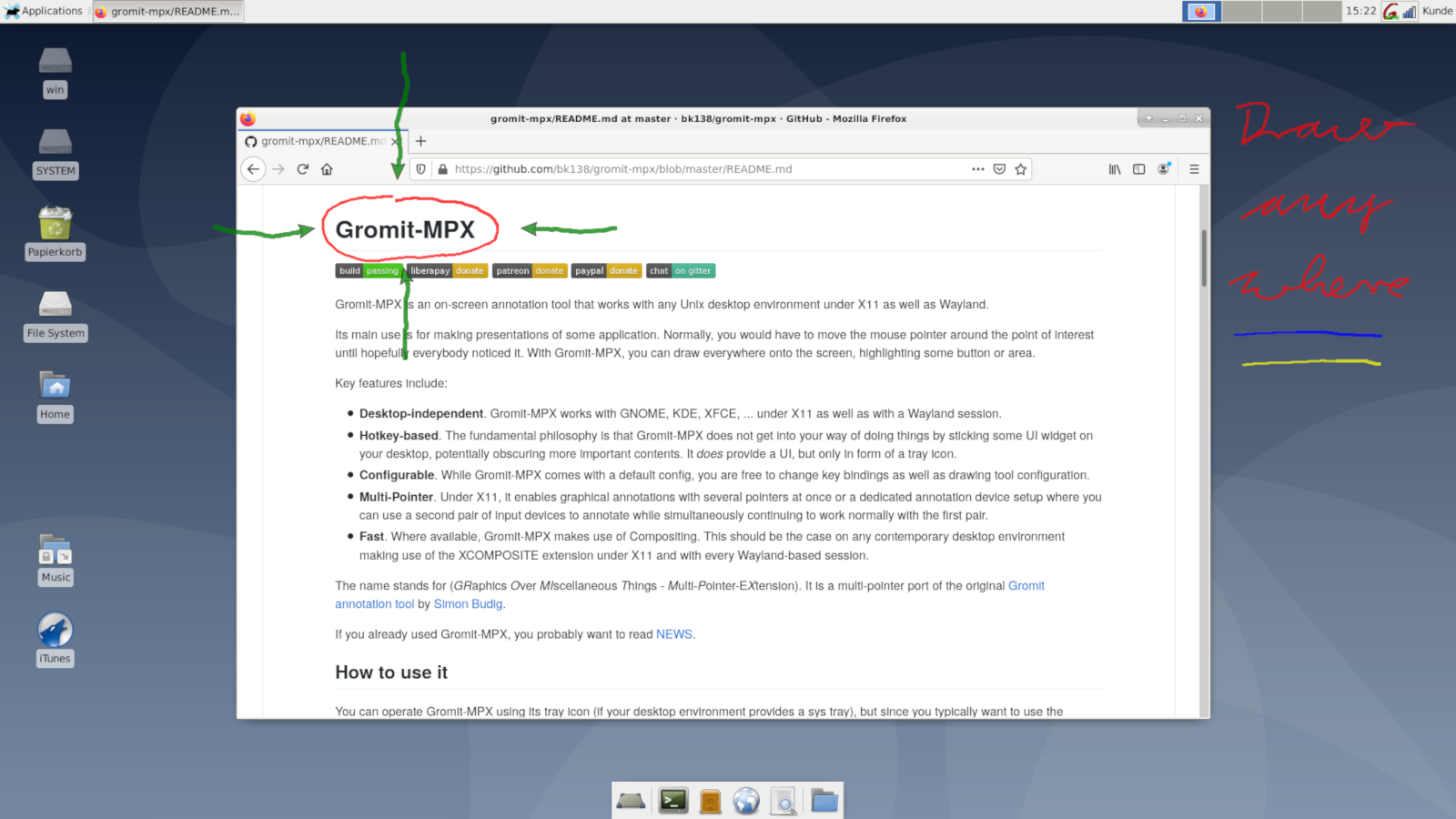
Gromit-MPX is an on-screen annotation tool that works with any Unix desktop environment under X11 as well as Wayland.
Its main use is for making presentations of some application. Normally, you would have to move the mouse pointer around the point of interest until hopefully everybody noticed it. With Gromit-MPX, you can draw everywhere onto the screen, highlighting some button or area.
Key features include:
- Desktop-independent. Gromit-MPX works with GNOME, KDE, XFCE, ... under X11 as well as with a Wayland session using XWayland (most desktop environments). - Hotkey-based. Does not get into your way of doing things by sticking some UI widget on your desktop - Configurable. You are free to change key bindings as well as drawing tool configuration - Multi-Pointer. Under X11, it enables graphical annotations with several pointers at once - Fast. Where available, Gromit-MPX makes use of Compositing
Permissions
2 permissions weaken the sandbox. Flatsonar asks before installing.
- X11 display: X11 lets apps read input and windows of other apps
--socket=x11 - dconf: all GNOME settings
--talk-name=ca.desrt.dconf - inter-process communication (needed for X11)
--share=ipc - access to xdg-run/dconf
--filesystem=xdg-run/dconf - access to ~/.config/dconf
--filesystem=~/.config/dconf:ro - system tray
--talk-name=org.kde.StatusNotifierWatcher
Who publishes this
The creator demonstrably controls this app id: Flathub verification, the hosting account owns the namespace, or a well-known file on their domain.
- verified on Flathub: the developer proved they control this app id
publisher:flathub
Maintenance
Recent activity on the upstream repository, or built and reviewed by Flathub.
No staleness signals: recent activity, or built and reviewed by Flathub.