Web Apps
by Satvik Patwardhan
Install websites as apps
About
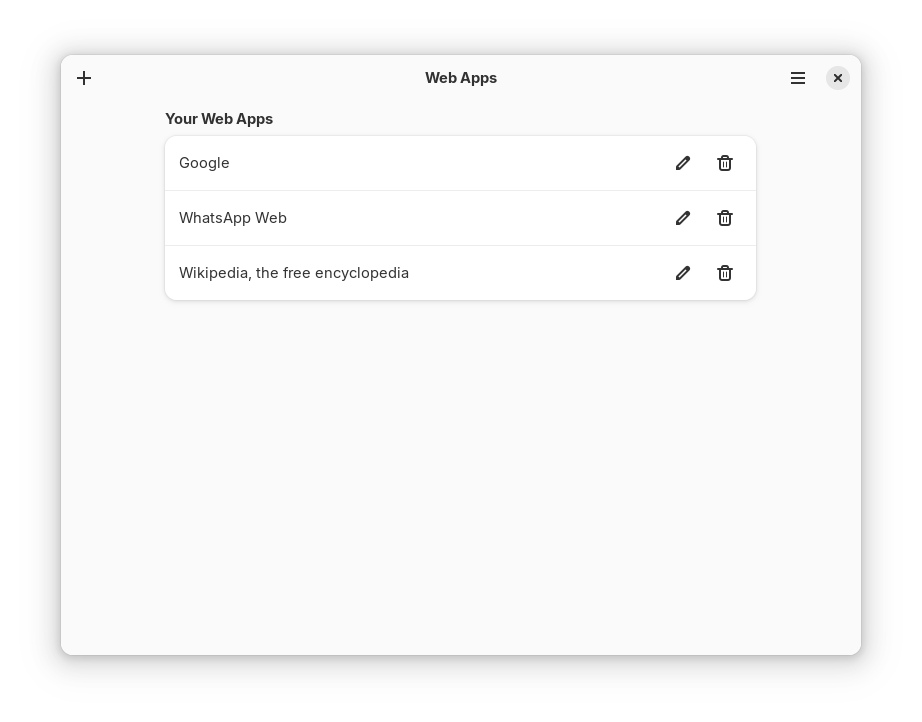
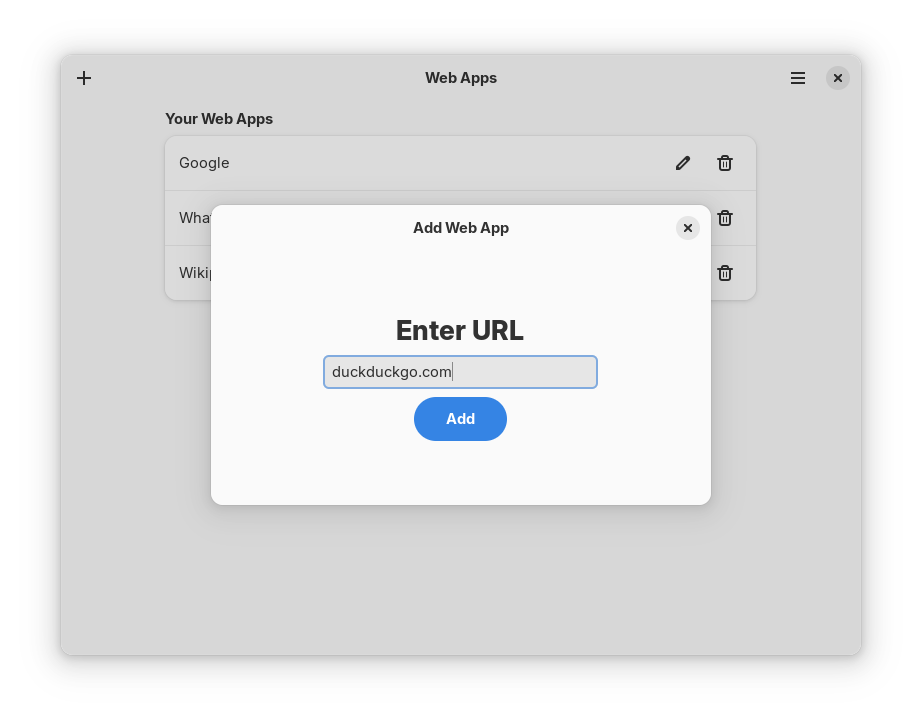
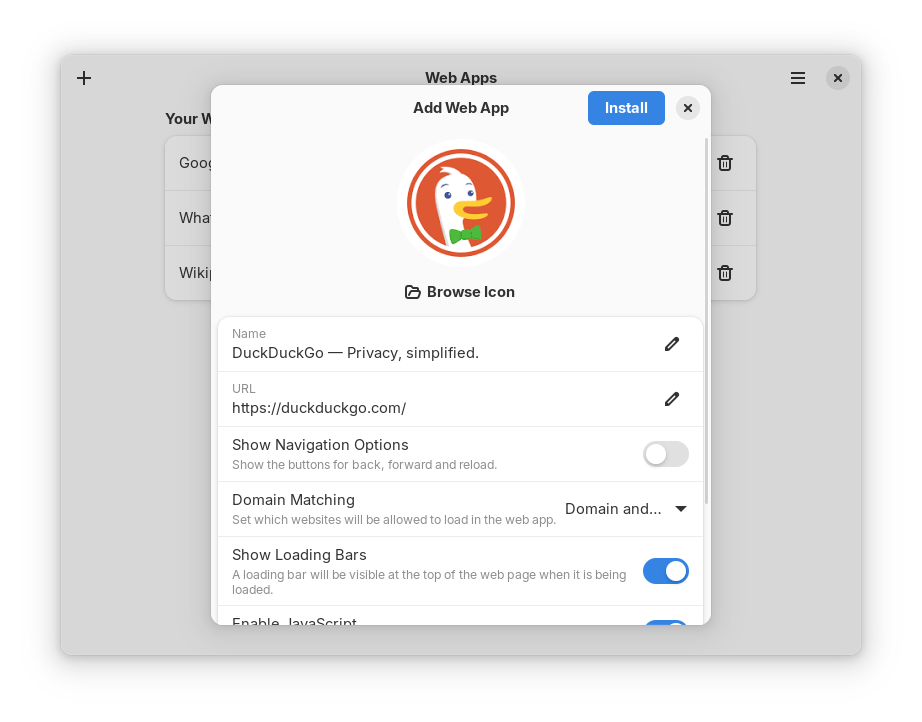
Install websites as desktop apps, so that they appear in their own windows separate from any browsers installed. This is similar to the "Install as App" feature found in popular web browsers.
It uses an internal browser isolated from the system browser, which can optionally be used in incognito mode. Links to websites other than the one installed open in a new browser window.
NOTE FOR UBUNTU USERS: Ubuntu has a bug that prevents Web Apps from working. A workaround is avaiable at https://etbe.coker.com.au/2024/04/24/ubuntu-24-04-bubblewrap/ (see https://codeberg.org/eyekay/webapps/issues/15 for details)
Permissions
1 permission weaken the sandbox. Flatsonar asks before installing.
- access to your whole data directory (other apps' settings and data)
--filesystem=xdg-data - inter-process communication (needed for X11)
--share=ipc - network
--share=network - X11 display, only when Wayland is unavailable
--socket=fallback-x11 - audio
--socket=pulseaudio - Wayland display
--socket=wayland - GPU acceleration
--device=dri
Who publishes this
The creator demonstrably controls this app id: Flathub verification, the hosting account owns the namespace, or a well-known file on their domain.
- verified on Flathub: the developer proved they control this app id
publisher:flathub
Maintenance
Recent activity on the upstream repository, or built and reviewed by Flathub.
No staleness signals: recent activity, or built and reviewed by Flathub.