
Gameyfin Desktop
by mdmatthias
A dedicated desktop client for Gameyfin
Support the creators
Flatsonar is just the shop window. The people below made Gameyfin Desktop.
About
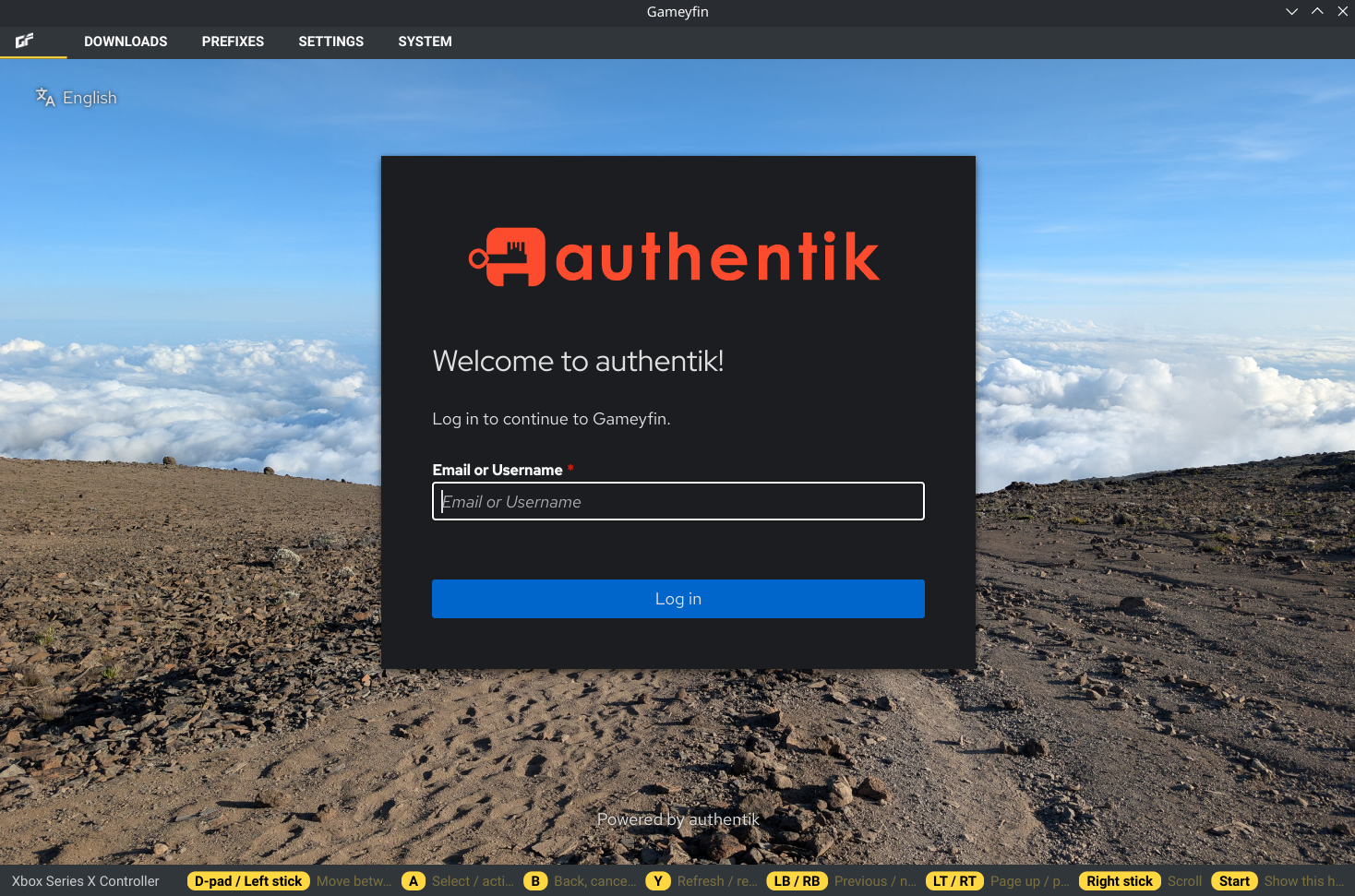
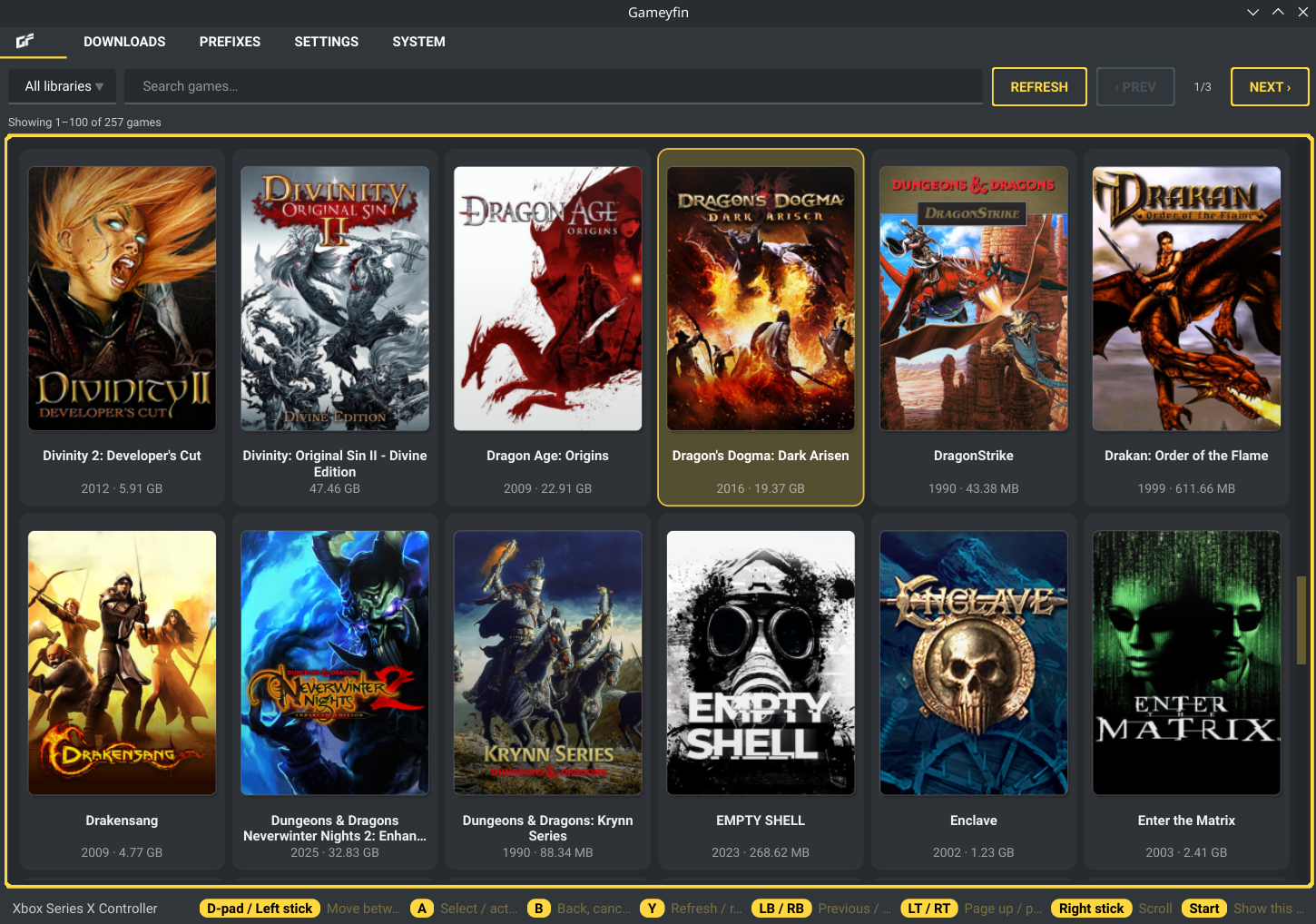
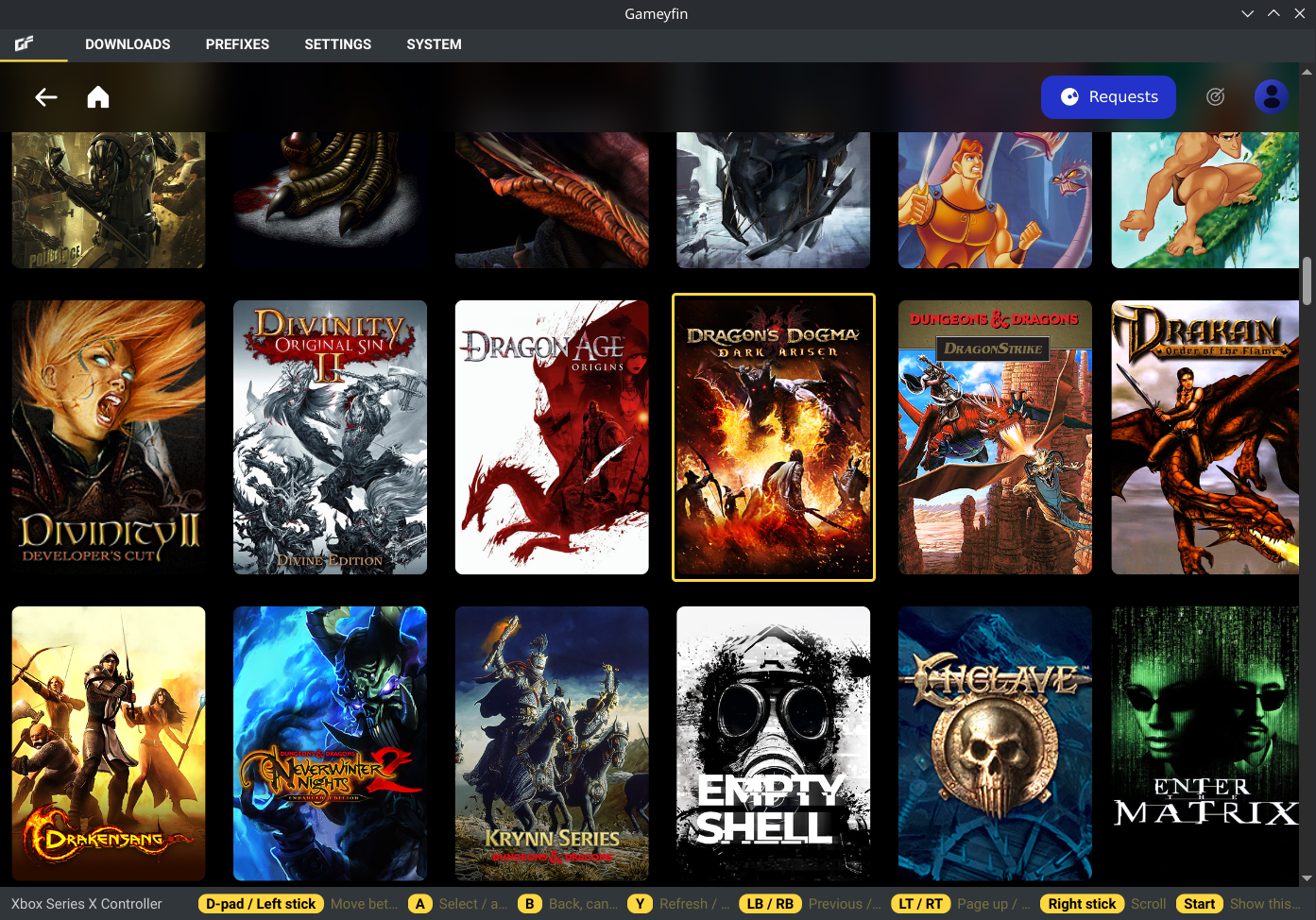
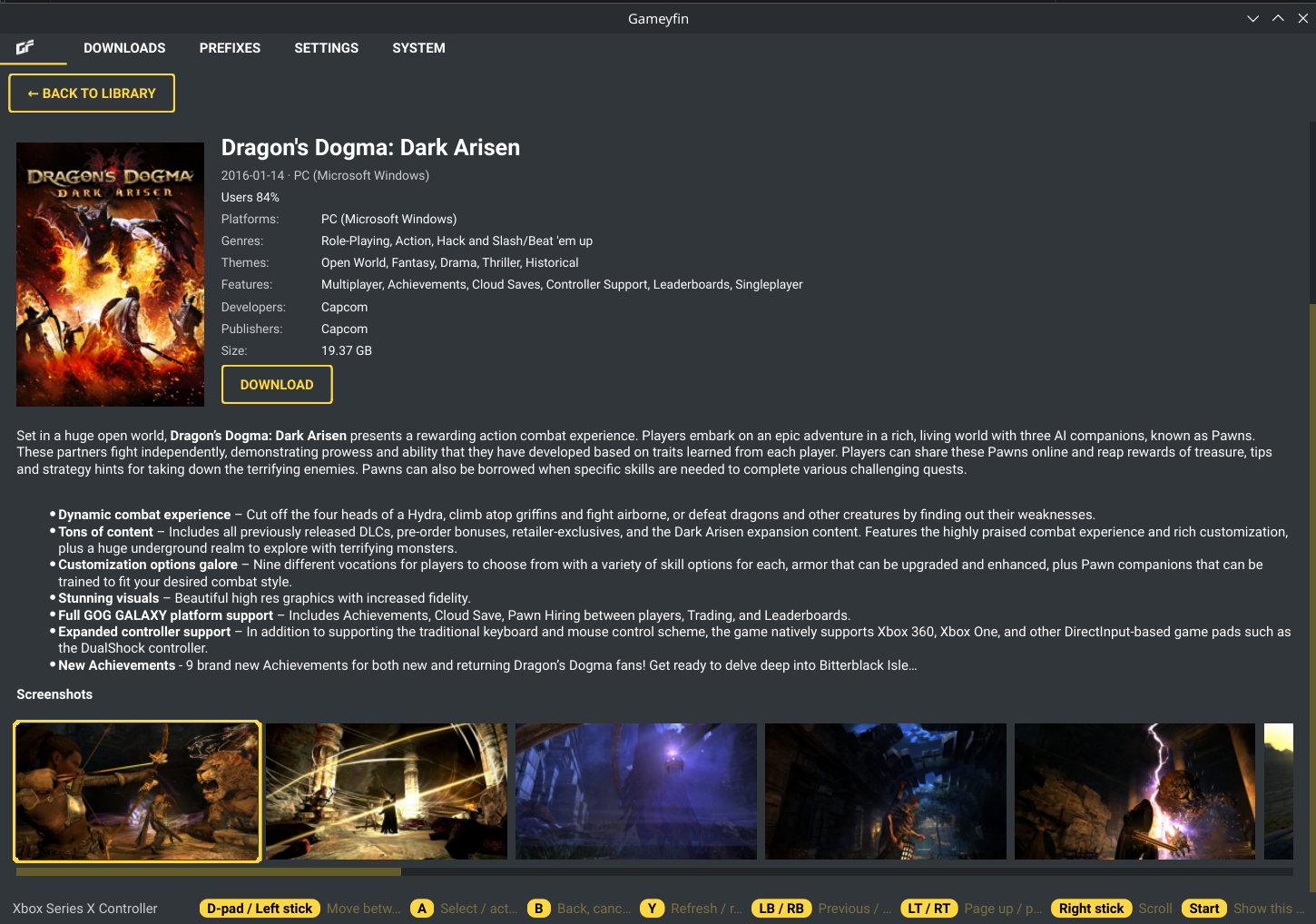
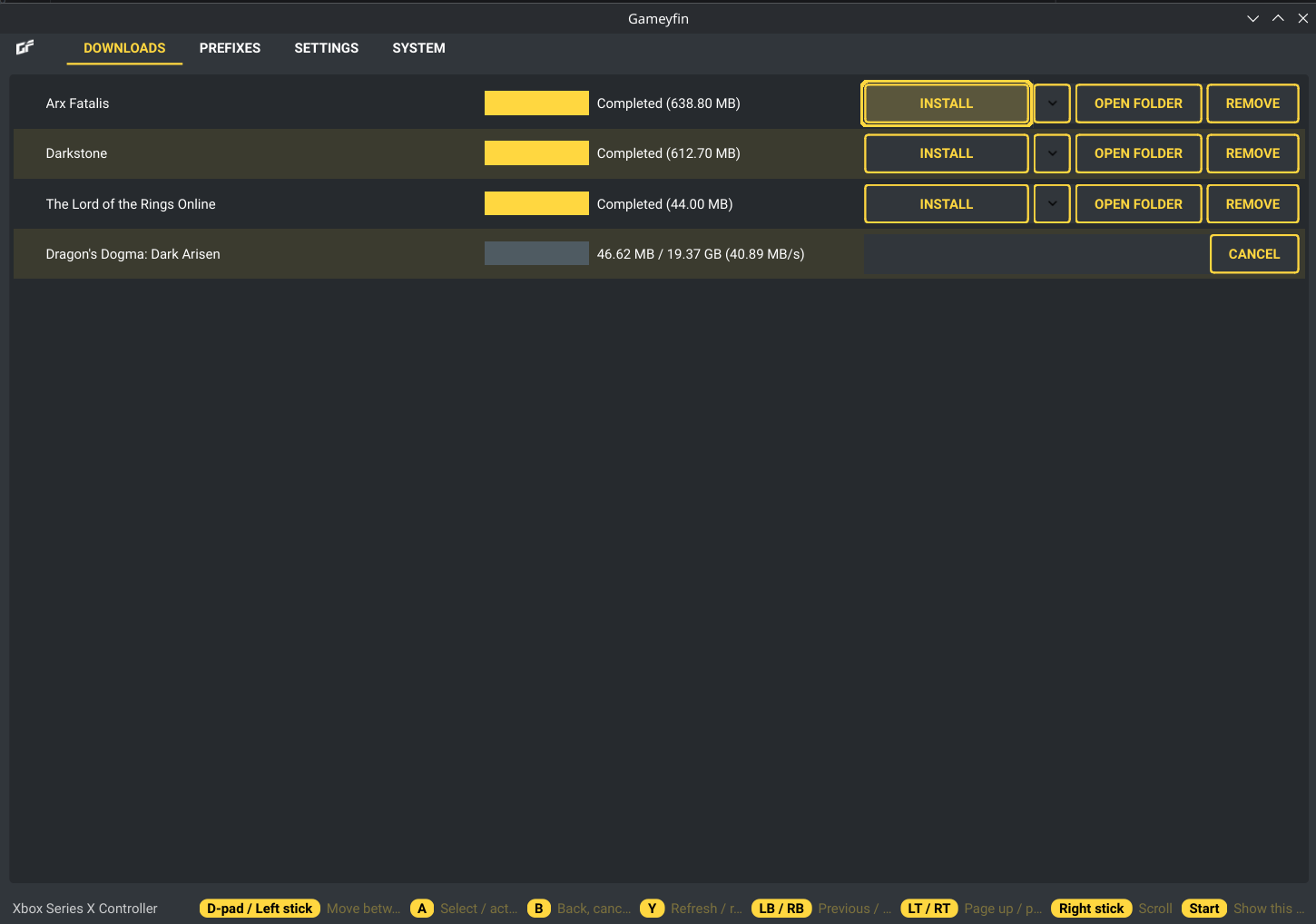
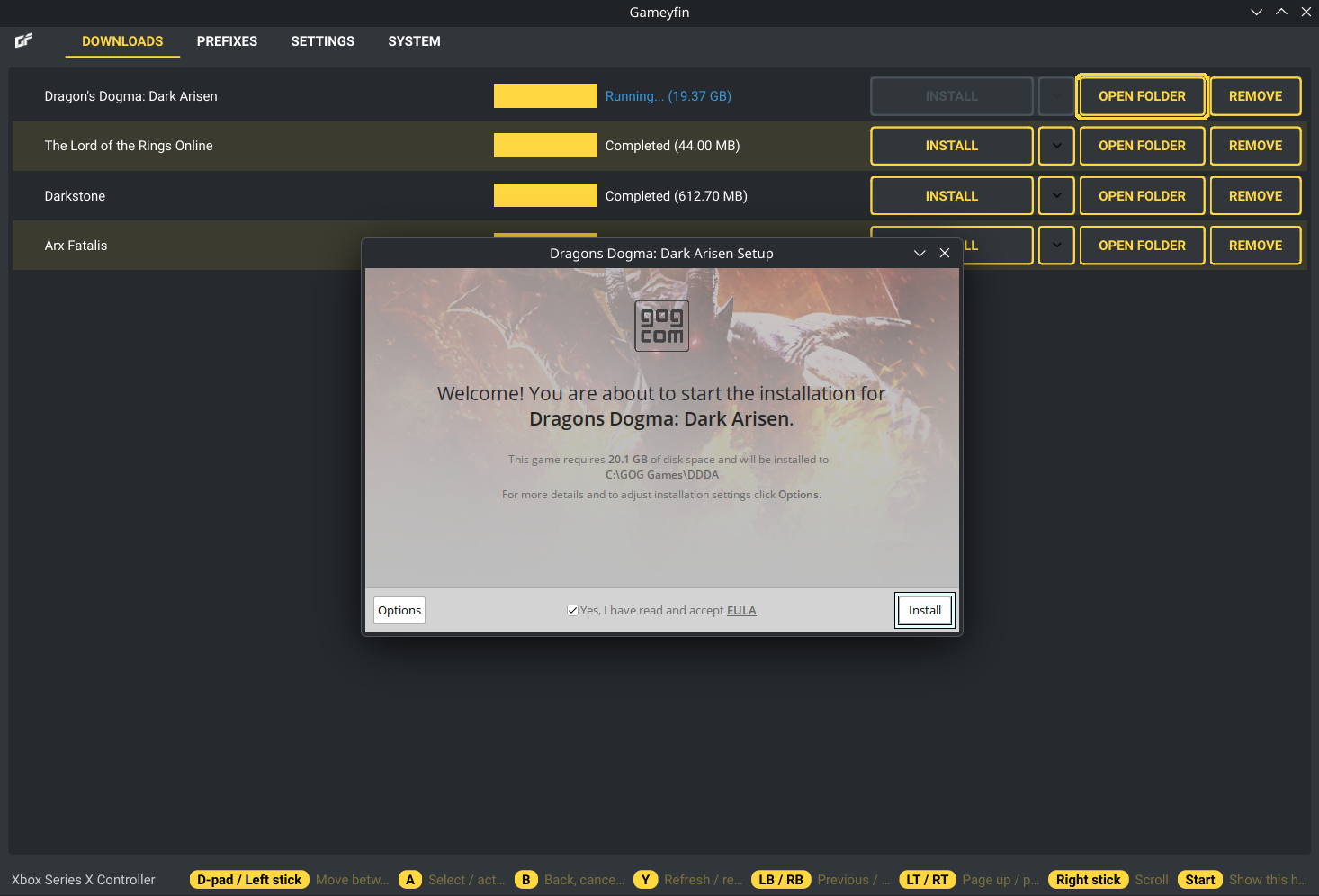
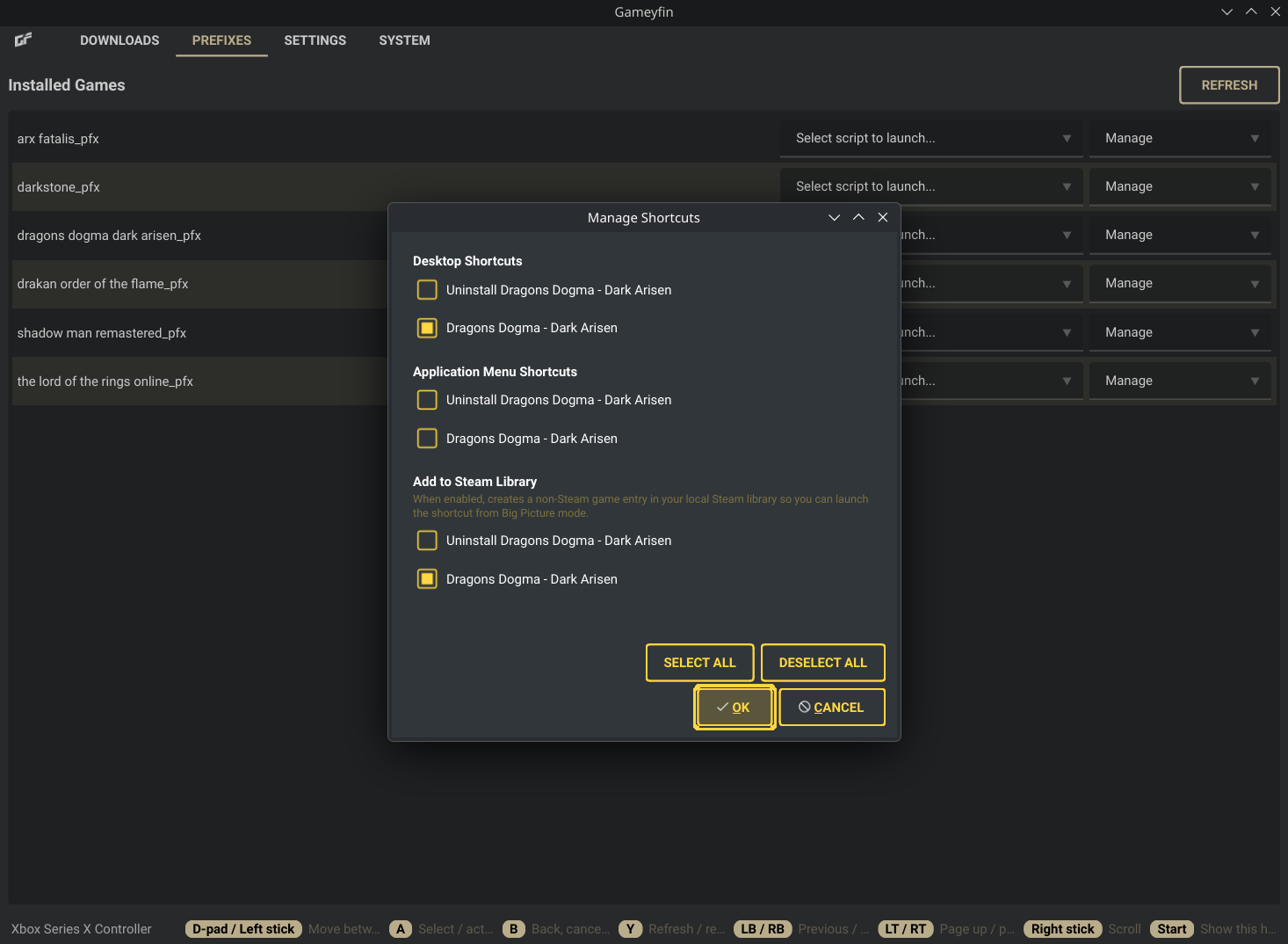
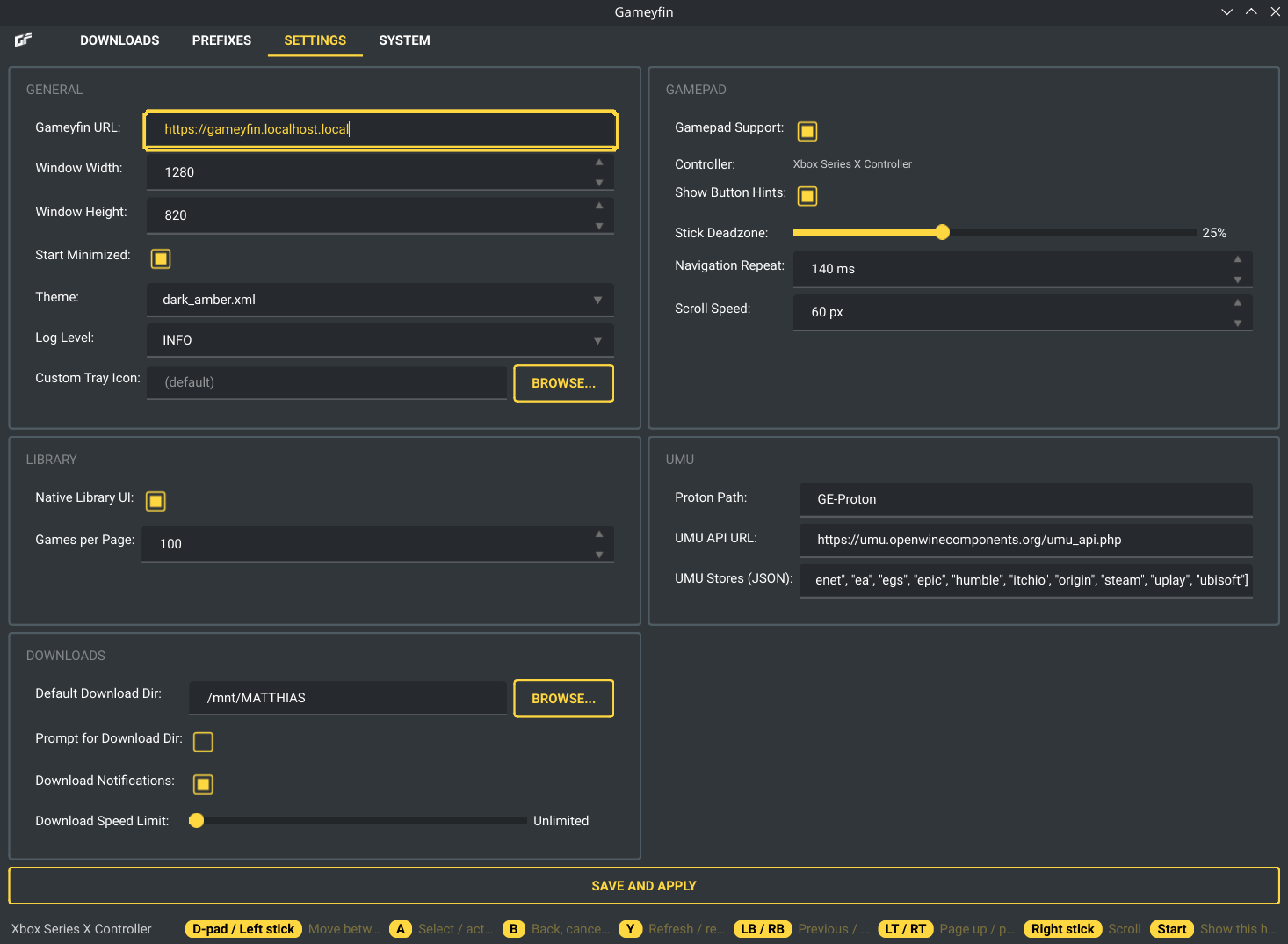
Gameyfin Desktop is a dedicated desktop client for Gameyfin that wraps the web interface in a standalone application for a more integrated experience. Key Features: - Dedicated Desktop Application: Runs Gameyfin in its own window, separate from your web browser. - Native Library UI: Optional native Qt game library that talks to the Gameyfin server API directly instead of the embedded web page, with a cover grid, filtering, search, paging and a game detail page. The web view is still used for logging in and administration. - Persistent SSO Login: Supports persistent logins with SSO providers. The application saves your session data, so you only have to log in once. - System Tray Integration: Includes an icon in the system tray for quickly showing, hiding, or quitting the application, plus system tray notifications. - Gamepad Support: The whole app, including the Gameyfin web view, can be driven with a gamepad, making it couch and Steam Big Picture friendly. - Themes: A range of qt-material and QPalette based themes (nord, catppuccin, and others), plus an "auto" option that follows your system's light/dark preference. - Integrated Settings: Configure your Gameyfin URL, window dimensions, download speed limit, log level and more directly within the app. - Download Manager: Manages all file downloads in a persistent "Downloads" tab, showing progress, speed, and history. Archives are downloaded and extracted simultaneously, so no intermediate ZIP file is ever saved to disk. - Linux Installer: Prompts for per-install environment configuration (Wayland, GameID, Store, etc.). Extracts the downloaded archive and detects .exe files. Automatically looks up the umu-id for proton fixes. Automatically creates a wineprefix and launches the installer using umu-run. Quick access to winecfg and winetricks for manual prefix configuration via an integrated Prefix Manager. - Integrated Shortcut Management: Automatically detects shortcuts created by the installer and allows you to add them to your Desktop, Application Menu and, on Linux, Steam as a non-Steam game.
Permissions
11 permissions weaken the sandbox. Flatsonar asks before installing.
- unrestricted access to the session D-Bus (all your running apps)
--socket=session-bus - all devices (/dev): webcams, disks, raw hardware
--device=all - sandbox escape: can run commands on the host via flatpak-spawn
--talk-name=org.freedesktop.Flatpak - X11 display: X11 lets apps read input and windows of other apps
--socket=x11 - your keyring / saved passwords
--talk-name=org.freedesktop.secrets - raw input devices (keyboards, mice, gamepads)
--device=input - development features (ptrace, can inspect other processes in its sandbox)
--allow=devel - full access to your home folder
--filesystem=home - talks to system service org.freedesktop.UDisks2
--system-talk-name=org.freedesktop.UDisks2 - sets PATH: changes which libraries or plugins get loaded
--env=PATH=/app/bin:/usr/bin:/app/lib/extensions/vulkan/MangoHud/bin - sets LD_LIBRARY_PATH: changes which libraries or plugins get loaded
--env=LD_LIBRARY_PATH=/app/lib32:/app/lib/i386-linux-gnu:/app/lib:/app/lib/i386-linux-gnu/GL/lib - network
--share=network - inter-process communication (needed for X11)
--share=ipc - Wayland display
--socket=wayland - audio
--socket=pulseaudio - multi-architecture binaries
--allow=multiarch - Bluetooth
--allow=bluetooth - per-app shared memory
--allow=per-app-dev-shm - access to your download folder
--filesystem=xdg-download:create - access to /run/media
--filesystem=/run/media - access to /run/udev
--filesystem=/run/udev:ro - access to xdg-run/gamescope-0
--filesystem=xdg-run/gamescope-0:rw - access to xdg-config/MangoHud
--filesystem=xdg-config/MangoHud:ro - access to ~/.local/share/umu
--filesystem=~/.local/share/umu:rw - access to xdg-data/umu
--filesystem=xdg-data/umu:rw - access to ~/.steam
--filesystem=~/.steam:rw - access to ~/.local/share/Steam
--filesystem=~/.local/share/Steam:rw - access to ~/.var/app/com.valvesoftware.Steam
--filesystem=~/.var/app/com.valvesoftware.Steam:rw - system tray
--talk-name=org.kde.StatusNotifierWatcher - notifications
--talk-name=org.freedesktop.Notifications - talks to org.freedesktop.PowerManagement
--talk-name=org.freedesktop.PowerManagement - talks to org.freedesktop.FileManager1
--talk-name=org.freedesktop.FileManager1 - battery status
--system-talk-name=org.freedesktop.UPower - sets environment variable SteamVirtualGamepadInfo
--env=SteamVirtualGamepadInfo= - sets environment variable QTWEBENGINEPROCESS_PATH
--env=QTWEBENGINEPROCESS_PATH=/app/bin/QtWebEngineProcess
Who publishes this
Nobody has confirmed that the publisher controls this app id. Flatsonar warns before installing.
- org.gameyfin.Gameyfin-Desktop claims the domain gameyfin.org; only its owner can prove that
publisher:namespace - fetches from archive.ubuntu.com over unencrypted http: anyone on the path can swap the bytes
source:insecure-url
Maintenance
Recent activity on the upstream repository, or built and reviewed by Flathub.
No staleness signals: recent activity, or built and reviewed by Flathub.