Dolphin
by KDE
Manage your files
Support the creators
Flatsonar is just the shop window. The people below made Dolphin.
About
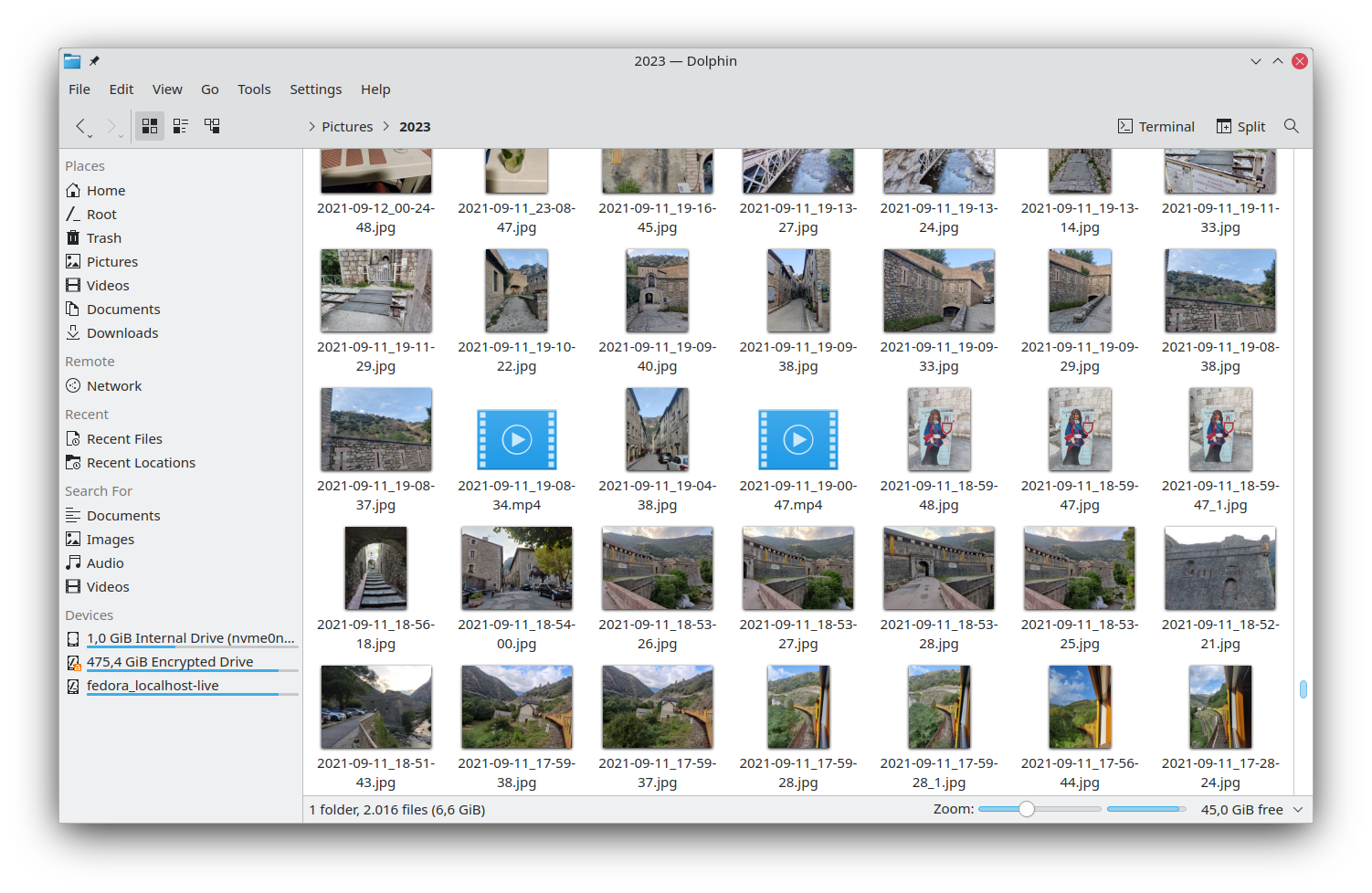
Dolphin is KDE's file manager that lets you navigate and browse the contents of your hard drives, USB sticks, SD cards, and more. Creating, moving, or deleting files and folders is simple and fast.
Dolphin contains plenty of productivity features that will save you time. The multiple tabs and split view features allow navigating multiple folders at the same time, and you can easily drag and drop files between views to move or copy them. Dolphin's right-click menu provides with many quick actions that let you compress, share, and duplicate files, among many other things. You can also add your own custom actions.
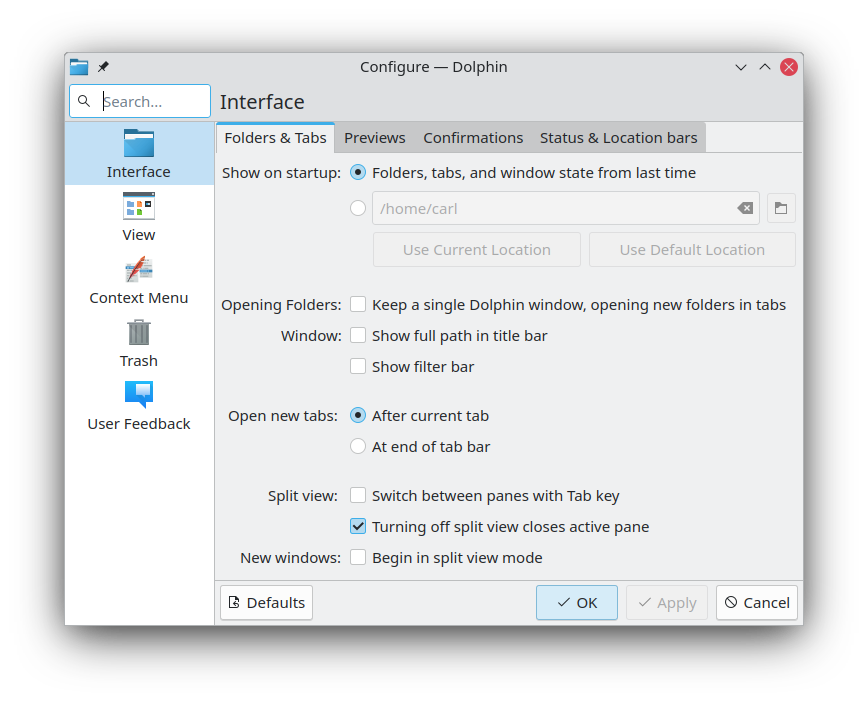
Dolphin is very lightweight, but at the same time, you can adapt it to your specific needs. This means that you can carry out your file management exactly the way you want to. Dolphin supports three different view modes: a classic grid view of all the files, a more detailed view, and a tree view. You can also configure most of Dolphin's behavior.
Dolphin can display files and folders from many Internet cloud services and other remote machines as if they were right there on your desktop.
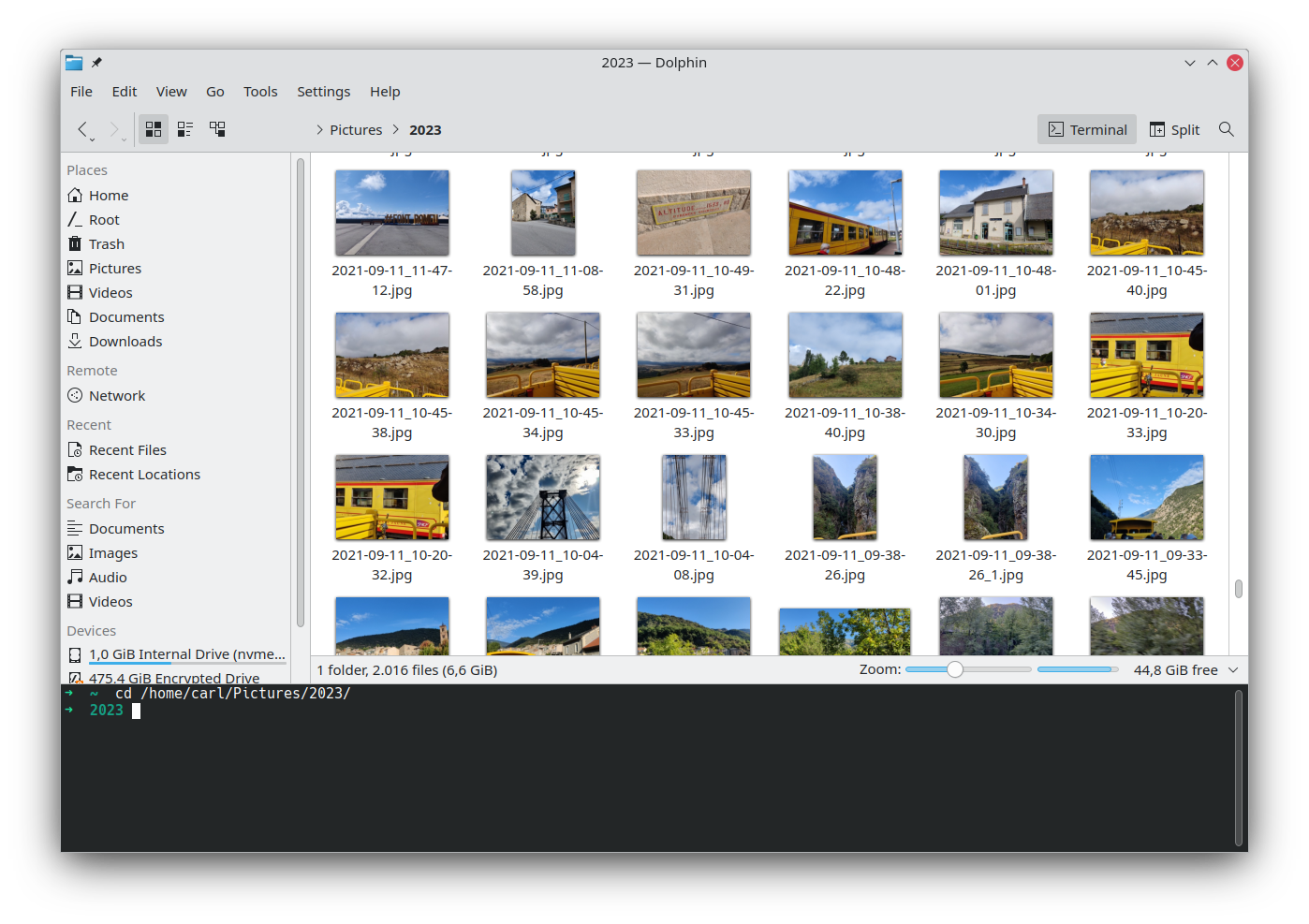
Dolphin also comes with an integrated terminal that allows you to run commands on the current folder. You can extend the capabilities of Dolphin even further with powerful plugins to adapt it to your workflow. You can use the git integration plugin to interact with git repositories, or the Nextcloud plugin to synchronize your files online, and much more.
Permissions
3 permissions weaken the sandbox. Flatsonar asks before installing.
- sandbox escape: can run commands on the host via flatpak-spawn
--talk-name=org.freedesktop.Flatpak - full access to your home folder
--filesystem=home - talks to system service org.freedesktop.UDisks2
--system-talk-name=org.freedesktop.UDisks2 - inter-process communication (needed for X11)
--share=ipc - network
--share=network - X11 display, only when Wayland is unavailable
--socket=fallback-x11 - audio
--socket=pulseaudio - Wayland display
--socket=wayland - GPU acceleration
--device=dri - access to /media
--filesystem=/media - access to xdg-config/kdeglobals
--filesystem=xdg-config/kdeglobals:ro - access to /run/media
--filesystem=/run/media - access to ~/.var/app
--filesystem=~/.var/app - talks to org.kde.kded5
--talk-name=org.kde.kded5 - talks to org.kde.JobViewServer
--talk-name=org.kde.JobViewServer - talks to org.kde.kiod6
--talk-name=org.kde.kiod6 - talks to org.kde.kiod5
--talk-name=org.kde.kiod5 - talks to org.kde.KGlobalSettings
--talk-name=org.kde.KGlobalSettings - talks to org.kde.kded6
--talk-name=org.kde.kded6 - talks to org.kde.kpasswdserver
--talk-name=org.kde.kpasswdserver - talks to com.canonical.AppMenu.Registrar
--talk-name=com.canonical.AppMenu.Registrar - talks to org.kde.kconfig.notify
--talk-name=org.kde.kconfig.notify - talks to org.kde.kpasswdserver6
--talk-name=org.kde.kpasswdserver6 - talks to org.kde.kuiserver
--talk-name=org.kde.kuiserver
Who publishes this
The creator demonstrably controls this app id: Flathub verification, the hosting account owns the namespace, or a well-known file on their domain.
- fetches from savannah.nongnu.org over unencrypted http: anyone on the path can swap the bytes
source:insecure-url - verified on Flathub: the developer proved they control this app id
publisher:flathub
Maintenance
Recent activity on the upstream repository, or built and reviewed by Flathub.
No staleness signals: recent activity, or built and reviewed by Flathub.