
ksnip
by Damir Porobic
Cross-Platform Screenshot tool with annotation features
Dangerous permissions
Flathub reviewed
GPL-2.0+
v1.10.1
About
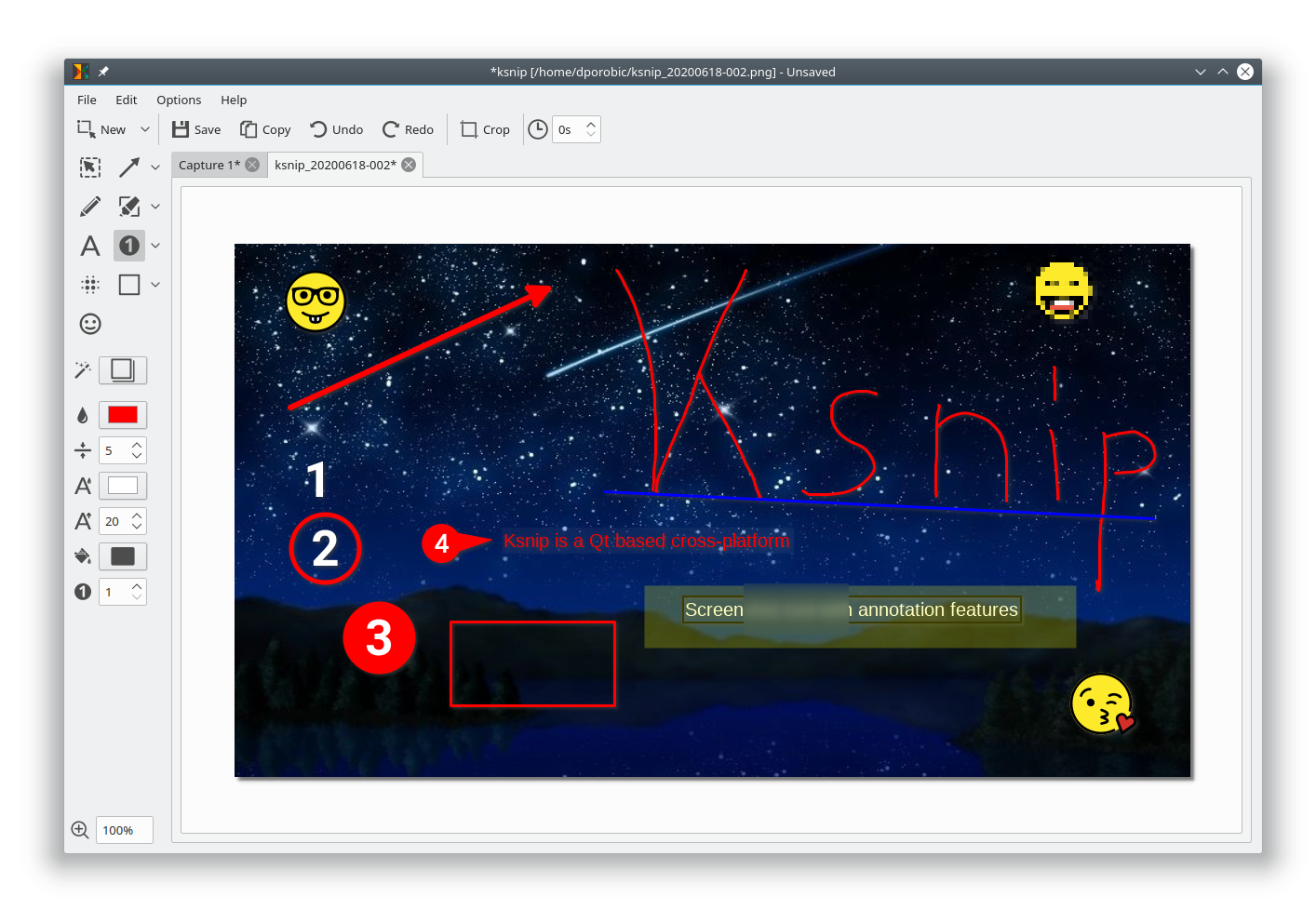
Ksnip is a Qt based cross-platform screenshot tool that provides many annotation features for your screenshots.
Features:
- Supports Linux (X11, Plasma Wayland, GNOME Wayland and xdg-desktop-portal Wayland), Windows and macOS.
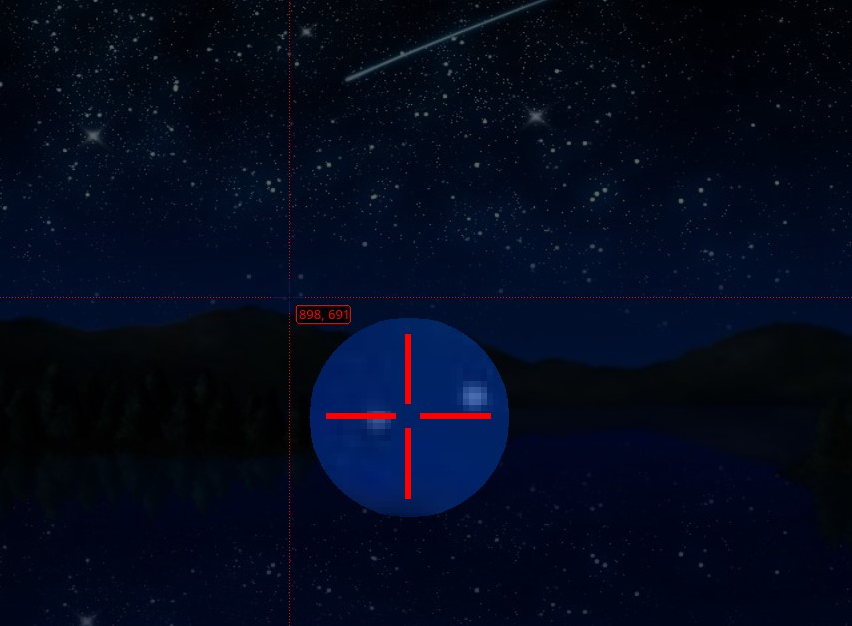
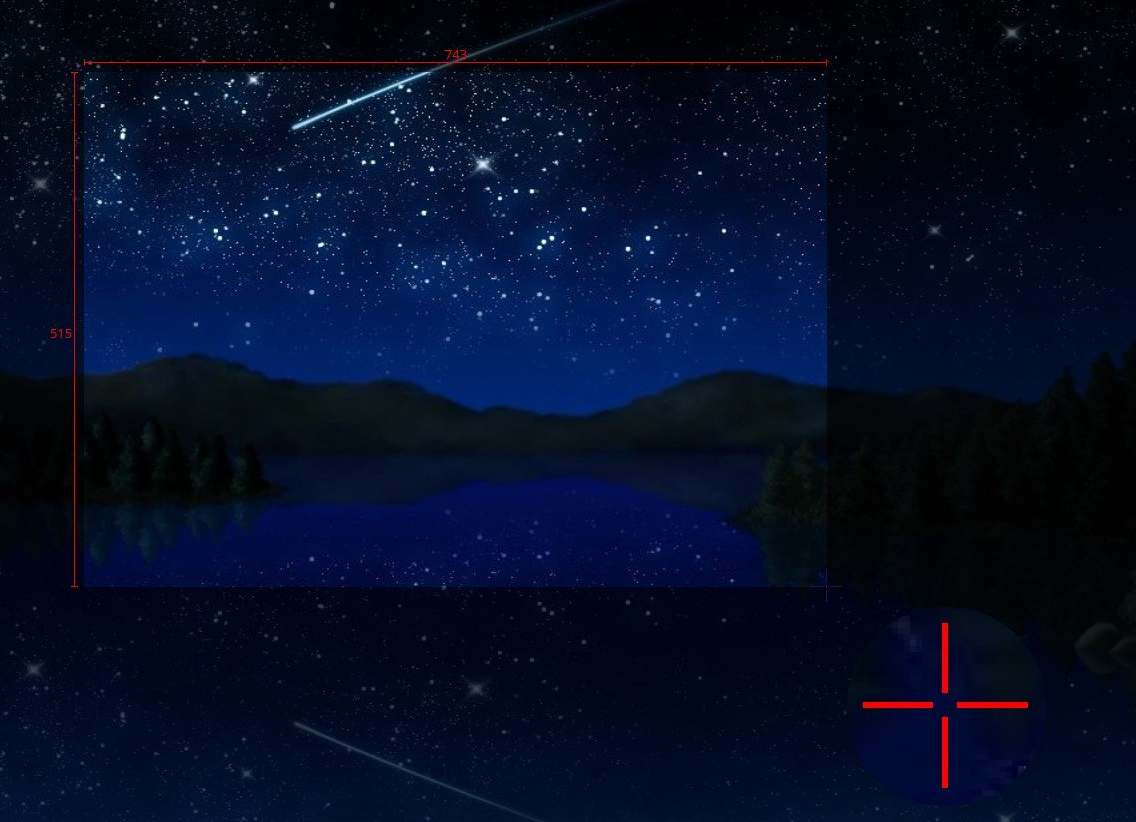
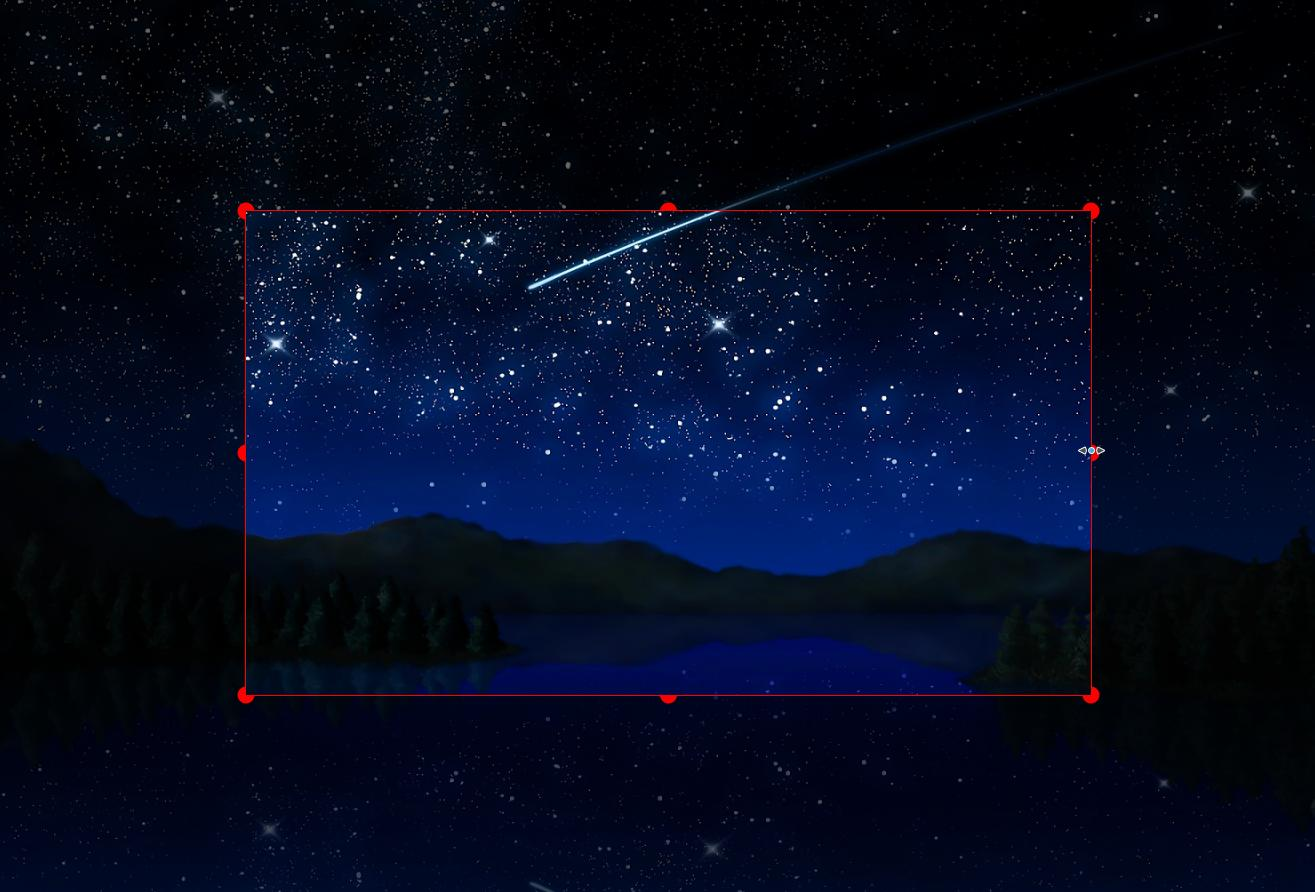
- Taking screenshot of a custom rectangular area that can be drawn with mouse cursor.
- Taking screenshot of last selected rectangular area without selecting again.
- Taking screenshot of the screen/monitor where the mouse cursor is currently located.
- Taking screenshot of full screen, including all screens/monitors.
- Taking screenshot of window that currently has focus.
- Taking screenshot of window under mouse cursor.
- Take screenshot with or without mouse cursor.
- Capture mouse cursor as annotation item that can be moved and deleted.
- Customizable capture delay for all capture options.
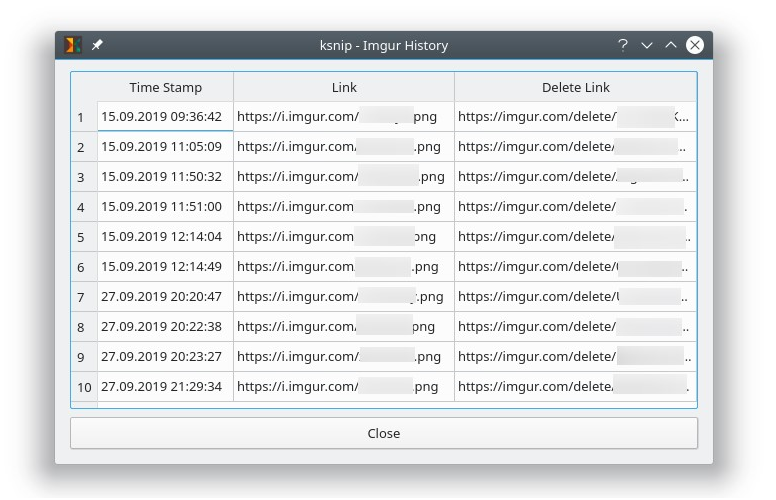
- Upload screenshots directly to imgur.com in anonymous or user mode.
- Upload screenshots via custom user defined scripts.
- Command line support, for taking screenshot and saving it to default location, filename and format.
- Filename wildcards for Year ($Y), Month ($M), Day ($D), Time ($T) and Counter (multiple # characters for number with zero leading padding).
- Print screenshot or save is to pdf/ps.
- Annotate screenshots with pen, marker, rectangles, ellipses, texts and other tools.
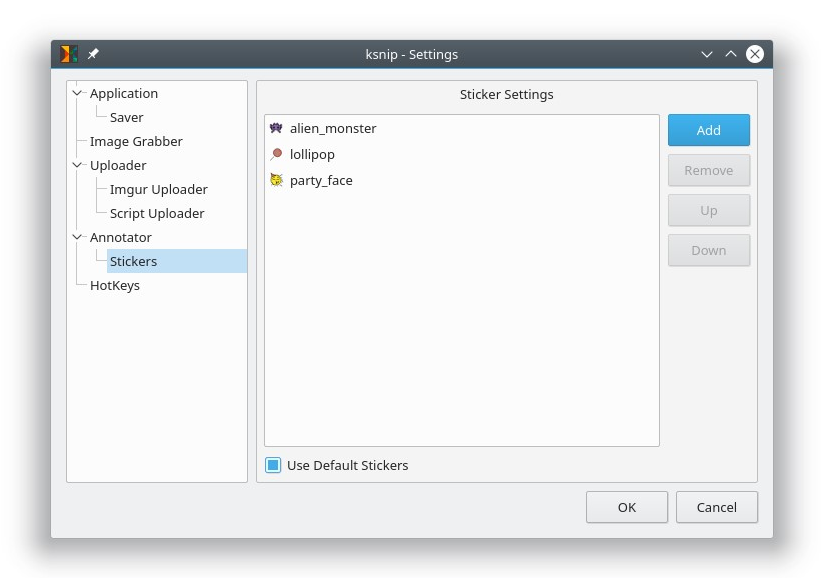
- Annotate screenshots with stickers and add custom stickers.
- Obfuscate image regions with blur and pixelate.
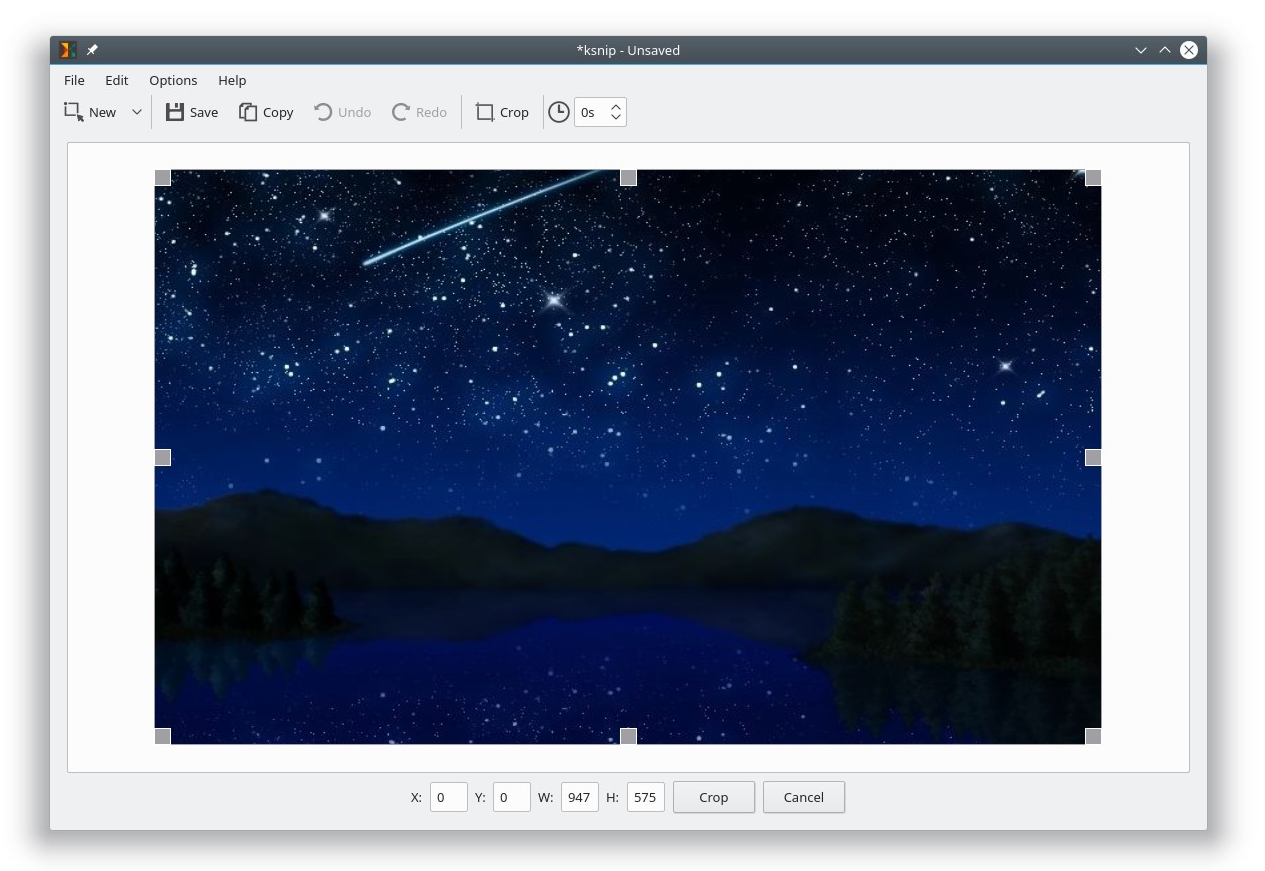
- Add effects to image (Drop Shadow, Grayscale, invert color or Border).
- Add watermarks to captured images.
- Global HotKeys for taking Screenshots (Currently only for Windows and X11).
- Tabs for Screenshots and images.
- Open existing images via dialog, drag-and-drop or paste from clipboard.
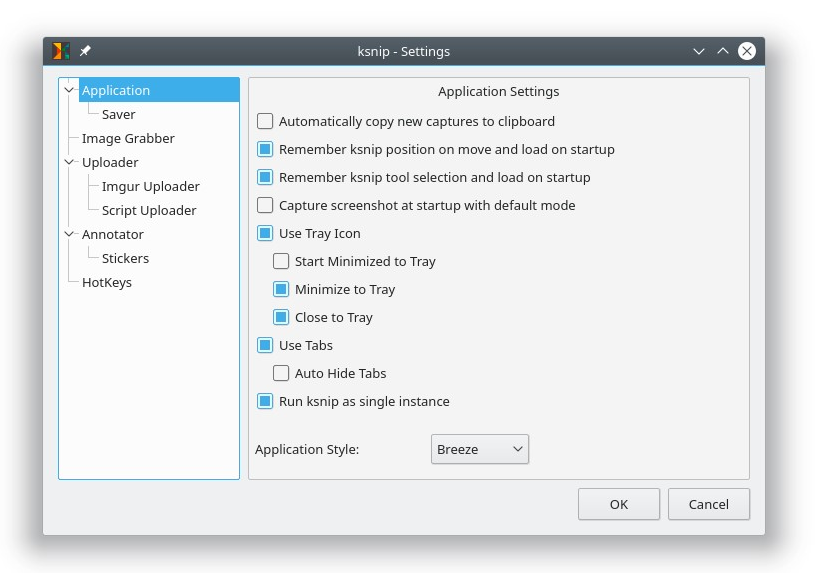
- Run as single instance application (secondary instances send cli parameter to primary instance).
- Pin Screenshots in Frameless windows that stay on top of other windows.
- User-defined actions for taking screenshot and post-processing.
- OCR support through plugin (Window and Linux/Unix).
- Many configuration options.
Permissions
1 permission weaken the sandbox. Flatsonar asks before installing.
- full access to your entire file system
--filesystem=host - inter-process communication (needed for X11)
--share=ipc - network
--share=network - X11 display, only when Wayland is unavailable
--socket=fallback-x11 - Wayland display
--socket=wayland - GPU acceleration
--device=dri - access to /tmp
--filesystem=/tmp - access to xdg-config/kdeglobals
--filesystem=xdg-config/kdeglobals:ro - talks to com.canonical.AppMenu.Registrar
--talk-name=com.canonical.AppMenu.Registrar - talks to org.kde.kconfig.notify
--talk-name=org.kde.kconfig.notify - talks to org.kde.KGlobalSettings
--talk-name=org.kde.KGlobalSettings - system tray
--talk-name=org.kde.StatusNotifierWatcher - notifications
--talk-name=org.freedesktop.Notifications - talks to org.gnome.Shell.Screenshot
--talk-name=org.gnome.Shell.Screenshot
Who publishes this
On Flathub: the manifest was reviewed and built on Flathub's infrastructure, but the developer has not verified ownership of the app id.
- on Flathub: manifest reviewed and built by Flathub; the developer has not verified the app id
publisher:flathub
Maintenance
Recent activity on the upstream repository, or built and reviewed by Flathub.
No staleness signals: recent activity, or built and reviewed by Flathub.