
Praat
by University of Amsterdam
Analyze, synthesize, and manipulate speech
About
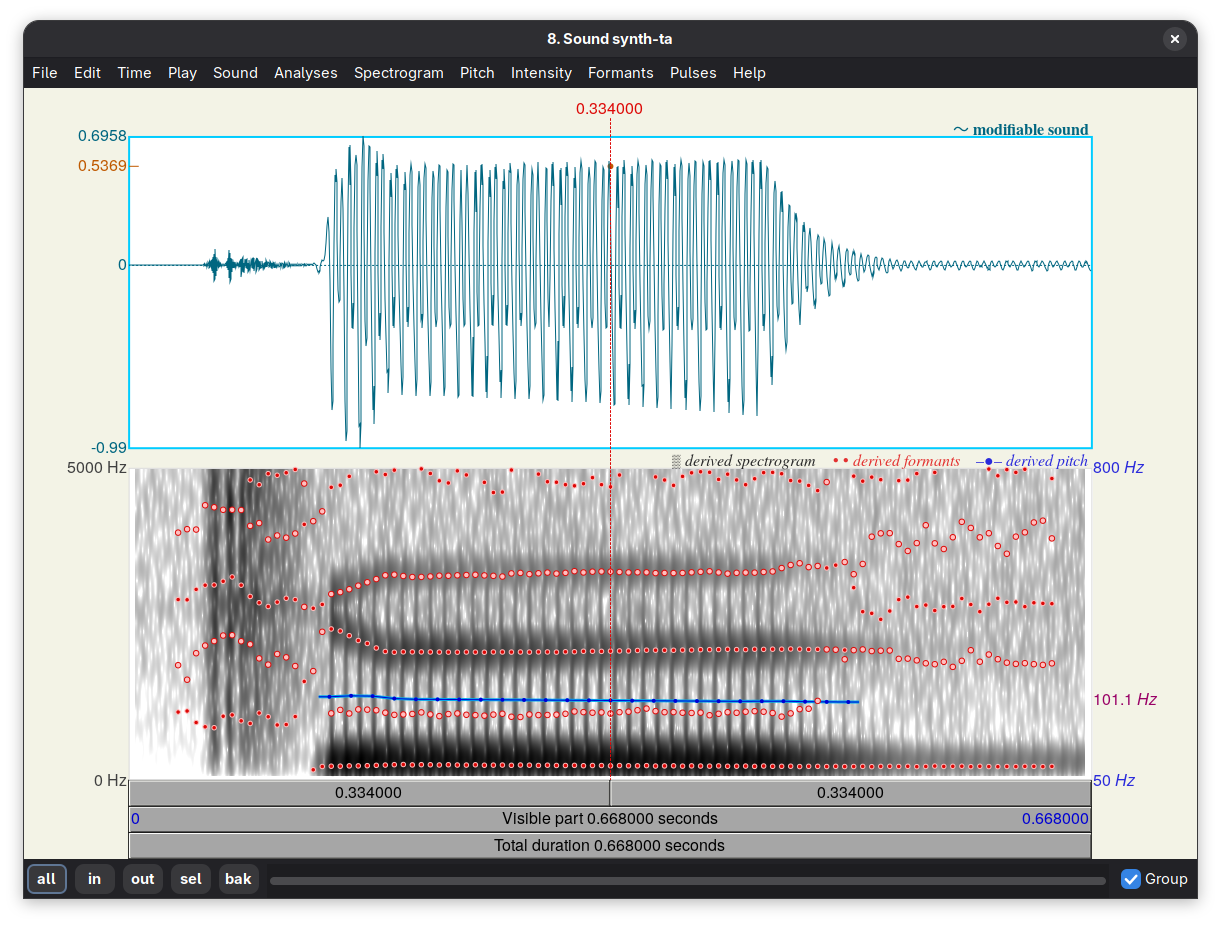
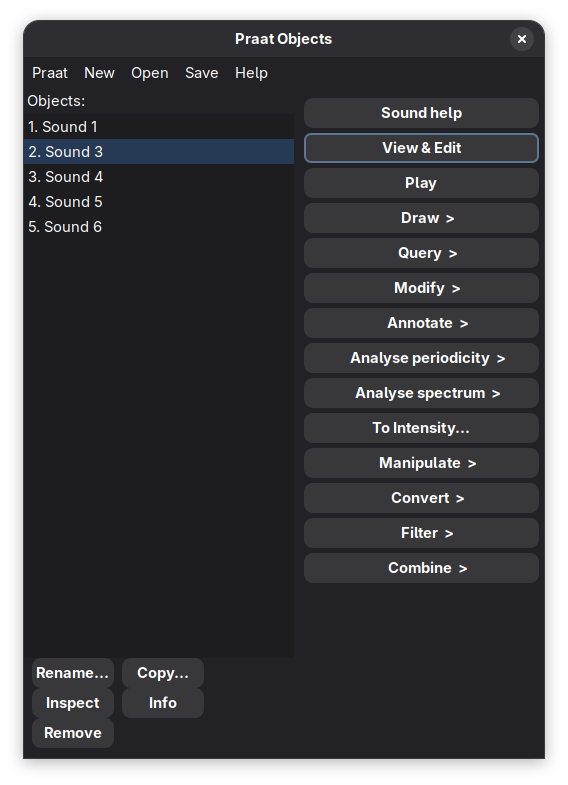
Welcome to Praat! Praat is a speech analysis tool used for doing phonetics by computer. Praat can analyse, synthesize, and manipulate speech, and create high-quality pictures for your publications. Praat was created by Paul Boersma and David Weenink of the Institute of Phonetics Sciences of the University of Amsterdam.
Some of Praat’s most prominent features are:
Speech analysis
Praat allows you to analyze different aspects of speech including pitch, formant, intensity, and voice quality. You have access to spectrograms (a visual representation of sound changing over time) and cochleagrams (a specific type of spectrogram more closely resembling how the inner ear receives sound).
Speech synthesis
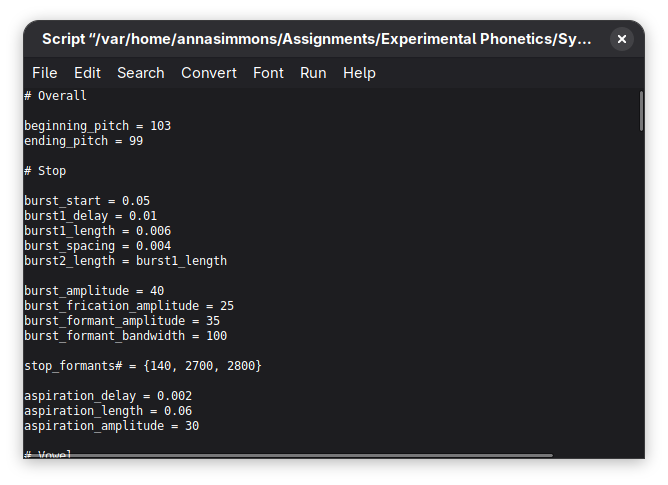
Praat allows you to generate speech from a pitch curve and filters that you create (acoustic synthesis), or from muscle activities (articulatory synthesis).
Speech manipulation
Praat gives you the ability to modify existing speech utterances. You can alter pitch, intensity, and duration of speech.
Speech labelling
Praat allows you to custom-label your samples using the IPA (International Phonetics Alphabet), and annotate your sound segments based on the particular variables you are seeking to analyze. Multi-language text-to-speech facilities allow you to segment the sound into words and phonemes.
Grammar models
With Praat, you can try out Optimality-Theoretic and Harmonic-Grammar learning, as well as several kinds of neural-network models.
Statistical analysis
Praat allows you to perform several statistical techniques, among which multidimensional scaling, principal component analysis, and discriminant analysis.
For more information, consult the extensive manual in Praat (under Help), and the website, which has Praat tutorials in several languages.
Permissions
1 permission weaken the sandbox. Flatsonar asks before installing.
- full access to your home folder
--filesystem=home - inter-process communication (needed for X11)
--share=ipc - printing
--socket=cups - X11 display, only when Wayland is unavailable
--socket=fallback-x11 - audio
--socket=pulseaudio - Wayland display
--socket=wayland
Who publishes this
The creator demonstrably controls this app id: Flathub verification, the hosting account owns the namespace, or a well-known file on their domain.
- verified on Flathub: the developer proved they control this app id
publisher:flathub
Maintenance
Recent activity on the upstream repository, or built and reviewed by Flathub.
No staleness signals: recent activity, or built and reviewed by Flathub.