
Install TunaOS
by TunaOS
Set up TunaOS on this computer
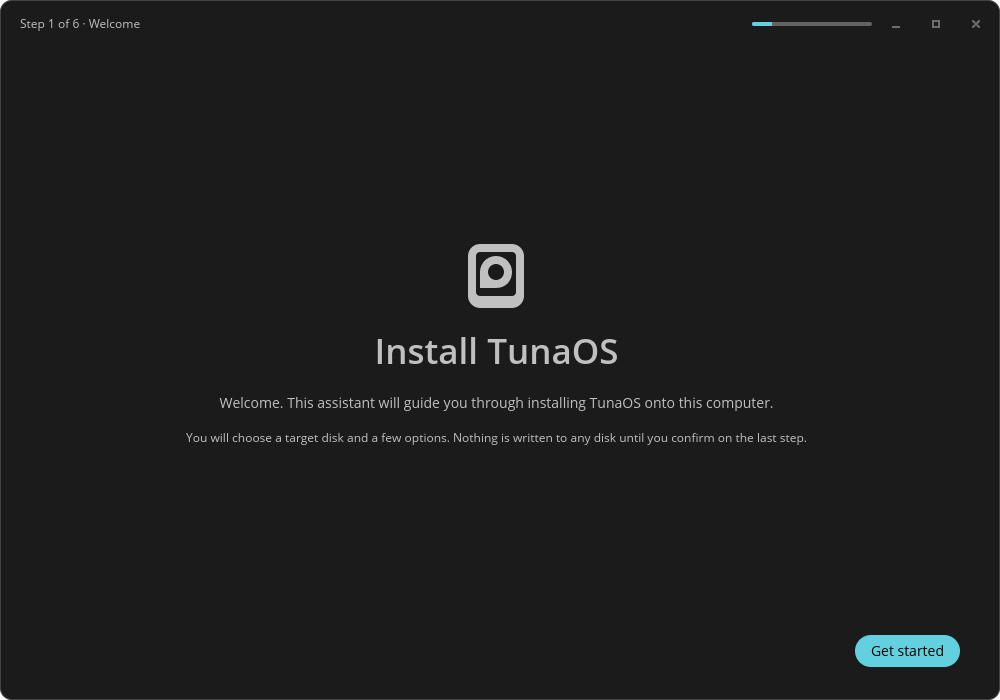
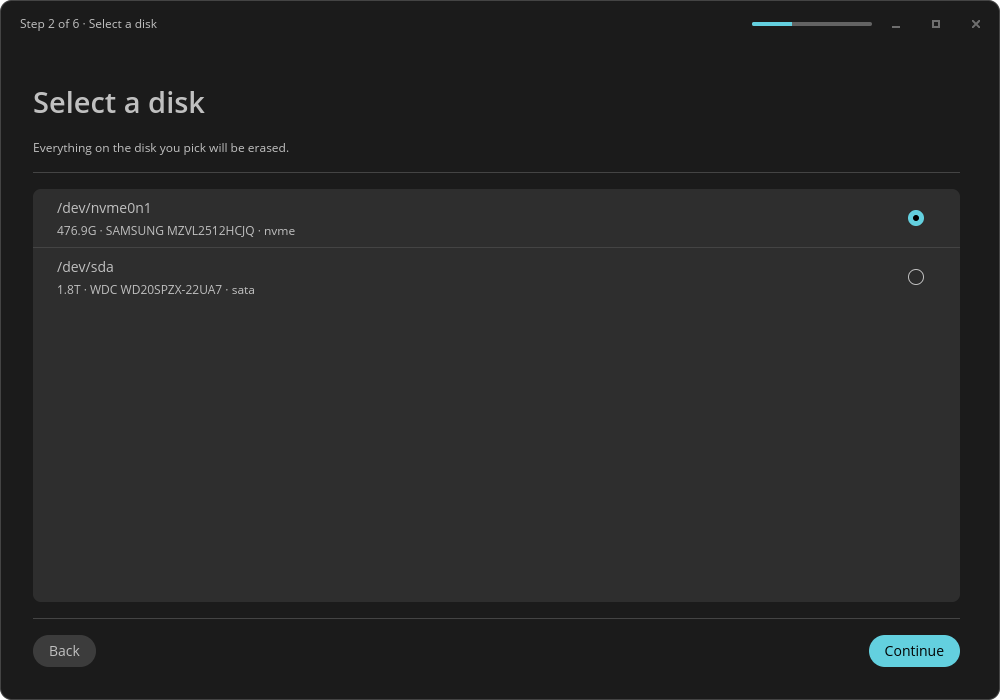
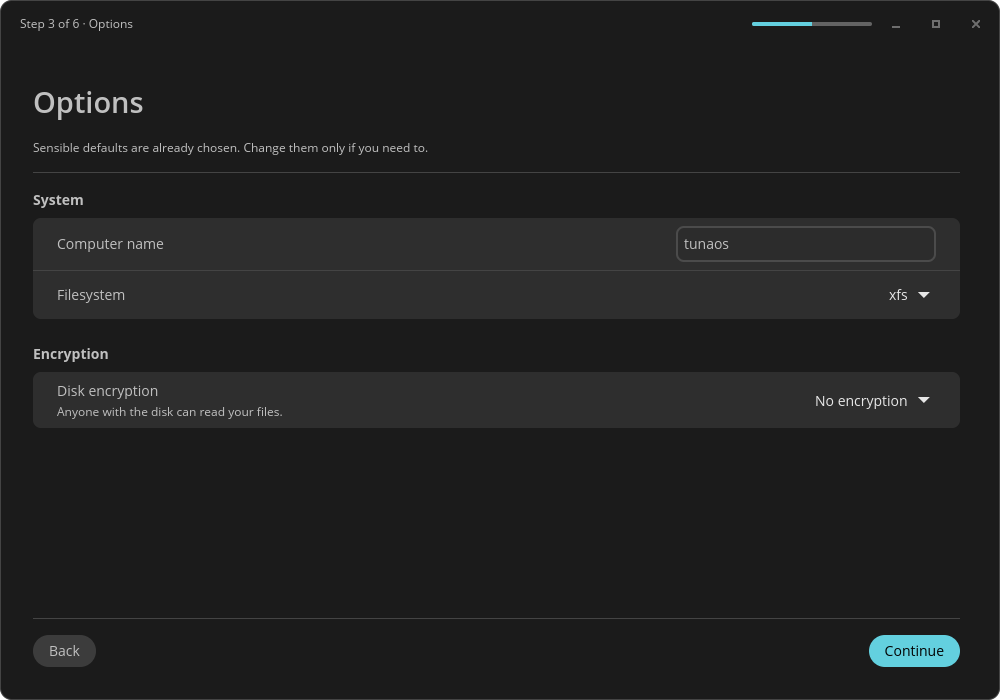
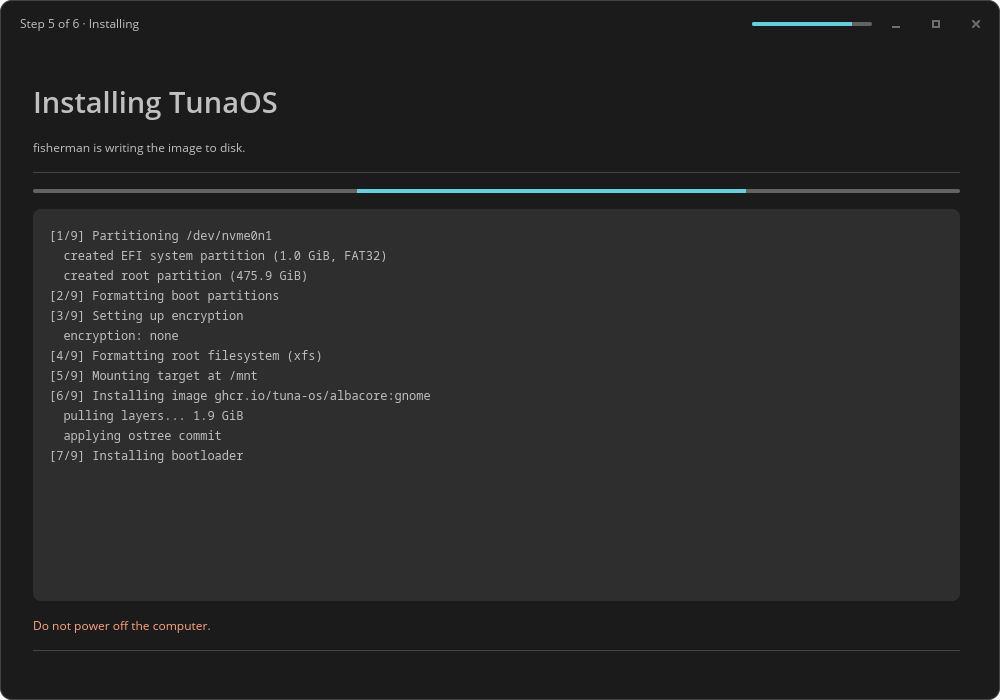
About
The COSMIC front-end for the TunaOS installer. It walks through picking a disk, choosing whether to encrypt it, and writing the system image, then hands over to a first boot of TunaOS. Installation itself is carried out by the fisherman bootc backend, so every desktop front-end installs exactly the same system. This front-end comes preinstalled on the TunaOS COSMIC live image. You do not normally need to install it by hand.
Permissions
4 permissions weaken the sandbox. Flatsonar asks before installing.
- all devices (/dev): webcams, disks, raw hardware
--device=all - full access to your entire file system
--filesystem=host - sandbox escape: can run commands on the host via flatpak-spawn
--talk-name=org.freedesktop.Flatpak - authorisation (polkit)
--system-talk-name=org.freedesktop.PolicyKit1 - network
--share=network - inter-process communication (needed for X11)
--share=ipc - Wayland display
--socket=wayland - X11 display, only when Wayland is unavailable
--socket=fallback-x11
Who publishes this
Nobody has confirmed that the publisher controls this app id. Flatsonar warns before installing.
- org.tunaos.InstallerCosmic claims the domain tunaos.org; only its owner can prove that
publisher:namespace - installs a prebuilt binary instead of building from source (x2)
source:prebuilt
Maintenance
Recent activity on the upstream repository, or built and reviewed by Flathub.
No staleness signals: recent activity, or built and reviewed by Flathub.