
TheIDE
by U++ Team
IDE for cross-platform U++ app development framework
Support the creators
Flatsonar is just the shop window. The people below made TheIDE.
About
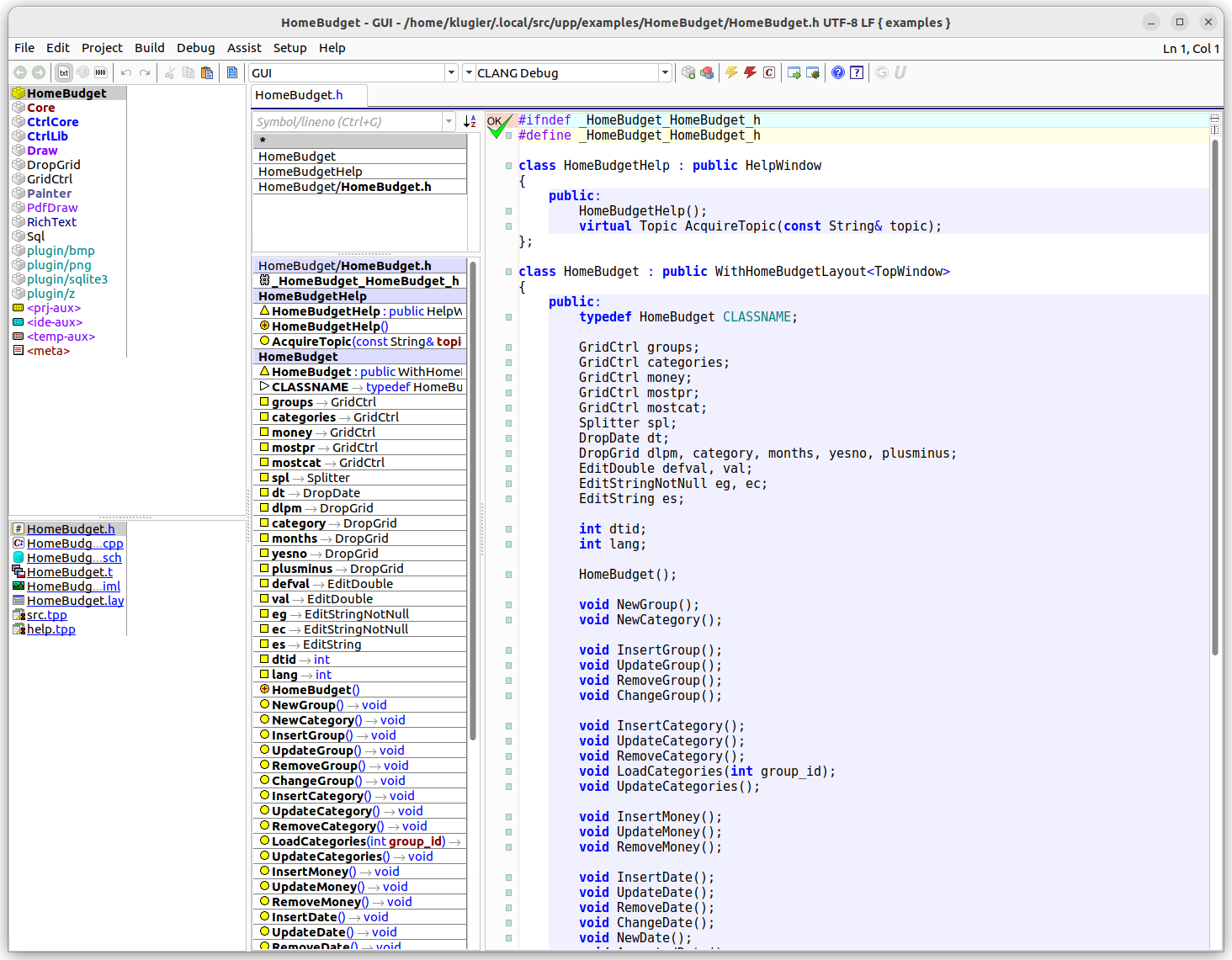
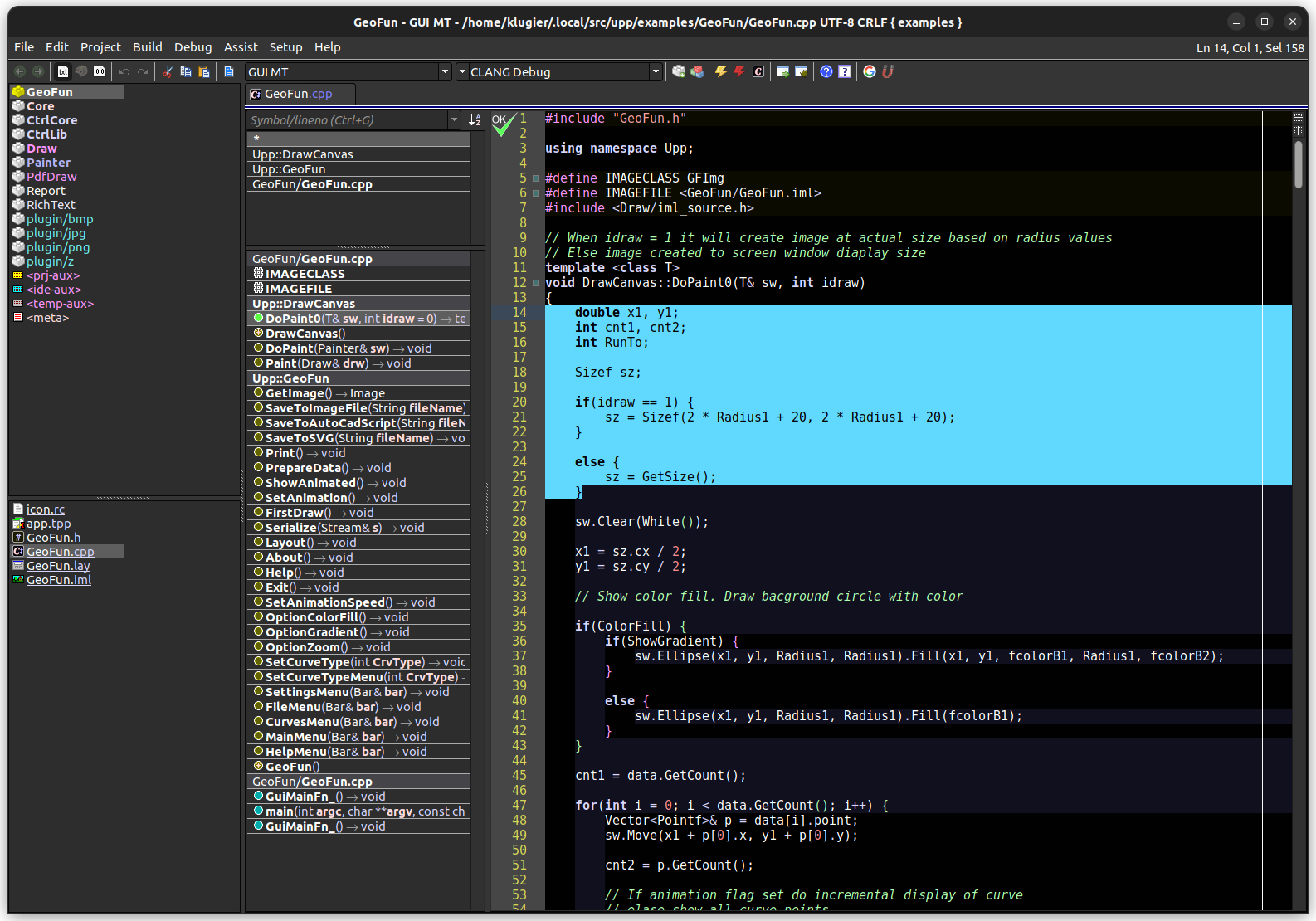
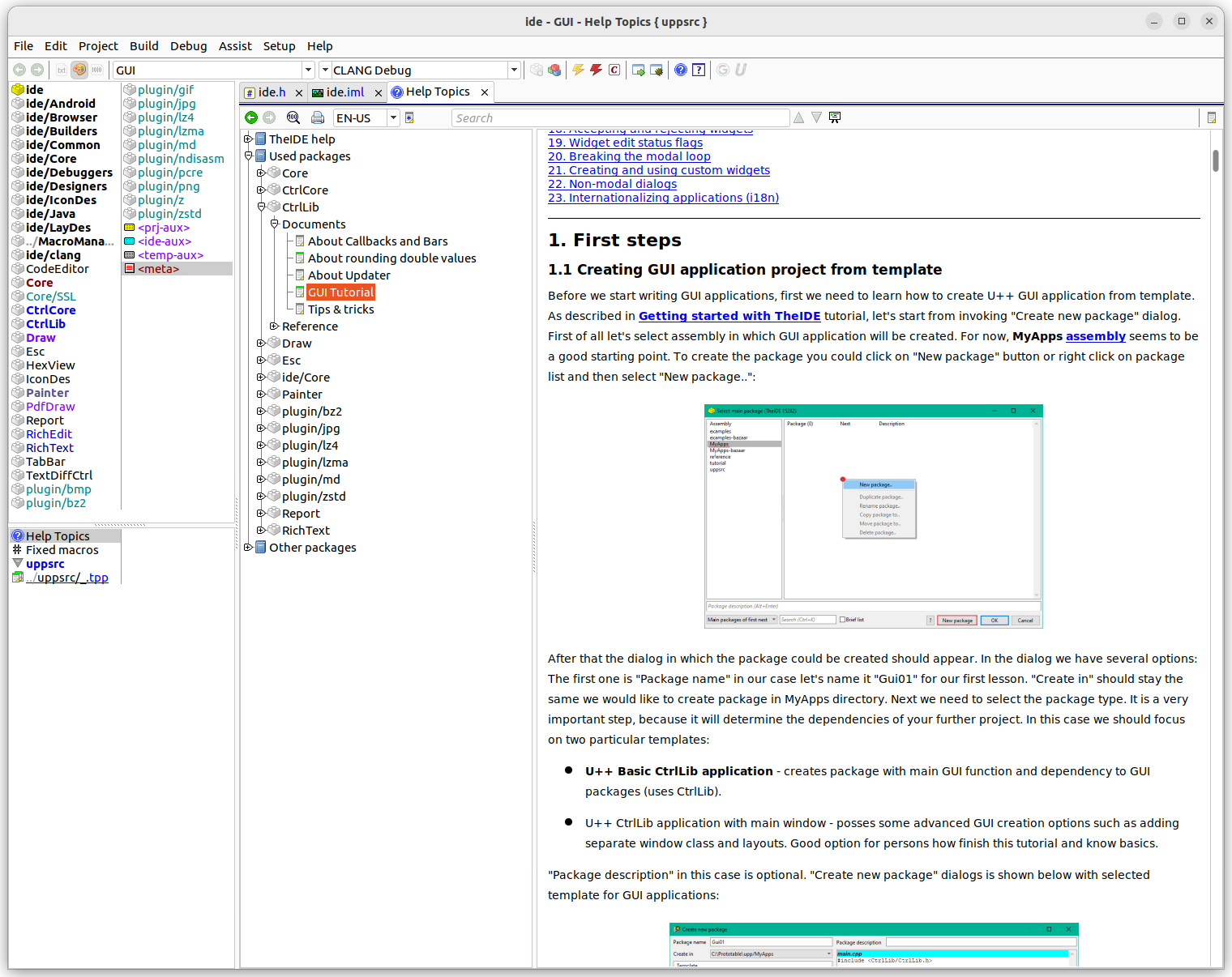
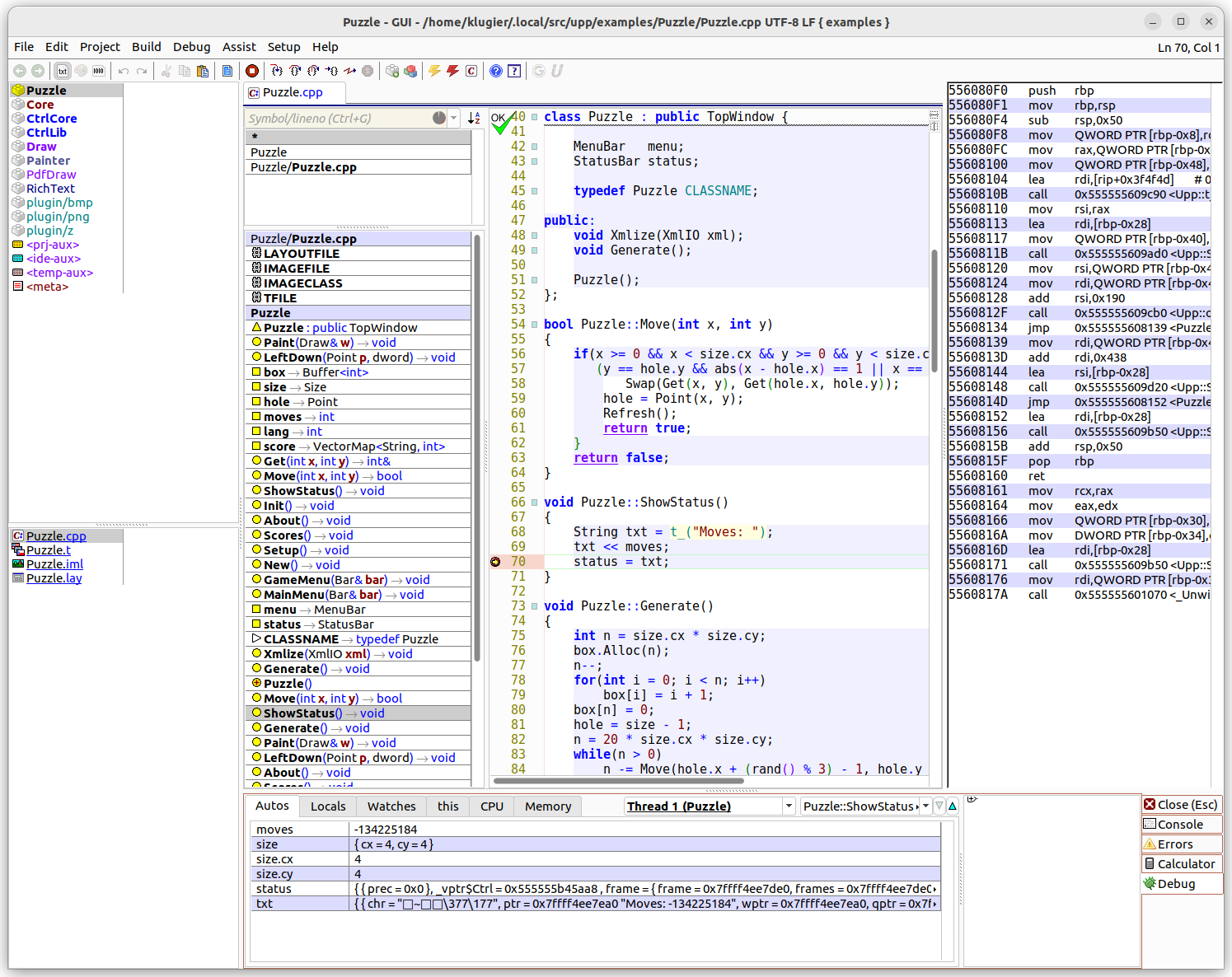
TheIDE is an integrated development environment for the U++ cross-platform app development framework dedicated to the C++ programming language. It can handle general-purpose C/C++ projects as well. Additionally, it is an excellent IDE for people starting their journey with C/C++ programming and looking for an easy-to-use environment with features like a simple build system, code completion, code formatting, and debugger support.
U++ is a C++ cross-platform rapid application development framework focused on programmers productivity. It includes a set of libraries (GUI, SQL, Network, etc.), and an integrated development environment.
Rapid development is achieved by the smart and aggressive use of C++ rather than through fancy code generators. In this respect, U++ competes with popular scripting languages while preserving C/C++ runtime characteristics.
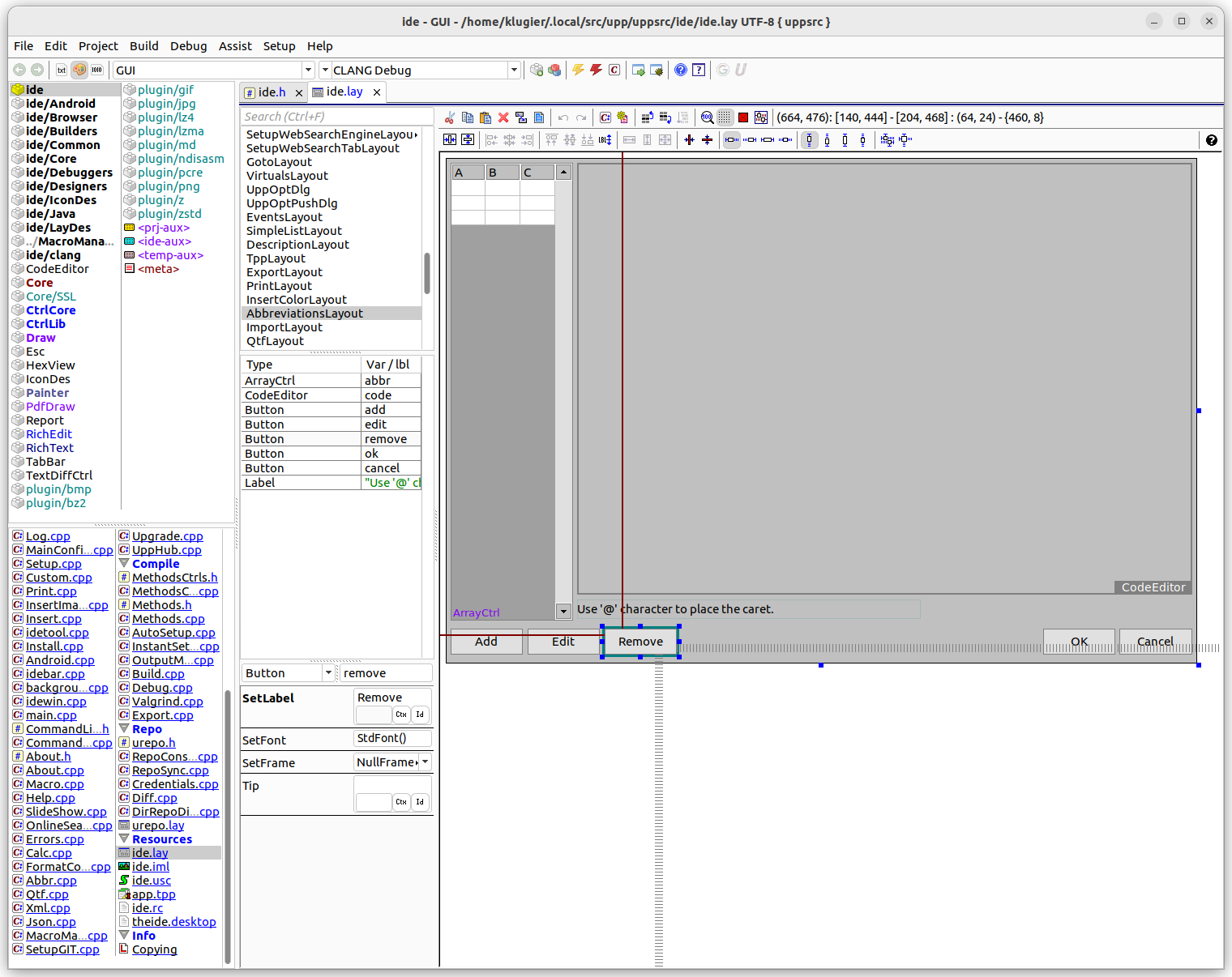
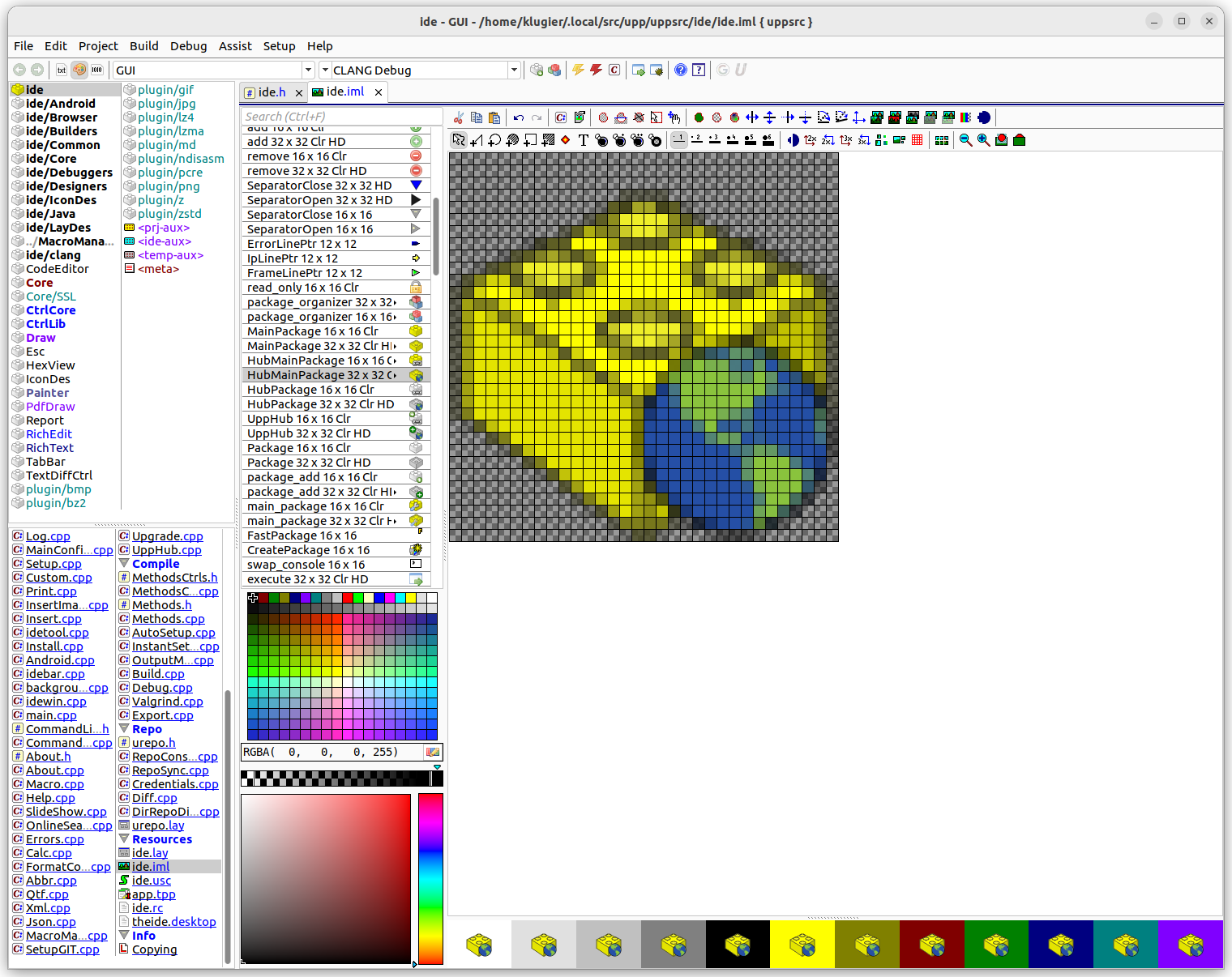
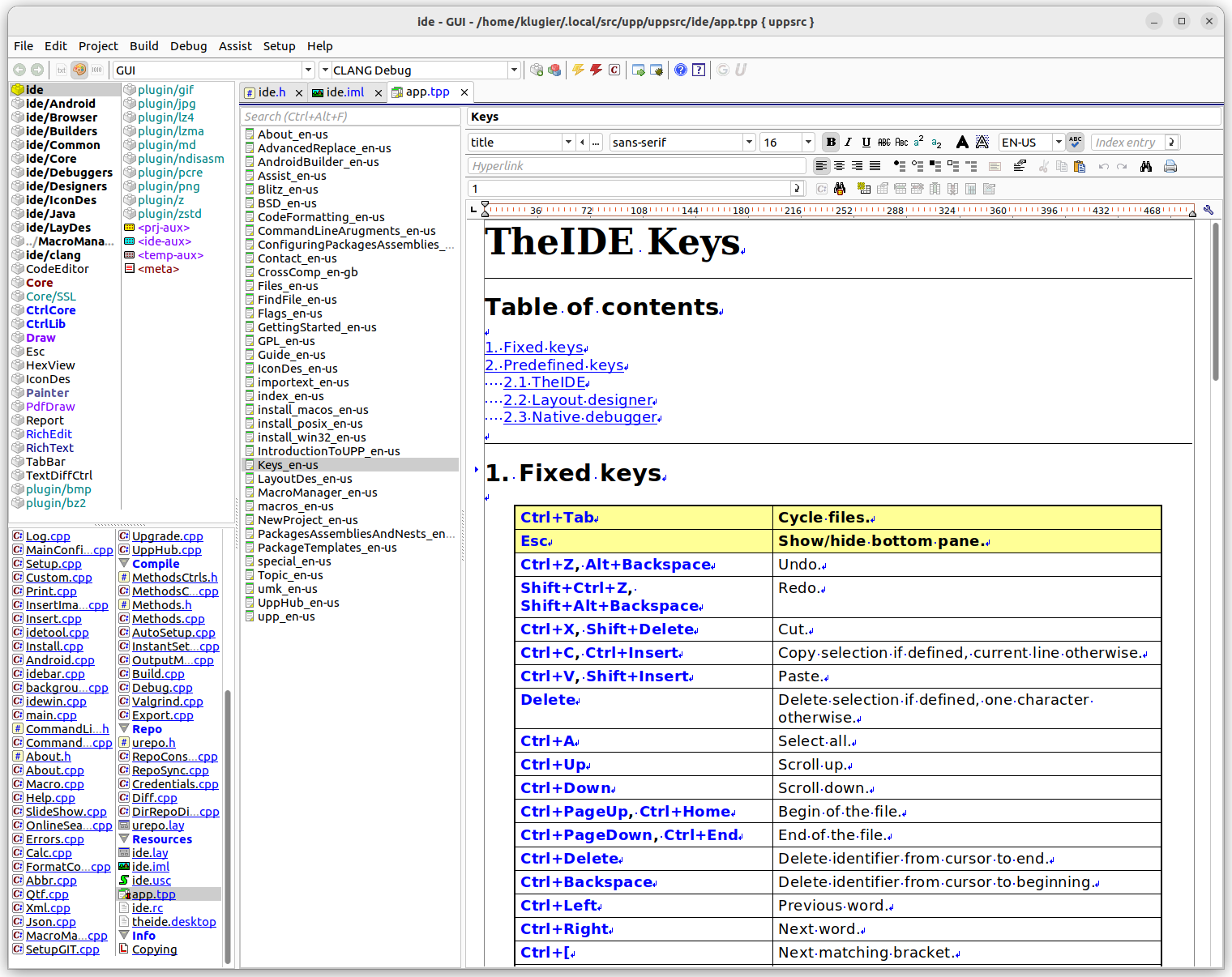
The U++ integrated development environment, TheIDE, introduces modular concepts to C++ programming. It features BLITZ-build technology to speedup C++ rebuilds up to 4 times, Visual designers for U++ libraries, a Topic++ system for documenting code and creating rich text resources for applications (like help and code documentation) and Assist++ - a powerful C++ code analyzer that provides features like code completion, navigation and transformation.
TheIDE can work with GCC, Clang, MinGW and Visual C++ and contains a full featured debugger. TheIDE can also be used to develop non-U++ applications.
U++ supports following platforms on the production level: Windows, macOS, GNU/Linux & FreeBSD.
Permissions
3 permissions weaken the sandbox. Flatsonar asks before installing.
- full access to your entire file system
--filesystem=host - sandbox escape: can run commands on the host via flatpak-spawn
--talk-name=org.freedesktop.Flatpak - X11 display: X11 lets apps read input and windows of other apps
--socket=x11 - network
--share=network - inter-process communication (needed for X11)
--share=ipc
Who publishes this
On Flathub: the manifest was reviewed and built on Flathub's infrastructure, but the developer has not verified ownership of the app id.
- on Flathub: manifest reviewed and built by Flathub; the developer has not verified the app id
publisher:flathub
Maintenance
Recent activity on the upstream repository, or built and reviewed by Flathub.
No staleness signals: recent activity, or built and reviewed by Flathub.