
Main Menu
by LibreMenuEditor Contributors
Customize the menu
Dangerous permissions
Verified creator
GPL-3.0-or-later
v1.10.5
About
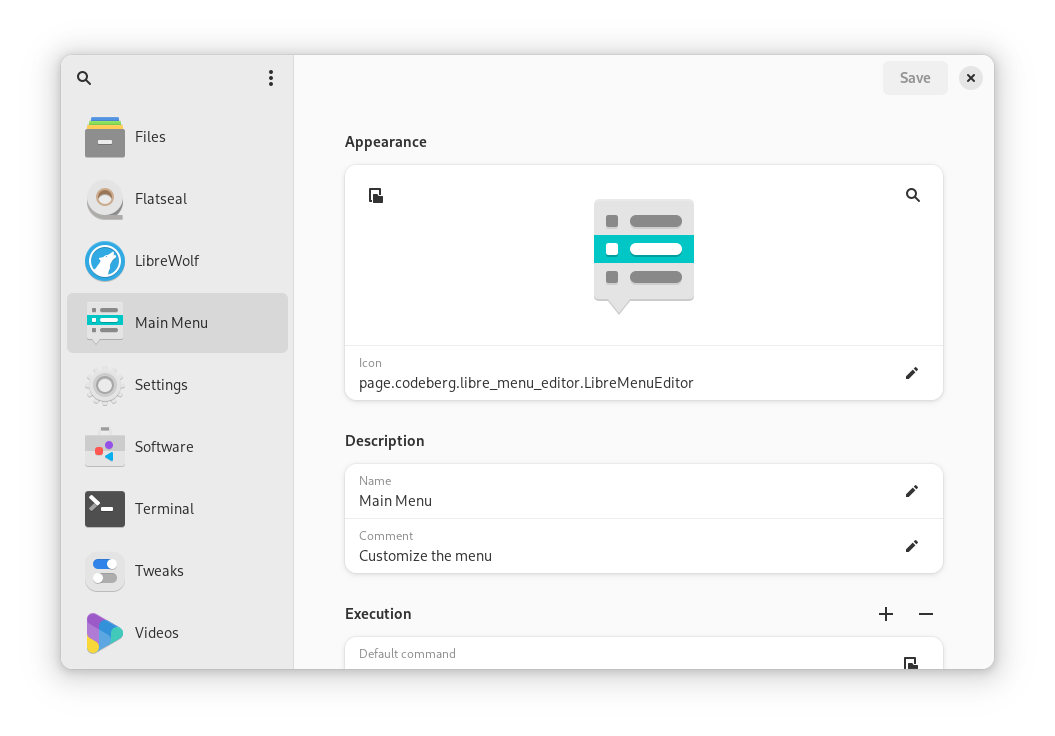
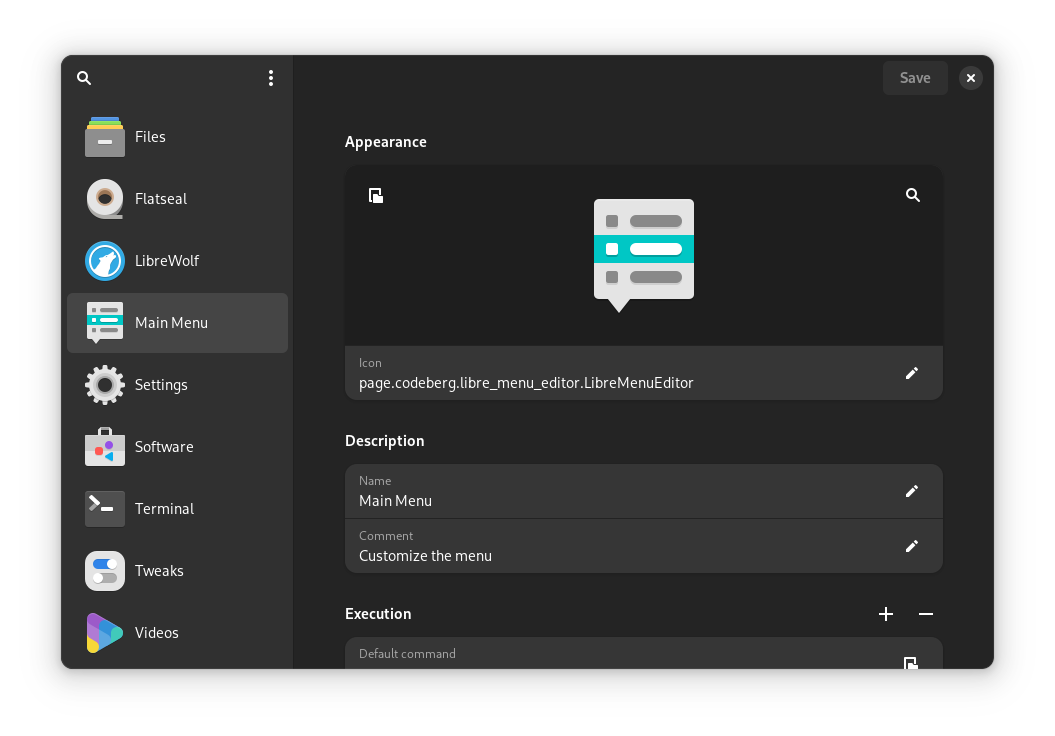
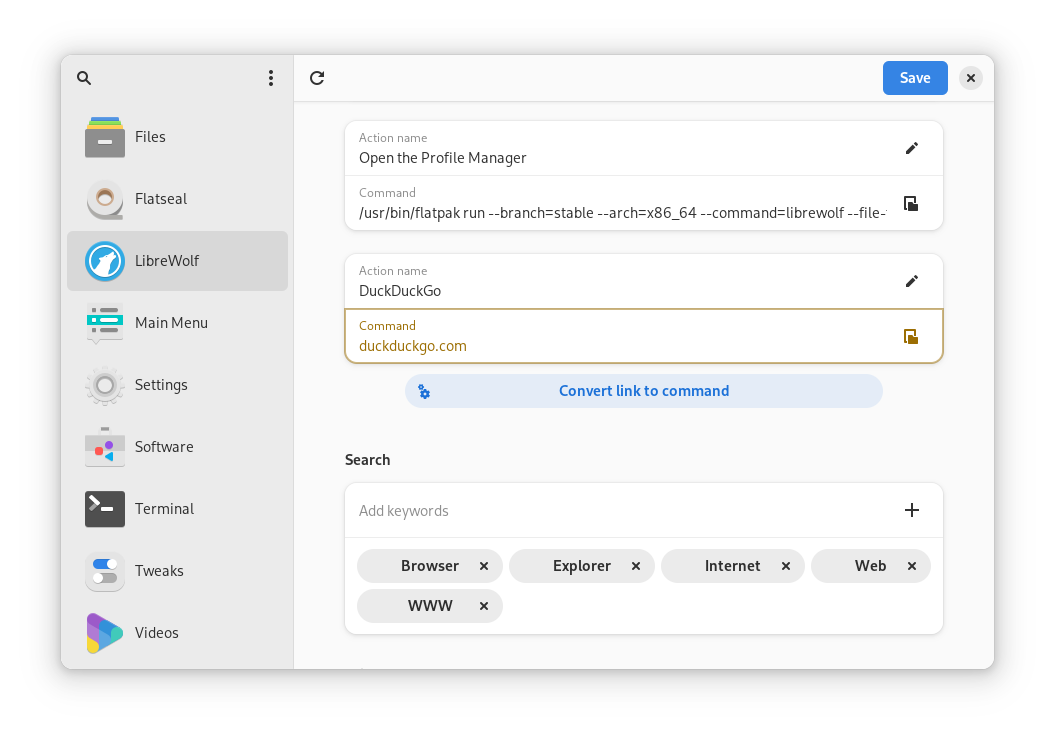
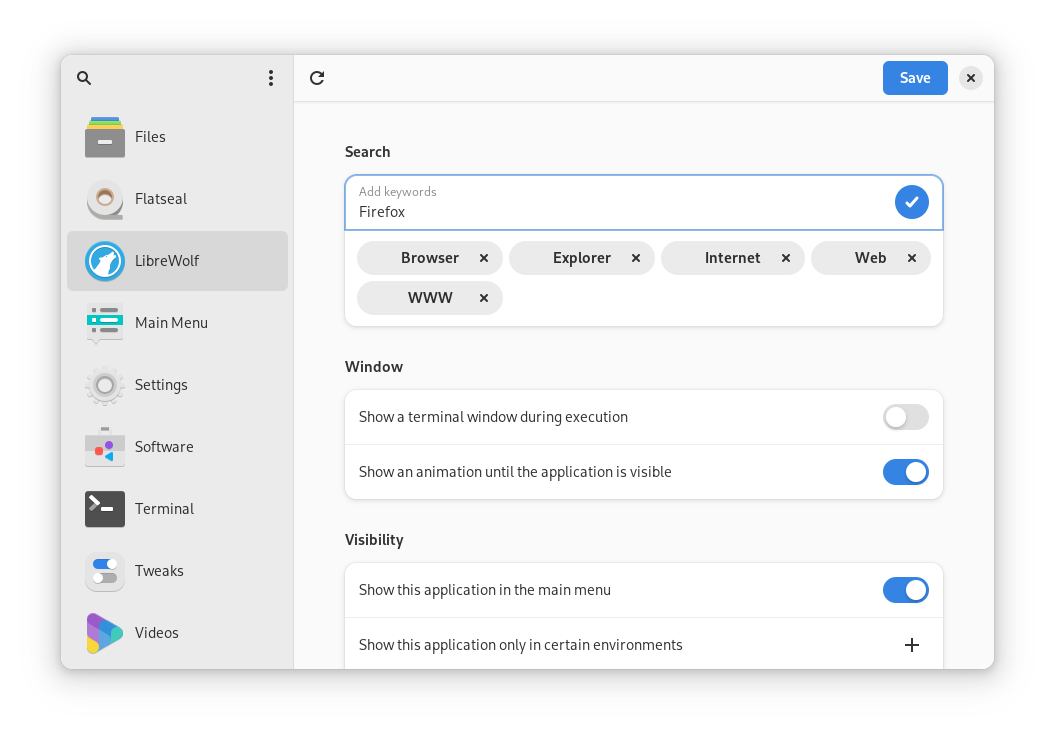
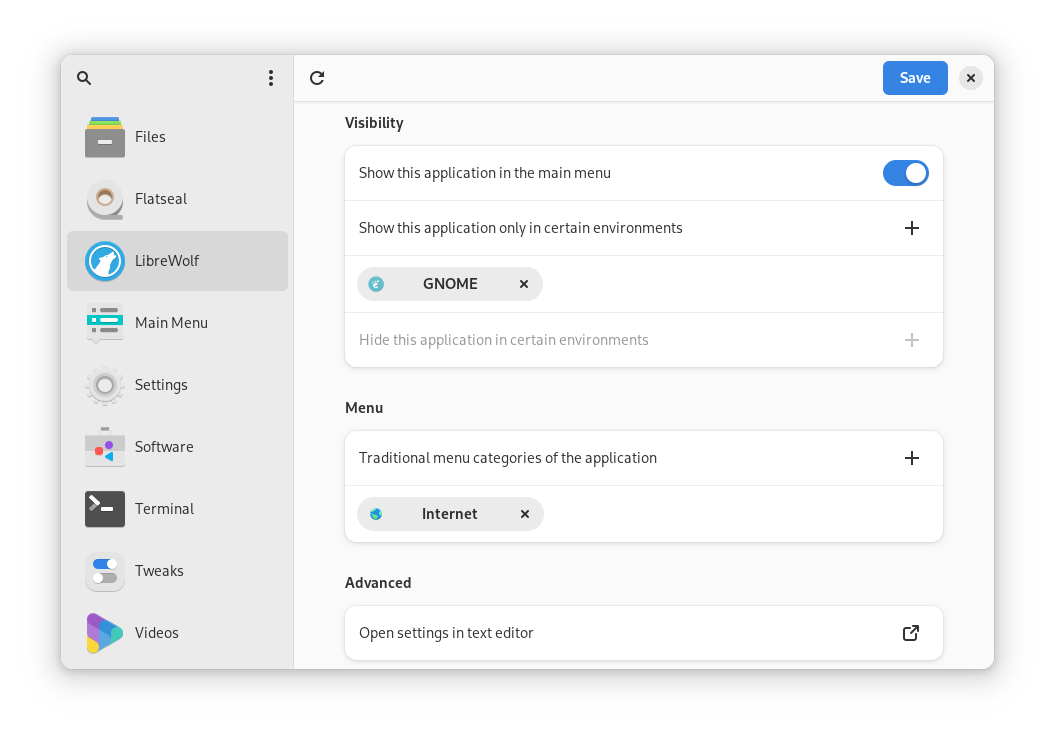
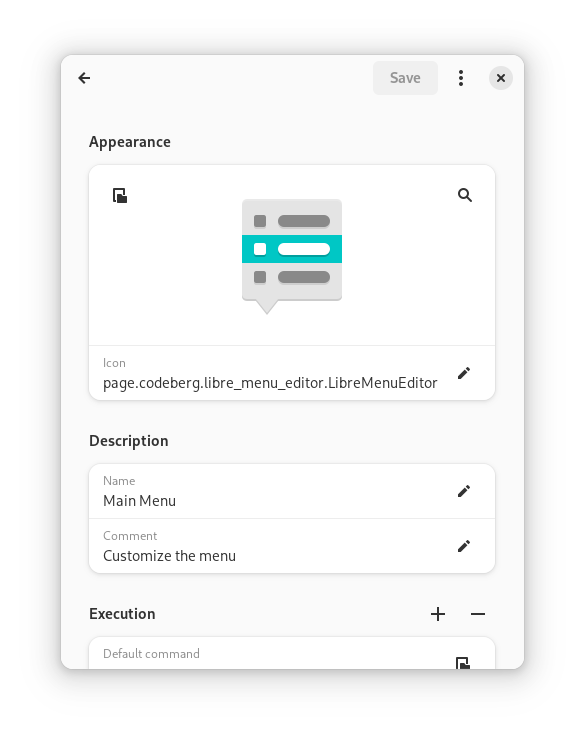
This program lists all application launchers that are installed on your system. You can then use a clean, modern, and intuitive interface to customize the main menu to your liking.
The following features are included:
- set launcher-icons to a specific file or icon-name
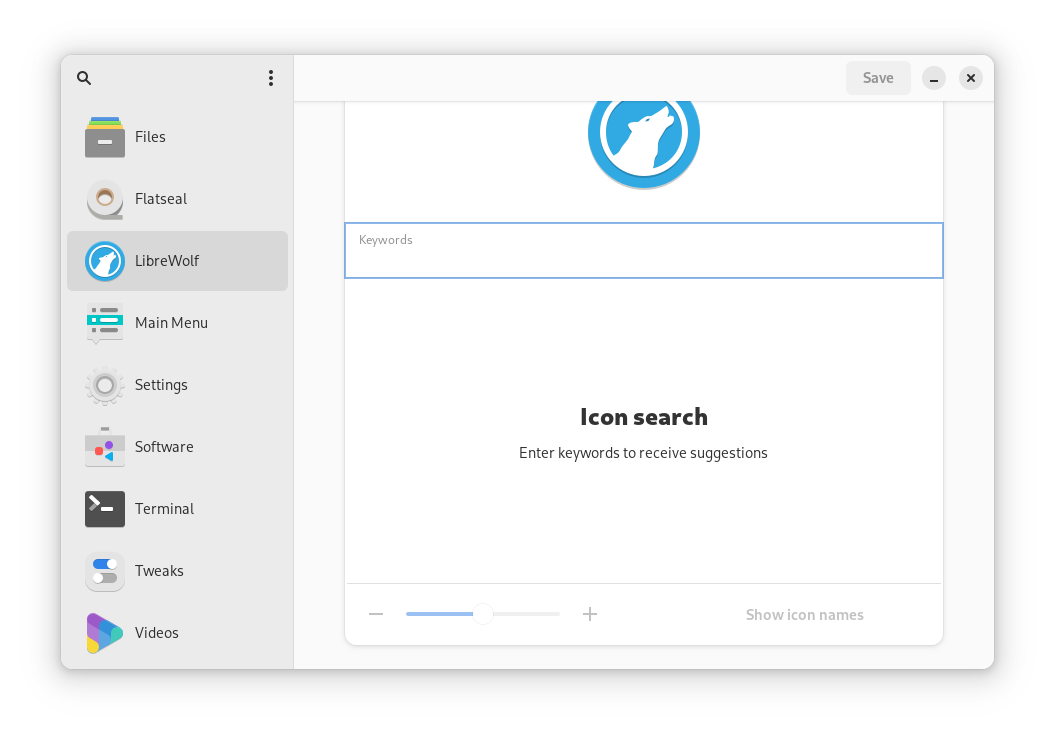
- search through icons of your installed icon-theme
- add and remove search-keywords
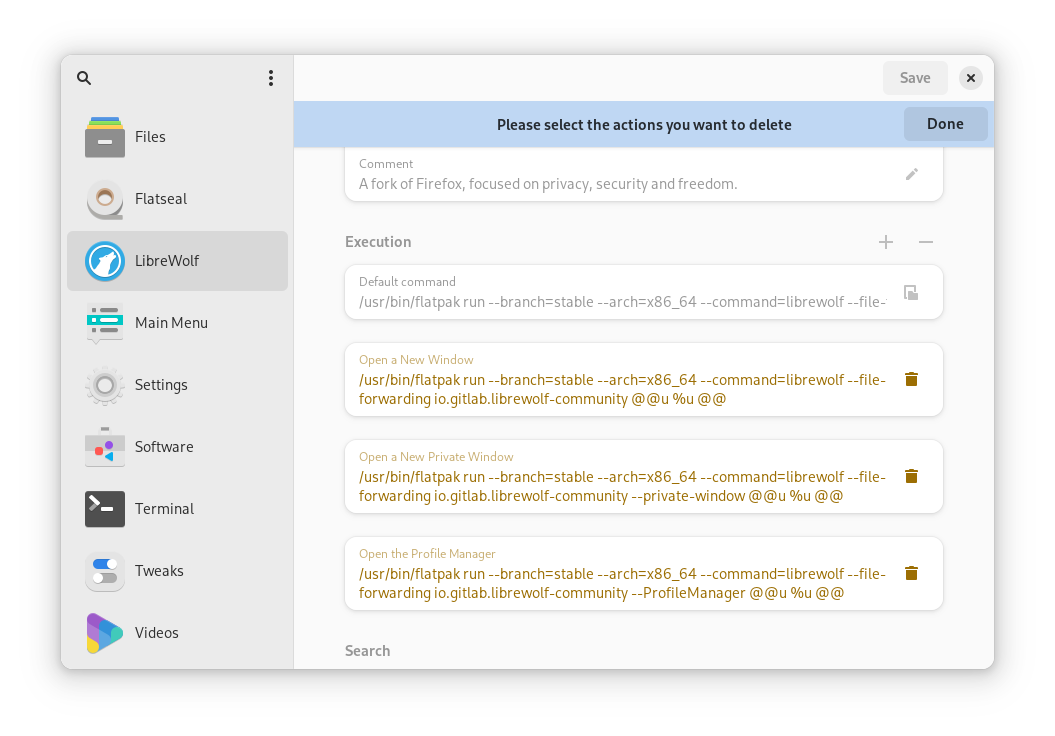
- make launchers execute a specific file or command
- set working directory for the execution
- convert weblinks into valid commands
- change launcher names and comments
- create, edit, and remove launcher-actions
- show or hide launchers in the main menu
- show or hide launchers in certain desktop environments
- change the launcher's menu-categories
- enable or disable launcher's startup-animations
- show a terminal-window when executing launchers
- use a more powerful GPU for certain launchers
- change advanced settings with your default text-editor
- reset launchers back to their original states
- create and delete custom launchers
- use search to find your launchers in the sidebar
- show hidden launchers in the sidebar
- create duplicates of launchers
- open .desktop files through the app-menu, the file-manager, or via drag-and-drop
- install .desktop files to the desktop-environment's application menu
- export .desktop files to custom locations
- open locations of launcher's .desktop files in file-manager
- use the application on any freedesktop.org compliant desktop-environment
- use the application on small-screen devices
- navigate the interface with your keyboard
Permissions
3 permissions weaken the sandbox. Flatsonar asks before installing.
- sandbox escape: can run commands on the host via flatpak-spawn
--talk-name=org.freedesktop.Flatpak - access to your whole config directory (other apps' settings and data)
--filesystem=xdg-config:create - read-only access to your entire file system
--filesystem=host:ro - inter-process communication (needed for X11)
--share=ipc - X11 display, only when Wayland is unavailable
--socket=fallback-x11 - Wayland display
--socket=wayland - GPU acceleration
--device=dri - access to /var/lib/snapd
--filesystem=/var/lib/snapd:ro - access to /var/lib/flatpak
--filesystem=/var/lib/flatpak:ro - access to xdg-data/flatpak
--filesystem=xdg-data/flatpak:ro - access to your download folder
--filesystem=xdg-download - access to ~/.var/app
--filesystem=~/.var/app:ro - access to xdg-data/applications
--filesystem=xdg-data/applications:create - access to xdg-data/xdg-desktop-portal
--filesystem=xdg-data/xdg-desktop-portal:ro - access to your desktop folder
--filesystem=xdg-desktop
Who publishes this
The creator demonstrably controls this app id: Flathub verification, the hosting account owns the namespace, or a well-known file on their domain.
- verified on Flathub: the developer proved they control this app id
publisher:flathub
Maintenance
Recent activity on the upstream repository, or built and reviewed by Flathub.
No staleness signals: recent activity, or built and reviewed by Flathub.